
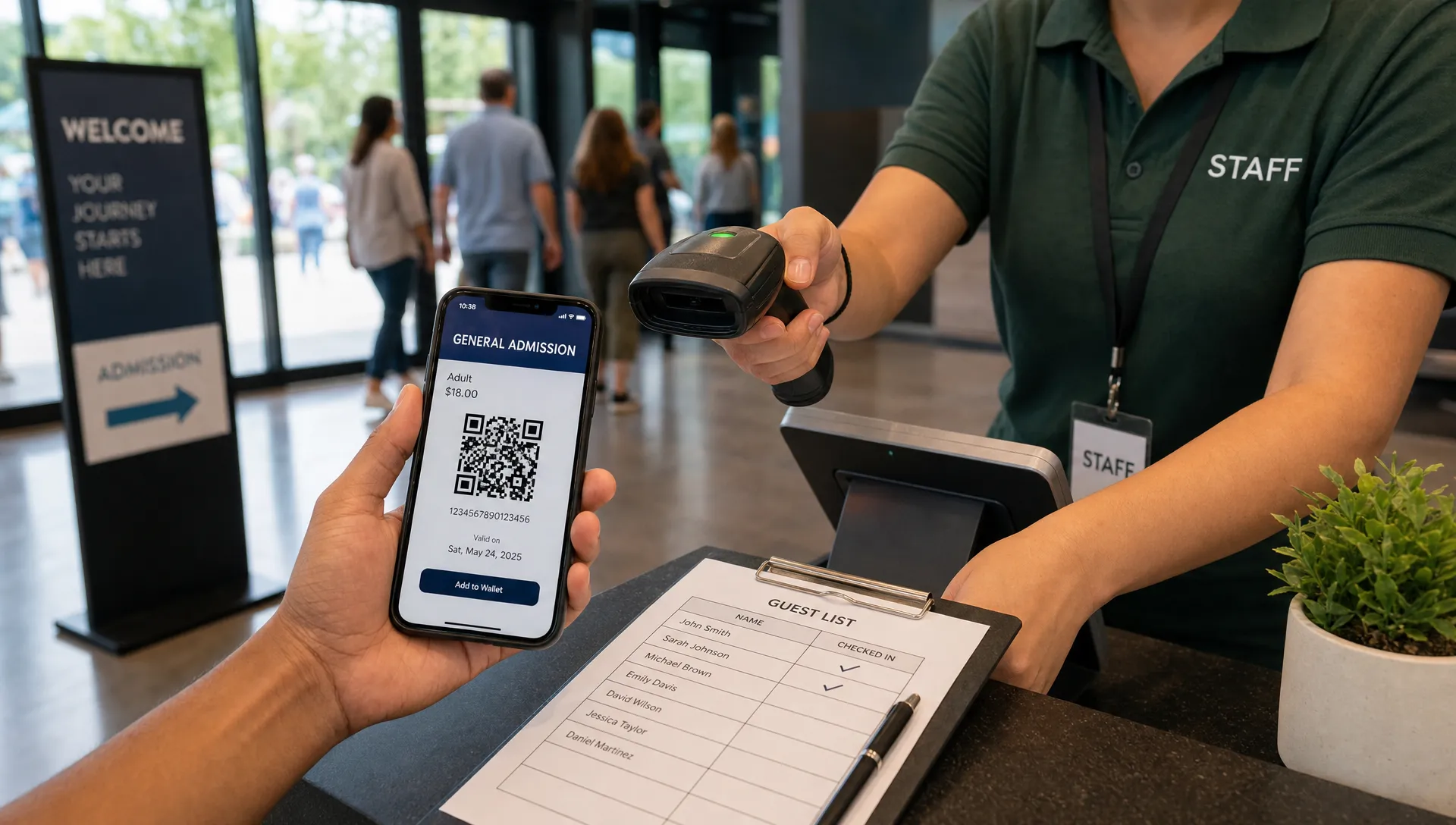
Simple Tickets Help New Door Staff Check In Guests Faster
A busy event door exposes every weak point in your ticketing setup. New staff are trying to scan codes, answer questions, spot duplicates, handle late arrivals and keep the line calm, often after only a short briefing. In that moment, simple tickets can be the difference between a confident check-in and a slow queue that frustrates paying guests.
For organizers, the goal is not to remove control. It is to make the right decision obvious at the point of entry. When ticket types, scan results and guest list records are clean, a new door team member does not need deep backoffice knowledge to act correctly. They can focus on moving people in, not decoding the system.
Why simple tickets help new door staff move faster
New door staff usually fail for one of two reasons: they do not know what a ticket means or they do not know what to do when something looks wrong. Both problems are preventable. A ticket should answer the entry question in seconds: is this person allowed in, under which access type and has this ticket already been used?
When simple tickets carry clear names, unique validation and a guest record that updates in real time, the scanner becomes a decision tool instead of a search tool. Staff do not need to interpret five similar ticket categories or call a manager every time a buyer says they purchased during an early phase. The system tells them what matters.
This matters most for events that rely on temporary workers, volunteers, venue staff or friends helping at the door. They may not understand your sales strategy, artist comps, promoter allocations or VIP structure. They only need a clean entry workflow that reduces hesitation.
The real door problem is usually a decision problem
Most event lines do not slow down because scanning is physically difficult. They slow down because the door team has to make too many small decisions under pressure. A guest opens the wrong email. A friend has all four tickets on one phone. A promo ticket looks like a comp. A buyer says they changed names at checkout. Every unclear detail adds seconds.
The best simple tickets reduce decision fatigue before the first guest arrives. They separate what the organizer needs for reporting from what the door team needs for entry. Your sales data can include pricing phases, promo attribution and purchase timestamps, but the scan screen should emphasize entry status, ticket type, guest name when available and any rule that affects admission.
A useful way to think about the door is this: every visible field should help staff decide, verify or escalate. If a detail does none of those things, it probably belongs in the organizer dashboard, not in the check-in view.
| Ticket or guest detail | Door team value | Best use at check-in |
|---|---|---|
| Valid or used status | Very high | Determines whether to admit or investigate |
| Ticket type | High | Confirms general, VIP, backstage or other access |
| Guest name | Medium to high | Helps with disputes, transfers and group purchases |
| Purchase price | Low | Usually not needed for entry decisions |
| Promo code used | Low at the door | Better for reporting than scanning |
| Internal notes | High when concise | Helps staff handle known exceptions |
What “simple” should mean in event ticketing
Simple does not mean basic. It means the buyer, organizer and door staff all see the information they need without extra friction. A powerful event ticket can still support tiers, sales phases, promo codes and digital guest lists. The difference is that complexity stays behind the scenes until someone needs it.
For simple tickets to work at the door, start with plain language. “General Admission” is better than “GA Phase 3 Final Release,” unless phase information changes entry rights. “VIP Balcony” is better than “Premium Tier B,” if the staff are checking access to a physical area. New staff should be able to read a ticket type once and understand what action it requires.
This is especially important when attendees arrive in waves. Music events, creator meetups, club nights and launch parties often have sharp entry spikes right before a headline set, keynote or main experience. At those times, even a small wording mismatch between the ticket, the event page and the door list can create unnecessary conversations.
If you are still designing your ticket structure, TixFlow has a separate guide on generating tickets that are ready for fast check-in, which goes deeper into setup decisions before sales go live.
Design ticket tiers for scanning, not just sales
Ticket tiers are often created from a marketing perspective: early bird, first release, second release, final release, group pack, VIP, artist guest list and so on. That can make sense for revenue, but it can become messy at check-in if each tier appears as a separate operational category.
A cleaner approach is to distinguish between price logic and access logic. Early bird and final release may have different prices, but if they grant the same entry, they should be easy for staff to treat the same way. VIP and backstage passes are different because they change where a person can go.
This is where simple tickets protect the guest experience without weakening your sales strategy. Organizers can still use flexible pricing, automated sales phases and smart promo codes, but the door should only surface the access differences that matter in the venue.
Before publishing, read your ticket types out loud as if you were training a new staff member in 10 minutes. If you need a long explanation for a category, rename it or add a concise internal note.
Build a short training script for new door staff
Even a clean ticketing system needs a short human process around it. New staff should know what a successful scan looks like, what a failed scan means and who has authority to override an issue. Without that script, every exception becomes a debate.
A practical briefing can be short. Show staff the scanner view, explain valid, used and invalid results, then walk through two or three common situations. The goal is consistency. If one staff member admits a duplicate after a long conversation and another refuses the same situation, the line gets tense and guests notice.
Because simple tickets keep the scan decision clear, training can focus on behavior rather than software complexity. Staff can learn how to greet guests, ask them to brighten their screen, direct them to the right lane and escalate disputes without blocking the main queue.
Use this as a pre-door checklist:
- Confirm each staff member can recognize a valid scan result.
- Show the difference between general admission and restricted access tickets.
- Explain the escalation rule for duplicates, missing tickets and name disputes.
- Assign one person to handle exceptions away from the main scanning lane.
- Test a few sample tickets before doors open.
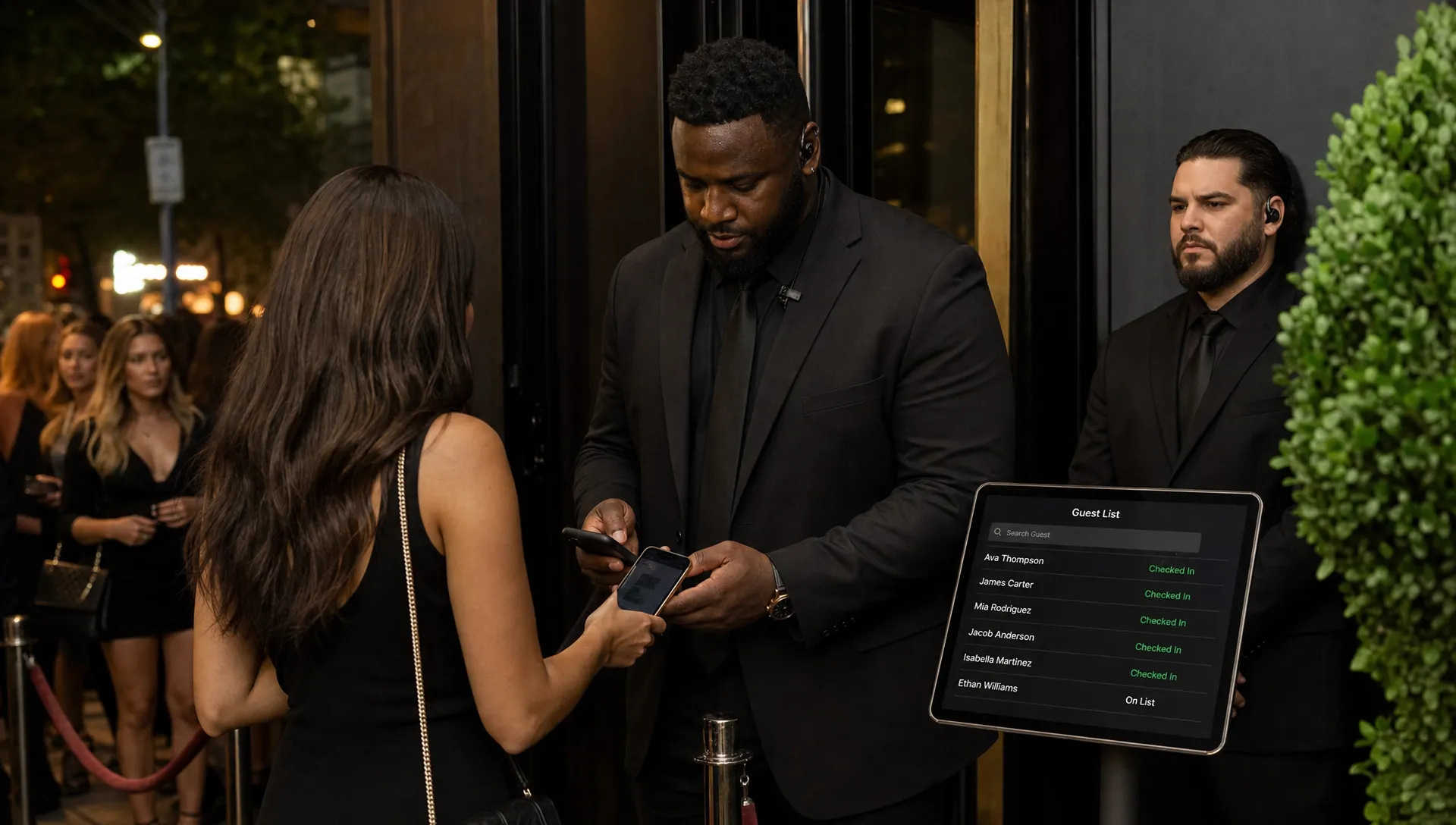
Use real-time control so the guest list stays trustworthy
A door team moves faster when it trusts the guest list. If online sales, promo codes, refunds, guest list changes and check-ins do not sync quickly, staff start second-guessing the system. That is when they call the organizer, search email inboxes or ask guests to wait while the line grows.
Because simple tickets rely on clear validation, they work best when every scan checks the latest ticket status. A ticket that has already been used should not look valid on another device. A newly purchased ticket should appear quickly enough that last-minute buyers are not punished for buying online instead of paying at the door.
This is one reason digital guest lists matter for modern events. They connect checkout, ticket records and entry decisions in a single flow. For a wider look at this busy-door problem, see TixFlow’s guide to digital tickets for events that keep moving.
The same principle appears in other high-demand entry contexts. Restaurant access, for example, has become time-sensitive enough that services such as restaurant reservation and waitlist marketplaces exist to help people manage scarce spots. Event organizers face a similar expectation: if someone has secured access, the arrival experience should feel predictable.
Keep checkout friction low before it reaches the door
Door speed starts before the guest arrives. If buyers have to create an account, search for their confirmation or ask support where their ticket went, that confusion often shows up at entry. The door team then becomes a support desk.
A no-registration checkout can reduce that friction because attendees complete the purchase without creating another login. Clear confirmation pages and immediate digital delivery also help guests find their tickets before they reach the scanner. Fewer confused guests means fewer stalled conversations at the front of the line.
For organizers, simple tickets also support cleaner cash flow planning. When sales are easier to complete and ticket records are easier to validate, teams can spend less time reconciling manual lists or collecting last-minute payments at the venue. Platforms with instant payouts and transparent per-ticket fees, such as TixFlow, can make that operational picture easier to manage without adding steps for buyers.
This does not mean every event needs the same checkout. A small workshop, a warehouse party and a multi-tier music event have different needs. The common rule is that checkout should capture only what you will actually use.
Common mistakes that make tickets harder at the door
Organizers often add complexity for good reasons. They want better reporting, more promo flexibility or a more polished attendee experience. The problem is that every extra option can leak into the door process if it is not organized properly.
Avoiding these mistakes helps simple tickets stay useful when new staff are under pressure:
- Creating too many public ticket names that grant the same access.
- Using internal shorthand that staff and attendees do not understand.
- Letting promo codes create confusing ticket labels.
- Mixing guest list names, comp tickets and paid tickets without clear status rules.
- Giving every door worker authority to decide exceptions on the fly.
The fix is not to eliminate advanced ticketing controls. It is to separate sales management from entry management. Use unlimited ticket tiers when you need them, but map them into a door view that supports fast decisions. Use smart promo codes for marketing, but avoid exposing promo mechanics when they do not affect admission.
If you want a broader operational checklist, TixFlow’s ticket management tips for smoother events cover planning, guest lists, checkout and sales control together.
A practical setup for a faster first hour
The first hour after doors open often sets the tone for the whole event. If the line feels controlled, guests relax. If the first wave is chaotic, staff spend the rest of the night recovering. A simple setup can prevent that early scramble.
A strong simple tickets workflow has three layers. The buyer gets a fast purchase path and a clear digital ticket. The organizer gets real-time sales and guest list visibility. The door team gets a scan result that tells them whether to admit, deny or escalate.
For a small team, assign one person as the exception lead instead of letting every scanner solve every issue. Put that person slightly away from the main line so scanning can continue. If a ticket has already been used or a guest cannot find their QR code, the scanner should direct them to the exception lead rather than stop the queue.
Signage also helps. A simple “Have your QR code ready” sign near the entrance can save more time than another staff member shouting instructions. If you have VIP or guest list access, separate the lane clearly before guests reach the scanner.
Frequently Asked Questions
How do simple tickets help new door staff? They reduce the number of decisions a new staff member has to make at check-in. Clear ticket names, real-time scan status and a clean guest list help staff admit valid guests quickly and escalate only the cases that need attention.
Do simple tickets still work for events with multiple pricing tiers? Yes. Pricing tiers can exist behind the scenes while the door view focuses on access. Early bird and final release tickets may have different prices, but if they grant the same admission, staff should not have to treat them as separate entry rules.
What should door staff see when scanning a ticket? They should see whether the ticket is valid, already used or invalid, plus the ticket type and any concise note that affects entry. Purchase details, promo reporting and internal sales data usually do not need to be visible at the door.
Are simple tickets enough to prevent fraud? They help, especially when each ticket has a unique digital record and real-time validation. Fraud prevention also depends on secure delivery, controlled transfers when applicable and staff training for duplicate or suspicious scans.
When should organizers train door staff? Train them before doors open, then test sample tickets on the actual devices they will use. For most organizers, simple tickets make this training shorter because staff can learn the scan outcomes and escalation process without memorizing the full sales setup.
Make the next check-in shift easier
New door staff do not need a complicated system to prove they are doing a good job. They need a ticketing flow that makes each entry decision obvious, keeps the guest list current and lets exceptions move away from the main line.
TixFlow is built for organizers who want fast setup, no buyer registration, customizable event pages, real-time sales control, digital guest lists and instant payouts. If your next event depends on temporary staff, volunteers or a lean venue crew, simple tickets can help them check in guests faster without giving up control.