
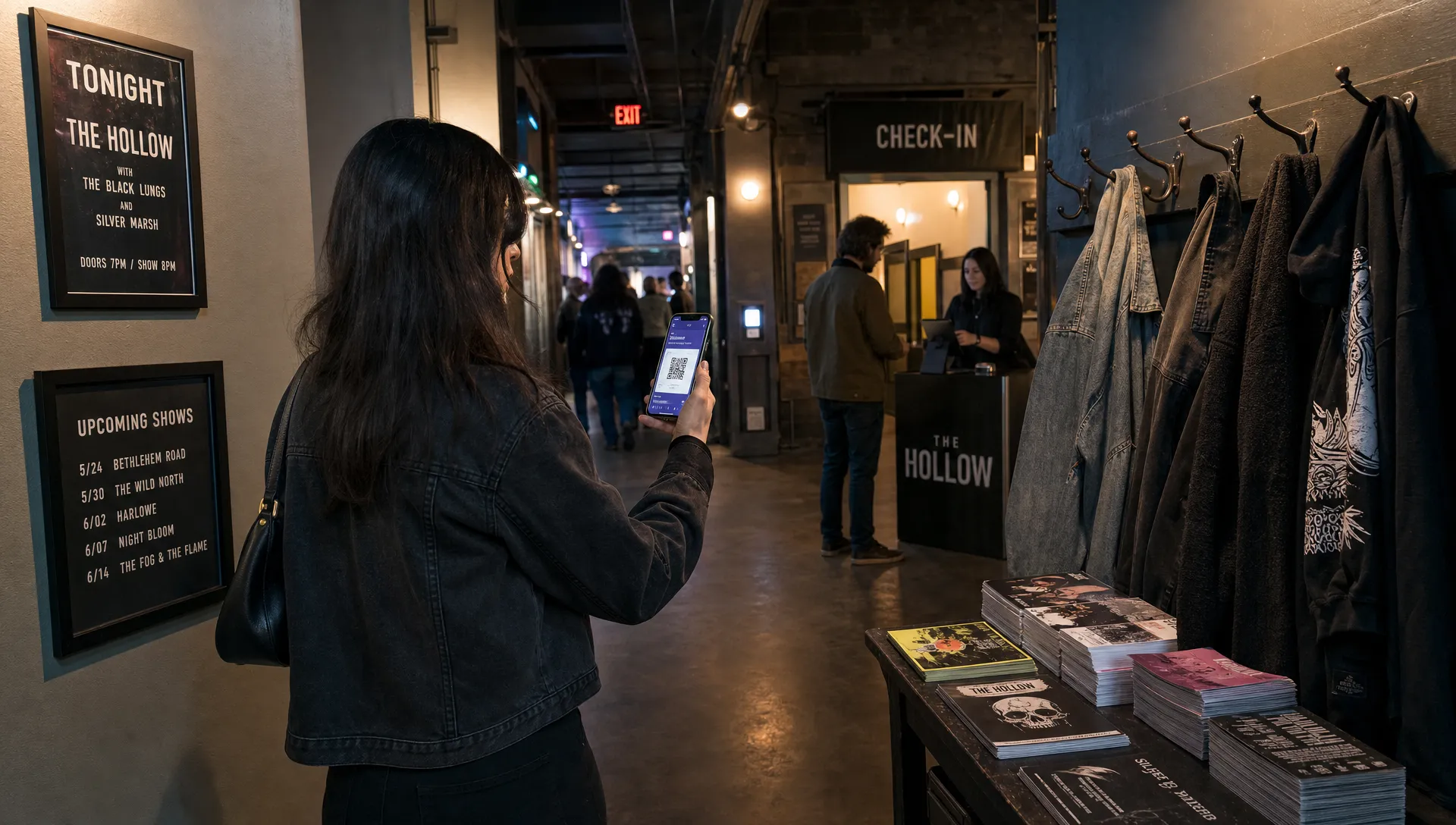
Digital Tickets for Events That Keep Moving at a Busy Door
Digital tickets for events are no longer just a cleaner replacement for paper. For organizers, music producers and venue teams, they are part of the door system, the sales system and the cash flow system. When the room is filling fast, the best ticket is the one that can be found quickly, checked confidently and resolved without pulling half the line into confusion.
A busy door does not fail all at once. It slows down because of small frictions: buyers searching through inboxes, screenshots that look valid but are not, VIP names missing from a list, last-minute sales that the door team cannot see or a scanner operator who has no clear escalation path. The right setup removes those frictions before doors open.
The busy door problem is not just scanning speed
A fast scan helps, but entry speed depends on the whole chain before and after that scan. The checkout has to be simple enough that buyers complete the purchase without support. The ticket has to arrive instantly. The guest list has to reflect real sales, comps and voids. Staff need to know what to do when a ticket is already used, a name is misspelled or someone bought the wrong tier.
This matters most for events with arrival waves. Concerts, club nights, conferences, pop-ups and screenings often see a calm first hour followed by a heavy rush 20 minutes before the main act, keynote or headline moment. If your ticketing process is built only for average traffic, the door will feel broken during the only window that attendees remember.
At a busy door, digital tickets for events work best when purchase data, ticket validity and entry decisions stay connected in real time.
How digital tickets for events keep a busy door moving
The core advantage is that every ticket can be treated as a unique access record rather than a static file. A QR code, mobile wallet pass or email ticket is only useful if the system behind it knows whether that ticket is valid, already used, refunded, comped or assigned to a specific tier.
That record-based approach gives the door team a cleaner answer. Instead of judging a PDF by sight, staff can validate the ticket against the live guest list. If someone forwards a screenshot to three friends, the first successful scan can mark the ticket as used. The next scan can trigger an issue response rather than another person entering on the same purchase.
For organizers, the real value of digital tickets for events is that the door becomes an extension of ticket management, not a separate manual process.
If you are still designing the foundation of your entry flow, this guide to a secure QR-based ticket setup is a useful next step.
Build the ticket setup for the door, not only for the sales page
A beautiful event page matters, but the door team will live with the choices you make inside the ticket builder. Ticket names, tier rules, sales phases and promo structures all affect check-in.
Clear tier naming is one of the easiest wins. A ticket called General Admission - Entry Before 10 PM is more useful at the door than a vague label like Phase 2. If VIP includes backstage access, merch pickup or a different entrance, the ticket name should make that obvious enough that staff do not need to ask a manager every time.
Automated sales phases also reduce chaos. Early bird, standard and final release tickets can close on schedule without manual edits during show week. Unlimited ticket tiers can be powerful, but only when each tier has a purpose that staff can understand.
| Door issue | Ticket setup choice that helps | Why it matters during rush hour |
|---|---|---|
| Buyers arrive with the wrong expectation | Descriptive tier names | Staff can explain access quickly |
| Last-minute changes create list errors | Real-time sales control | The door sees current ticket status |
| Promo buyers need special handling | Smart promo code rules | Discounts do not require manual lists |
| VIP and GA lines get mixed | Separate ticket tiers | Access decisions are visible at scan |
| Sales continue after doors open | Live digital guest lists | New buyers can be checked in without delay |
When digital tickets for events are backed by clear tier logic, the attendee does not need to understand your whole pricing strategy to get through the entrance.
Reduce buyer friction before it reaches the line
Many door problems begin at checkout. If buyers have to create an account, confirm too many fields or wait for a delayed email, they arrive already frustrated. Some will screenshot the confirmation page because they do not trust the ticket delivery. Others will message your team five minutes before doors because they cannot find their login.
A checkout that allows purchase without buyer registration reduces that support load. It is especially useful for nightlife, DIY music, local festivals and one-off cultural events where buyers may not have a long-term relationship with the organizer. They want to buy, receive the ticket and move on.
Customizable checkout also matters because every event has a different amount of information it genuinely needs. A 200-cap room probably does not need the same buyer data as a multi-day conference. Asking for less can make the sale faster, but asking for the right fields can make operations easier.
Use real-time control to protect cash flow
Door speed and cash flow are linked. If your platform delays payouts, hides fees inside the buyer experience or makes it hard to see what sold, you are forced to make decisions with incomplete information. That is risky when you are paying artists, vendors, security and venue costs around the event date.
For cash flow, digital tickets for events should give organizers visibility into live sales and the ability to adjust inventory without rebuilding the event. If a tier is moving too fast, you may need to close it. If demand is soft, you may need a promo code or a timed push. If walk-up demand is higher than expected, the door team needs to know whether more tickets can still be sold.
TixFlow is built around that operational reality, with instant payouts, flat per-ticket fees, real-time sales control, flexible pricing and Stripe Connect integration. Those features matter because ticketing is not only a marketing channel. It is often the way an organizer funds the event while it is still happening.
For a broader operational view, this ticket management plan for smoother events covers sales, guest lists and day-of controls in more detail.
Give the door team a simple escalation path
Even with a strong system, edge cases will happen. Someone will show a dead phone. A buyer will say their friend has the ticket. A sponsor guest will not appear on the list. A refunded buyer may still have an old QR code in their inbox.
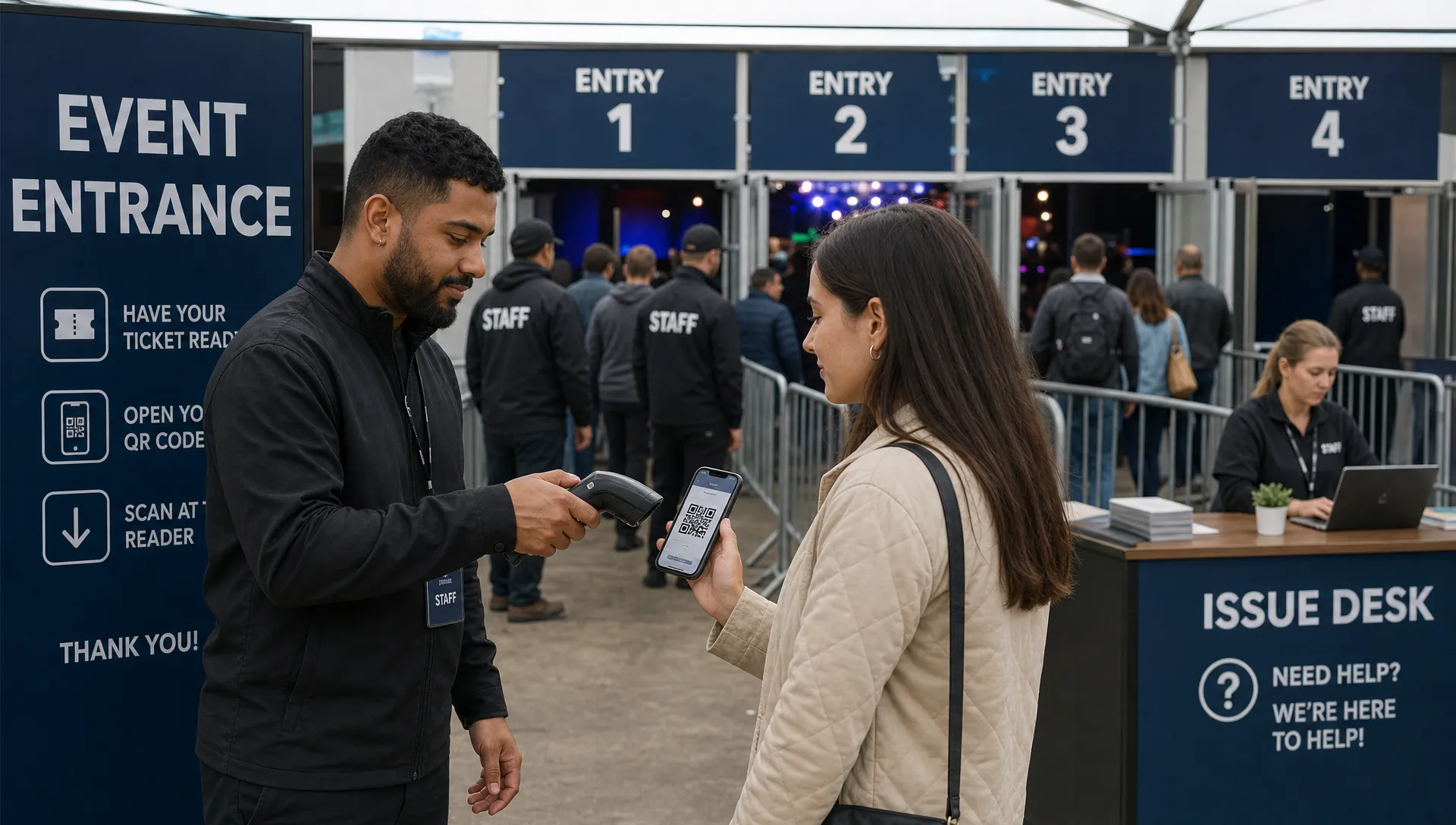
The mistake is letting every scanner operator solve these issues alone. That slows the line and creates inconsistent decisions. A better plan separates normal entry from issue resolution. One staff member scans, one manages the line and one handles exceptions away from the main flow.
A simple escalation path can cover the most common cases:
- Ticket already used: Send the attendee to the issue desk and check purchase identity before making any entry decision.
- No ticket found: Search the digital guest list by name or email, then verify against the buyer information you collected.
- Wrong tier: Confirm whether an upgrade is allowed, then process it away from the scan lane.
- Comp or artist list issue: Use a designated manager approval path rather than interrupting every scanner.
- Dead phone: Verify the buyer record through the guest list instead of accepting an unverifiable screenshot.
Handled well, digital tickets for events let your team be strict about validation without making the entrance feel hostile.
Do not ignore screens, streams and hybrid add-ons
Many modern events include more than a room and a stage. Organizers may run sponsor loops on venue screens, host a viewing lounge, stream a remote segment or create a hybrid experience for guests who cannot attend in person. These add-ons create more moving parts at the same time the door is under pressure.
If your event includes a broadcast-driven area or viewing setup, treat production vendors with the same care you give ticketing. Compare device compatibility, subscription terms and signal reliability, including 4K IPTV streaming options when a high-resolution viewing experience is part of the plan.
The key is to keep access control separate from content delivery. Your ticketing platform should define who is allowed in, what tier they purchased and whether they have been checked in. Your production stack should handle what they see or hear once they are inside. Mixing those responsibilities without a plan can create confusion for staff and guests.
For online or mixed-format access, this article on virtual tickets for online and hybrid events explains how tickets can function as the access layer for digital experiences.
Door-ready checklist before opening
The final hour before doors should not be the first time you test your ticketing flow. Build a short pre-open routine that your team repeats for every event.
Start by confirming that all active ticket tiers, sales phases and promo codes are behaving as expected. Check that the guest list reflects recent purchases, comps and refunds. Make sure staff know where VIPs, press, artists and late buyers should go. If you are using multiple lanes, label them clearly enough that attendees can self-sort before they reach the scanner.
You should also decide how long online sales stay open. Some organizers close sales before doors to reduce movement on the guest list. Others keep sales live to capture walk-up demand through a mobile checkout. There is no universal rule, but the door team must know which approach you chose.
A practical door-ready review should answer these questions:
- Are all ticket tiers named in a way staff can understand?
- Can the door team see new purchases in real time?
- Is there a clear issue desk or manager approval point?
- Are comps, VIPs and staff passes separated from paid GA?
- Does the team know how to handle duplicates, refunds and dead phones?
- Are payouts, fees and sales totals visible to the organizer?
Frequently Asked Questions
What makes digital tickets better for a busy event door? They can be validated against live ticket records, which helps staff confirm whether a ticket is valid, already used, refunded or assigned to the correct tier.
Do digital tickets for events stop every type of fraud? No ticket format can remove every risk, but real-time QR validation, unique ticket records and live guest lists make duplicate use and fake screenshots much easier to catch.
Should online sales stay open after doors open? It depends on your staffing and event type. If your system updates the guest list in real time, keeping sales open can capture late demand without creating a manual list problem.
How can small music events speed up check-in without adding more staff? Use simple ticket tiers, avoid unnecessary buyer registration, separate issue resolution from the main scan lane and give staff access to a current digital guest list.
Why does payout timing matter for event organizers? Faster payouts can help organizers cover venue, artist, production and staffing costs closer to when sales happen, which is especially valuable for independent producers and recurring events.
Ready to move the line faster?
A busy door rewards preparation. If your ticket setup is clear, your checkout is low-friction and your guest list updates in real time, the entrance can stay calm even when arrivals spike.
TixFlow helps organizers sell with instant payouts, low flat per-ticket fees, no buyer registration, customizable event pages, unlimited ticket tiers, automated sales phases, smart promo codes and digital guest lists. If you want digital tickets for events that support both fast entry and healthier cash flow, build the door into your ticketing plan from the start.