
How to Create Digital Tickets for Secure Event Entry
Creating a digital ticket is easy. Creating one that protects your revenue, speeds up entry and gives your door team real control takes more planning.
A secure ticket is not just a PDF with a QR code. It is a record in your ticketing system that connects the buyer, the order, the ticket type, the event rules and the check-in status. When those pieces are linked properly, attendees get a smoother experience and organizers reduce the most common entry problems: duplicate tickets, screenshots, unclear access levels, missing guest list names and manual reconciliation after the event.
If you want to create digital tickets for a live show, club night, conference, launch party or private event, the process below will help you build tickets that are secure from checkout to entry.
Start with the access rules, not the ticket design
Before you think about colors, logos or what the QR code looks like, define what each ticket allows someone to do. Most security issues at the door come from unclear access logic, not from poor graphic design.
For a simple general admission event, one paid ticket may equal one entry. For a nightlife event, music showcase or VIP experience, you may need separate rules for early entry, backstage access, table reservations, comp tickets, staff passes and birthday packages. If your event has multiple rooms, arrival windows or add-ons, those rules should be reflected in your digital ticket setup.
A clear ticket structure helps your check-in team make faster decisions because the ticket itself carries the right access information. It also helps buyers choose the correct option without messaging your team for clarification.
| Ticket setup decision | Why it matters for secure entry | Example |
|---|---|---|
| Ticket type | Controls what the attendee can access | General admission, VIP, artist guest list |
| Sales phase | Prevents outdated pricing or old offers from staying active | Early bird, advance, door price |
| Quantity limit | Reduces overselling and capacity risk | 250 general admission tickets |
| Entry window | Helps manage arrival flow | Entry before 11 PM |
| Transfer policy | Reduces confusion when someone buys for a group | Buyer can assign names before event day |
For more complex experiences, look at how event marketplaces separate different access products. A nightlife organizer, for example, may sell RSVPs, ticketed admission, VIP tables and birthday packages in the same promotional ecosystem. Platforms such as MTS Productions for NYC events and VIP experiences show why organizers need clean distinctions between ticket types when parties, rooftops, cruises, tables and group packages are all part of the same event strategy.
Choose a ticketing platform that creates unique ticket records
A secure digital ticket needs a unique record behind it. If every attendee receives the same static image, your door team has no reliable way to know who used it first, who copied it or whether it was altered.
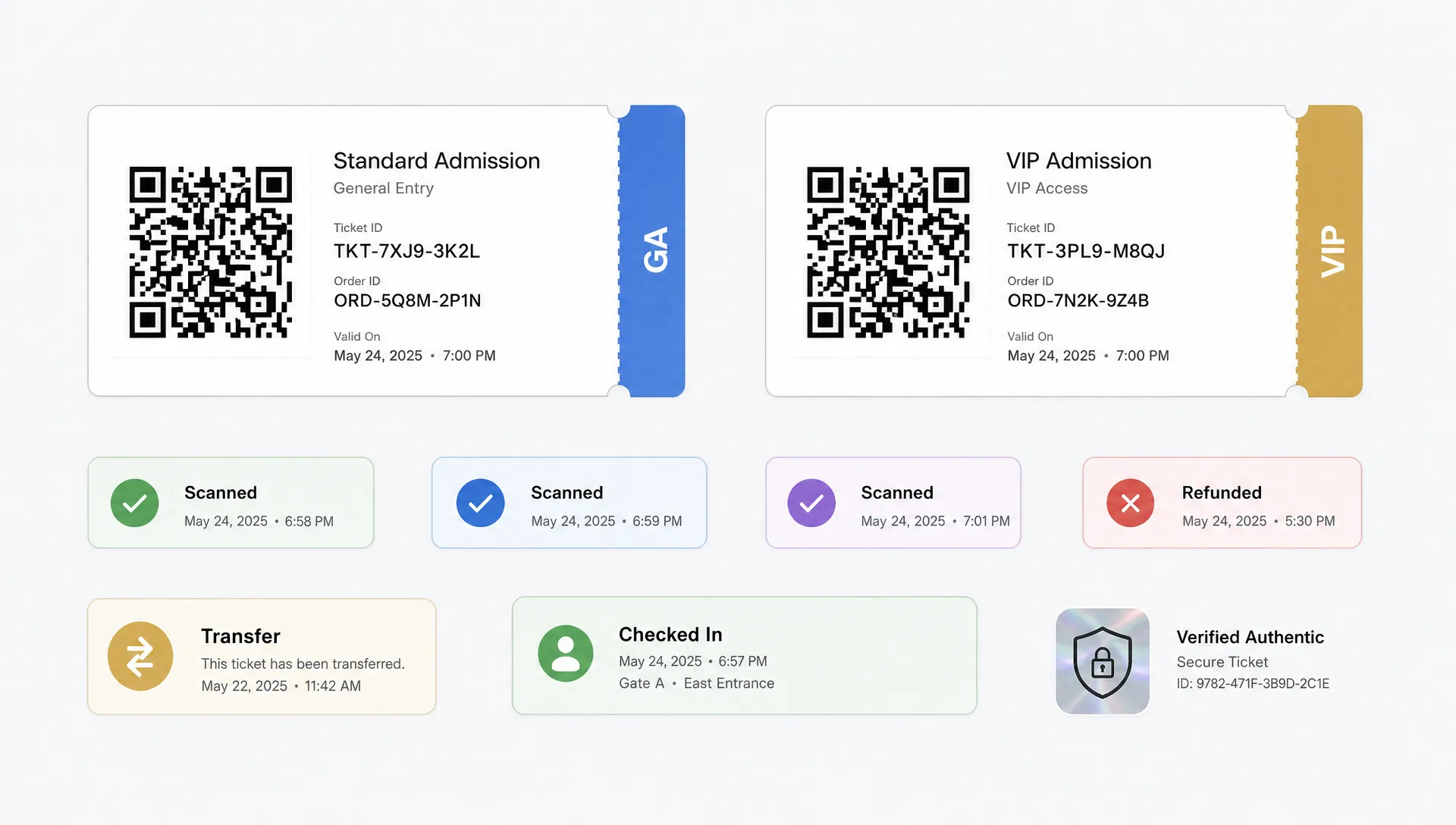
When you create digital tickets, make sure each ticket has its own identifier. That identifier is usually connected to a QR code or barcode, but the QR code is only the visible layer. The real security comes from the database record behind it, which should show whether the ticket is valid, voided, refunded, transferred or already checked in.
Good ticket records usually include:
- A unique ticket ID or token
- The order ID connected to the purchase
- The ticket tier or access level
- The buyer or attendee name, when needed
- Payment and refund status
- Check-in status
- Timestamped scan history
This matters because entry security is about state. A ticket can be valid at 9:00 PM and invalid at 9:01 PM after it has been scanned. If your system does not update that status in real time, duplicate entry becomes much harder to stop.
TixFlow is built around this operational view of ticketing, with real-time sales control, digital guest lists, customizable event pages and Stripe Connect integration. For organizers who care about cash flow, instant payouts and flat per-ticket fees also make ticket sales easier to manage before doors open.
Use QR codes correctly, but do not treat them as the whole security system
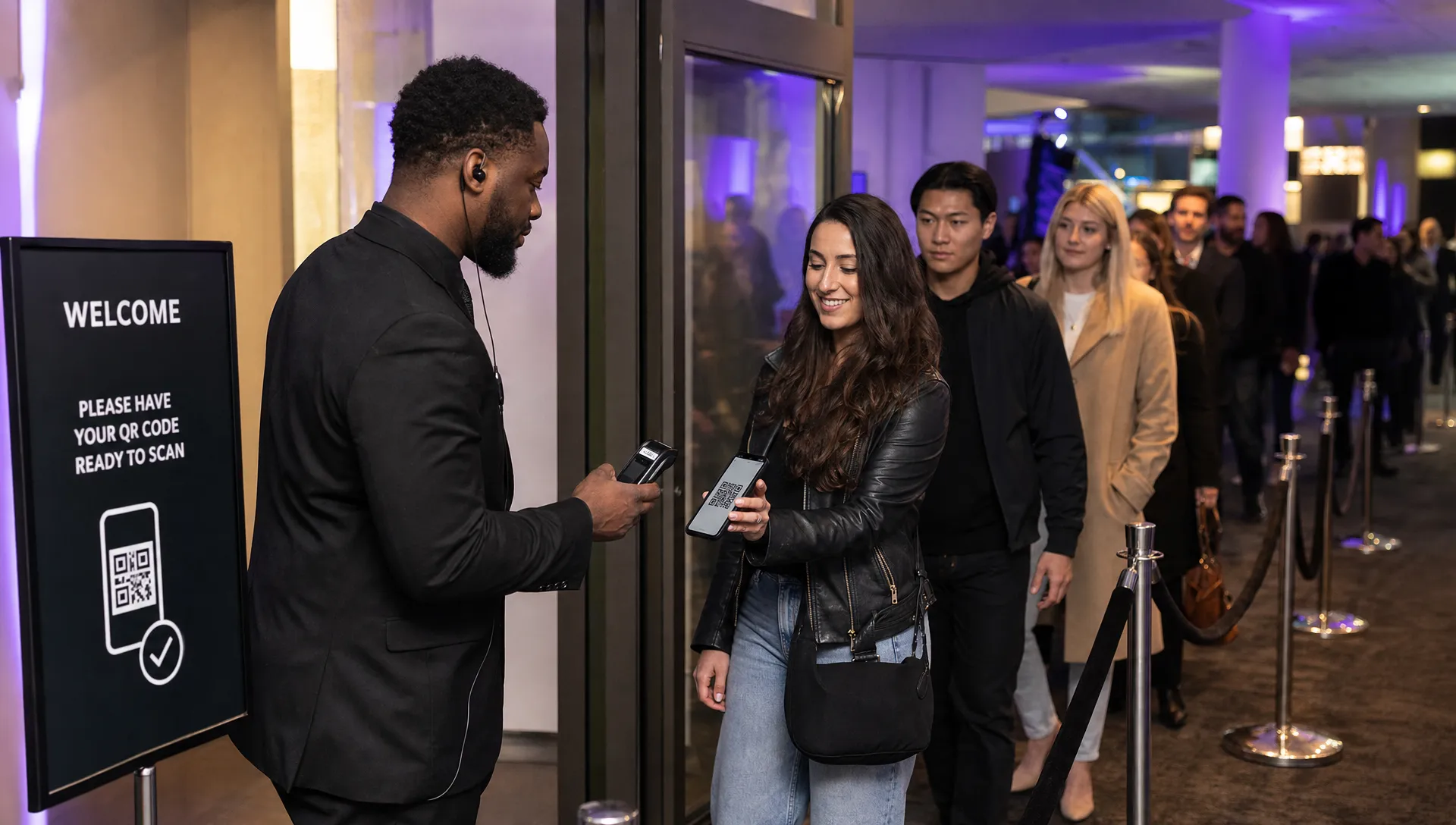
QR codes are useful because they make check-in fast. A staff member scans the code, the system checks the ticket record and the attendee receives a clear yes or no. That speed is the reason QR-based entry has become standard for many live events.
But a QR code by itself is not secure. A screenshot of a code can be forwarded. A printed copy can be passed around. A fake code can be designed to look convincing to a busy staff member if scanning is not mandatory.
To use QR codes securely, connect every scan to a live validation process. The scan should check the ticket status in the ticketing system, mark the ticket as used immediately after successful entry and show the ticket type clearly to the staff member.
If your event requires offline scanning due to weak venue internet, prepare carefully. Offline mode can be useful, but your team must sync devices before doors open and again after scanning. The risk is that two devices may accept the same ticket if they are not working from synchronized data. For high-demand shows, invest time in network planning and scanner coordination instead of relying on luck at the door.
Build checkout to reduce fraud and drop-off at the same time
Security should not make the buyer experience painful. If attendees have to create an account, confirm multiple screens or re-enter unnecessary details, some will abandon checkout. Others may buy through informal channels, which creates more risk for fake resale and guest list confusion.
A stronger approach is to collect only the information you need to issue and validate the ticket. For many public events, that means name, email, ticket selection and payment details. For VIP tables or restricted access events, you may need phone numbers, group size or arrival time. Keep the form focused on operational needs.
This is where no-registration checkout can help. If a buyer can purchase without creating an account, the event captures the sale faster and the attendee still receives a digital ticket tied to a unique order record. That balance is useful for music producers, promoters and organizers who depend on impulse purchases during social promotion windows.
If you want to go deeper on this buyer-side flow, TixFlow has a related guide on how online tickets improve checkout and entry, which explains why checkout speed and entry reliability should be planned together.
Design the ticket for scanners and humans
A digital ticket should be readable in a stressful environment. The attendee may be outside in low light. The door team may be handling a long line. Security may need to confirm age, access level or ticket type quickly. A beautiful design that hides important information is not doing its job.
Place the most important elements where they can be seen fast: event name, date, venue, ticket type and QR code. Use plain labels, strong contrast and enough spacing around the QR code so it scans cleanly from a phone screen. Avoid putting the code over a textured background or too close to decorative graphics.
For branded events, you can still add personality. Use your event logo, colors and visual style, but keep the functional hierarchy intact. The QR code and access details should win over decoration every time.
A simple digital ticket layout can follow this priority:
| Ticket element | Door team priority | Buyer priority |
|---|---|---|
| QR code | Must scan quickly | Must be easy to find |
| Ticket type | Confirms access level | Confirms what they bought |
| Event details | Prevents wrong-event confusion | Confirms date, time and venue |
| Buyer or attendee name | Helps resolve disputes | Helps group buyers organize tickets |
| Order reference | Supports support requests | Helps with receipt lookup |
For a more design-focused breakdown, see TixFlow's guide on event ticket layouts buyers can scan fast.
Set up digital guest lists before tickets go live
Digital tickets and digital guest lists should work together. A ticket proves the attendee has a valid claim to entry. A guest list gives your team the operational view of everyone expected at the door.
Before sales begin, decide how your guest list will handle paid buyers, complimentary tickets, artists, staff, press, VIPs and late additions. If these categories live in separate spreadsheets, your entry process becomes fragile. Someone at the door has to search multiple lists, compare names manually and make judgment calls while the line grows.
A digital guest list should let your team filter by ticket type, check-in status and access level. It should also support quick lookup by name or order reference. For larger events, assign roles clearly. One person scans tickets, another handles exceptions and a manager approves overrides.
Real-time guest lists are especially helpful when sales continue close to doors. If a buyer purchases at 9:45 PM for a 10:00 PM event, the door team should see that ticket without refreshing spreadsheets or waiting for a manual export.
Prevent common digital ticket fraud scenarios
Most event ticket fraud is not sophisticated hacking. It is usually simple abuse of weak processes: reused screenshots, copied PDFs, fake confirmation emails, resold tickets outside approved channels or guests claiming their friend has the original ticket.
You can reduce these risks with a few practical controls:
- Require every ticket to be scanned, even if the attendee shows a convincing email.
- Mark tickets as checked in immediately after a successful scan.
- Train staff to reject screenshots that do not validate in the system.
- Use clear refund, transfer and resale policies before the event.
- Keep a manager-only process for manual overrides.
- Monitor duplicate scan attempts during entry.
Duplicate scan alerts are particularly useful. If a code has already been used, the scanner should show that clearly, ideally with the time of the first scan. That gives your team enough context to handle the conversation without guessing.
Digital ticket security also improves when buyers understand what to expect. Confirmation emails should tell attendees where to find their ticket, whether screenshots are accepted, what ID is required and who to contact for support. Clear communication cuts down on disputes at the door.
For a broader look at fraud prevention, TixFlow's article on why digital ticket formats improve entry and reduce fraud covers the operational advantages of validated digital entry.
Test the full entry flow before event day
Do not wait until doors open to find out whether your tickets scan properly. A short test can catch problems that would otherwise slow down the line.
Create a test order for each ticket type. Open the ticket on different phone screen sizes. Scan it from email, mobile wallet or the buyer view your platform provides. Confirm that the ticket type, name and status appear correctly. Then scan the same ticket again to make sure the duplicate scan warning works.
You should also test your staff process, not just the technology. Walk through what happens when a guest's phone dies, someone bought four tickets for friends, a VIP arrives under a different name or a buyer claims they never received the email. These edge cases are normal. What matters is that your team has a consistent response.
A strong test plan includes payment confirmation, ticket delivery, scanner access, guest list filtering, duplicate scan handling and post-event export. If your event has multiple entrances, test each entrance setup separately.
Keep cash flow visible as tickets sell
Security at the door is only one part of event control. Organizers also need visibility into revenue before the event happens. Ticketing systems that delay payouts or hide fee structures can make it harder to pay vendors, artists, production teams and venues on schedule.
If cash flow matters, look for a setup that gives you clear reporting, straightforward fees and fast access to funds. TixFlow's instant payouts and flat per-ticket fees are designed for organizers who do not want their revenue trapped in a complicated payout cycle. That can be especially important for independent music producers and promoters who operate with tight production timelines.
Real-time sales control also supports better decisions. If one tier sells faster than expected, you can open another tier, adjust promo codes or close sales phases without rebuilding the event. That flexibility helps you manage both demand and entry expectations.
A practical checklist for secure digital tickets
Use this checklist before publishing your event:
| Check | What to confirm |
|---|---|
| Ticket tiers | Each tier has the right price, limit and access rule |
| Unique IDs | Every ticket creates a separate record |
| QR validation | Scans update ticket status in real time |
| Guest list | Paid, comp, VIP and staff entries are organized |
| Checkout | Buyers can complete purchase without unnecessary friction |
| Ticket design | QR code and access details are easy to find |
| Staff training | Door team knows how to handle exceptions |
| Duplicate scans | Used tickets trigger a clear warning |
| Payouts | Revenue flow is understood before the event |
The goal is not to make entry complicated. The goal is to make the system clear enough that honest attendees move quickly and questionable tickets are caught before they create bigger problems.
Frequently Asked Questions
What is the best way to create digital tickets for secure entry? Use a ticketing platform that creates unique ticket records, connects each ticket to a scannable QR code and updates check-in status in real time. The ticket should be easy for buyers to access and easy for staff to validate.
Are QR code tickets secure? QR code tickets are secure when the code connects to a live validation record. A static QR image can be copied, but a real-time scan system can mark the ticket as used and block duplicate entry attempts.
Should attendees need an account to buy a digital ticket? Not always. For many events, account creation adds friction without improving entry security. A no-registration checkout can still issue secure tickets as long as each order and ticket has a unique record.
Can digital tickets work for VIP tables and guest lists? Yes. Digital tickets work well for VIP access when ticket tiers, guest list categories and entry rules are set up clearly. Staff should be able to see whether a guest has general admission, VIP access, table access or another status.
How do I stop people from using screenshots of digital tickets? The strongest approach is to scan every ticket against the live ticket record. If the original ticket was already scanned, a screenshot should show as used and your staff can deny duplicate entry.
Create secure digital tickets with less friction
Secure entry starts long before the first attendee reaches the door. It starts with unique ticket records, clear access rules, fast checkout, real-time validation and a guest list your team can trust.
TixFlow helps organizers create digital tickets with instant payouts, flat per-ticket fees, no buyer registration, customizable event pages, unlimited ticket tiers, automated sales phases, smart promo codes and digital guest lists. If you want secure ticketing without slowing down sales, build your next event on a platform designed for modern organizers.