
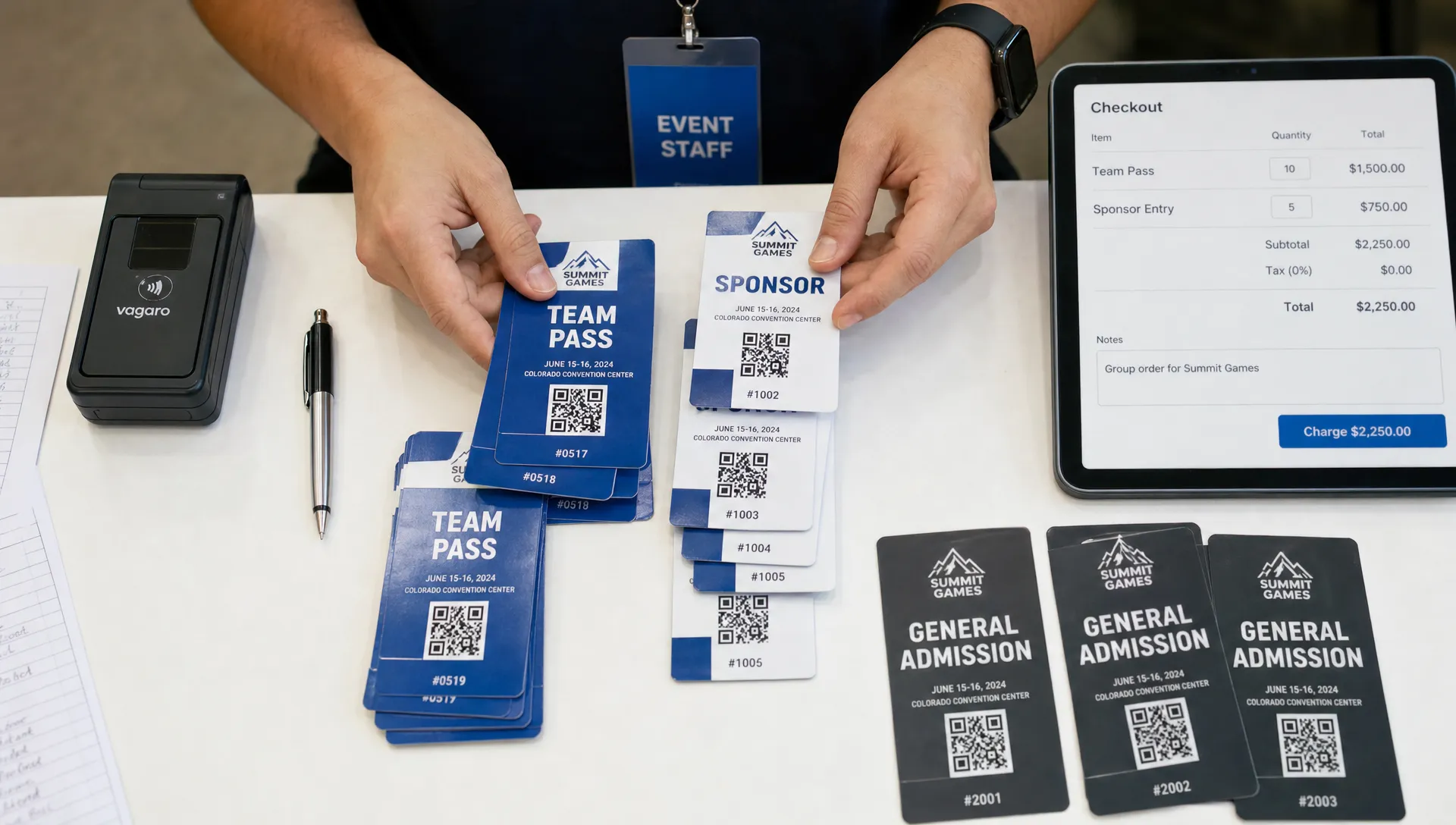
Make Ticket Ordering Easier for Groups and Teams
Group sales are where ticket ordering can either feel effortless or become support-heavy in the first hour of launch. One buyer might be purchasing for a five-person production crew, a corporate team, a group of fans, a sponsor allocation, or a street team that needs access without paying at the door. If the page is unclear, they ask questions before paying. If the checkout asks too much, they abandon. If the organizer has to manually reconcile names, money and access levels later, the sale creates work instead of momentum. The goal is simple: make it obvious what to buy, fast to complete and easy for your team to control after the order comes in.
Why ticket ordering gets harder for groups and teams
Individual buyers usually ask one question: do I want to attend? Group buyers ask several. They need to know how many passes are included, whether names are required, if they can buy on behalf of others, what happens when someone changes and whether one payment covers the full group.
That extra complexity does not mean you need a complicated event page. It means you need cleaner choices. A group-friendly setup turns common buyer scenarios into clear ticket options rather than forcing everyone through the same single-admission path.
| Group scenario | What the buyer needs | What the organizer should control |
|---|---|---|
| Corporate team | One receipt, multiple admissions | Quantity limits, invoice-friendly naming and check-in clarity |
| Music crew | Role-based access for artists, producers and staff | Crew lists, access levels and non-public ticket types |
| Fan group | Simple bulk purchase and fair pricing | Group tiers, availability windows and promo codes |
| Sponsor allocation | Reserved access without public confusion | Private links, guest list notes and limits per sponsor |
| Volunteer team | Free or discounted entry with operational context | Internal codes, role labels and fast validation at entry |
The more accurately your ticket structure reflects real buying behavior, the fewer messages your team has to answer during the busiest part of the campaign.
Start with ticket types people can understand
For group buyers, ticket ordering feels easiest when the first decision is obvious: choose the group size or team role, then pay. A vague option like General Admission, Group hides too many details. A clearer option like Team Pass, 5 entries included gives the buyer confidence before they open checkout.
This is especially important for live events where different audiences overlap. A music producer might need artist passes, backstage crew access, standard attendee tickets and a small guest allocation on the same event. Those should not all look alike on the page.
Good ticket names usually answer three questions at once: who it is for, how many people it covers and whether any restrictions apply. If you are still shaping your pricing structure, TixFlow has a deeper guide on how to choose the right type of ticket for any event without creating unnecessary buyer confusion.
Keep descriptions short, but make them specific. A buyer should not need to contact you to learn whether a group pass includes five separate QR codes, one transferable confirmation or a door list entry under one lead name.
Reduce checkout friction for the person buying for everyone
A clean ticket ordering flow should let one person buy quickly, especially when they are handling payment for a whole team. Every extra account step, unclear field or surprise fee increases the chance that they pause and tell the group they will come back to it later.
The biggest friction points are usually predictable. Buyers dislike being forced to create an account before they understand the final price. They also hesitate when the checkout asks for every attendee name too early, especially if the team list is not final.
TixFlow supports no buyer registration, which helps remove one of the most common blockers in event checkout. For group sales, that matters because the lead buyer may already be coordinating people, payments and travel. They do not want another login to manage.
If you need attendee names, decide whether they are truly required at purchase. For some events, the lead buyer's name plus quantity is enough until check-in. For others, such as restricted areas or credentials, collecting names early can prevent operational problems. The key is to ask only for information that your door team will actually use.
Give organizers real-time control without rebuilding the event page
Good ticket ordering is not only about the buyer side; it also gives your team enough control to react while sales are moving. Group demand can spike suddenly after a promoter post, sponsor email, artist announcement or corporate invitation. If changing availability requires a full rebuild, you lose time.
Real-time sales control helps organizers adjust without turning the campaign into manual admin. For example, you might open a limited group tier for 48 hours, close it automatically and then move to a standard team pass. Or you might create a private promo code for a partner, cap it and monitor pickup without exposing the offer publicly.
TixFlow's unlimited ticket tiers, automated sales phases and smart promo codes are useful for this kind of setup. They let you separate early group incentives from later pricing without making the public page feel crowded.
For broader workflow ideas, the guide on how to manage tix without slowing down your team is a helpful companion when you are building processes for sales, support and entry operations.
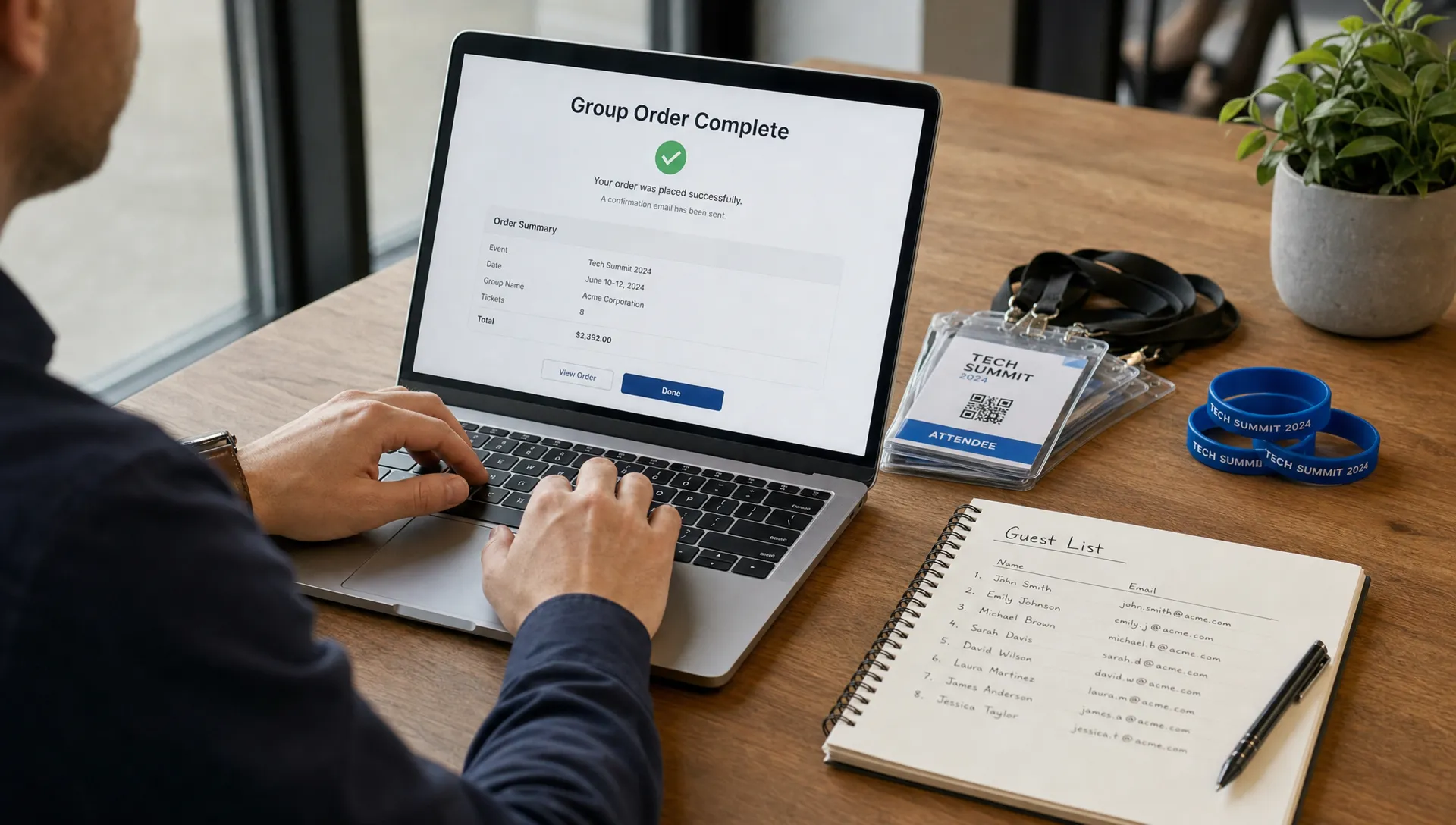
Protect cash flow when one buyer pays for many people
When ticket ordering involves bulk purchases, payout timing matters more. A single team sale might represent ten, twenty or fifty admissions. If that money is locked up for too long, organizers may struggle to pay deposits, production vendors, artists, venue costs or marketing spend at the moment they need it.
This is one reason group orders should not default to informal payment collection or manual bank transfers unless there is a strong reason. Manual collection creates delays, reconciliation work and uncertainty about who has actually paid.
A modern ticketing setup should give the buyer a fast way to pay and give the organizer a clear view of revenue. TixFlow is built around instant payouts, low fees and Stripe Connect integration, which supports organizers who need cash flow visibility rather than waiting until after the event to understand their position.
Flat per-ticket fees also make planning easier. When a team order includes many admissions, unclear fee structures can make margin forecasting harder. A predictable cost per ticket helps organizers price group offers without accidentally discounting away the budget they need to run the event well.
Keep team, crew and attendee orders separate
Not every group belongs in the public ticket menu. A paying fan group, a production crew, a media team and a sponsor guest list all need access, but they do not need the same buying experience.
Public group tickets work best when the buyer is still an attendee. Crew credentials, artist access, volunteer passes and partner allocations usually belong in private workflows or digital guest lists. Mixing them together can confuse buyers and make the door team's job harder.
This is also where ticketing connects to the wider operations plan. Event teams often need to coordinate credentials, radios, signage and staff clothing alongside access control. For outdoor or industrial-style event environments, organizers may source practical team apparel from professional workwear suppliers such as Bestex Fabricage, but those purchases should stay separate from attendee checkout unless they directly affect entry.
Keeping operational needs separate from admission products protects the buying experience. Your public page stays focused on tickets, while your internal team can manage crew access, uniforms and production logistics without confusing attendees.
Design the page so the group buyer can self-select
The event page should make ticket ordering self-explanatory before the buyer reaches checkout. Group buyers scan for different clues than solo buyers. They look for quantity rules, group savings, access limits, deadlines and whether the offer is meant for them.
Avoid long blocks of explanation above the ticket list. Instead, make each option do more of the work. A strong group ticket listing has a precise name, a plain-language description, a visible price and a deadline or quantity limit if one applies.
| Page element | Weak version | Better version |
|---|---|---|
| Ticket name | Group Ticket | Team Pass, 5 entries |
| Description | For groups | Includes 5 general admission entries under one order |
| Sales phase | Available now | Early team rate, available until Friday at 11:59 PM |
| Promo code | Partner discount | Private partner code, valid for 20 redemptions |
| Checkout field | Notes | Lead buyer name for group check-in |
If you want more detail on page clarity, TixFlow's guide on how to list tickets for sale without confusing buyers covers naming, layout and buyer expectations in more depth.
The page should also make sold-out or unavailable options clear. Hidden rules create support tickets. Clear status labels help buyers choose from what is actually available.
Plan for entry day before sales go live
If ticket ordering was clear online, check-in should be faster at the door. Problems usually appear when the checkout captured information in one format and the door team needs it in another. For example, a buyer may have purchased ten admissions under one name, but the entry team does not know whether to check in the whole group together or mark each person separately.
Digital guest lists reduce that risk when they are set up with entry operations in mind. At minimum, the door team should be able to see the lead buyer, ticket type, quantity and any relevant access note. For team or crew passes, role labels can prevent awkward conversations at restricted areas.
Train door staff on the group scenarios you expect. If one person arrives before the rest of their team, should they receive all wristbands? If a sponsor guest is not on the public ticket list, where should staff verify them? These decisions are easier to document before the event than to improvise while a line is forming.
TixFlow's digital guest lists are designed to support this kind of operational clarity, especially when combined with simple ticket naming and controlled ticket tiers.
Quick checklist for group-friendly ticket ordering
Use this checklist before launch to catch the small issues that tend to create big support volume later:
- Name group tickets by audience and quantity, not just discount type.
- Explain whether one order creates one confirmation or multiple admissions.
- Keep public attendee tickets separate from crew, media, volunteer and sponsor access.
- Use automated sales phases for early group pricing or limited team offers.
- Create smart promo codes for partners instead of duplicating public tickets.
- Avoid mandatory account creation when a faster checkout will do.
- Ask for attendee names only when they are needed for access, security or check-in.
- Make fees predictable so group pricing protects your margin.
- Review the digital guest list from the door team's point of view before launch.
A simple structure is easier to market, easier to buy and easier to validate. It also helps organizers maintain control without turning every group sale into a manual approval process.
Frequently Asked Questions
Should I let one person buy tickets for an entire team? Yes, if your checkout and guest list can clearly show how many admissions are included. One lead buyer often makes group sales easier, but the ticket name and confirmation should make the quantity obvious.
What makes ticket ordering easier for groups? Clear ticket names, fast checkout, visible quantity rules, predictable fees and simple check-in instructions make the biggest difference. The buyer should know exactly what their group receives before they pay.
Should group tickets always be discounted? Not always. A group ticket can be about convenience, reserved access or simplified payment rather than a lower price. Discount only when it supports your sales strategy and still protects your event margin.
How should I handle crew passes for music events? Keep crew passes separate from public attendee tickets. Use role-based labels, private access or guest list entries so producers, artists and staff are easy to verify without confusing paying buyers.
Can group ticket sales improve cash flow? Yes. Larger orders can bring in meaningful revenue earlier, especially when paired with instant payouts and clear pricing. The key is to avoid manual collection processes that delay payment confirmation.
Build a smoother group sales flow with TixFlow
Group and team sales do not need to create extra admin. With the right ticket structure, fast checkout, real-time sales control and clean guest lists, organizers can sell more confidently while keeping operations manageable.
TixFlow helps event teams launch customizable event pages, create unlimited ticket tiers, automate sales phases, use smart promo codes and receive instant payouts through a modern ticketing setup built for speed. If you want group buyers to move from interest to payment without friction, start by making the order simple for them and controllable for your team.