
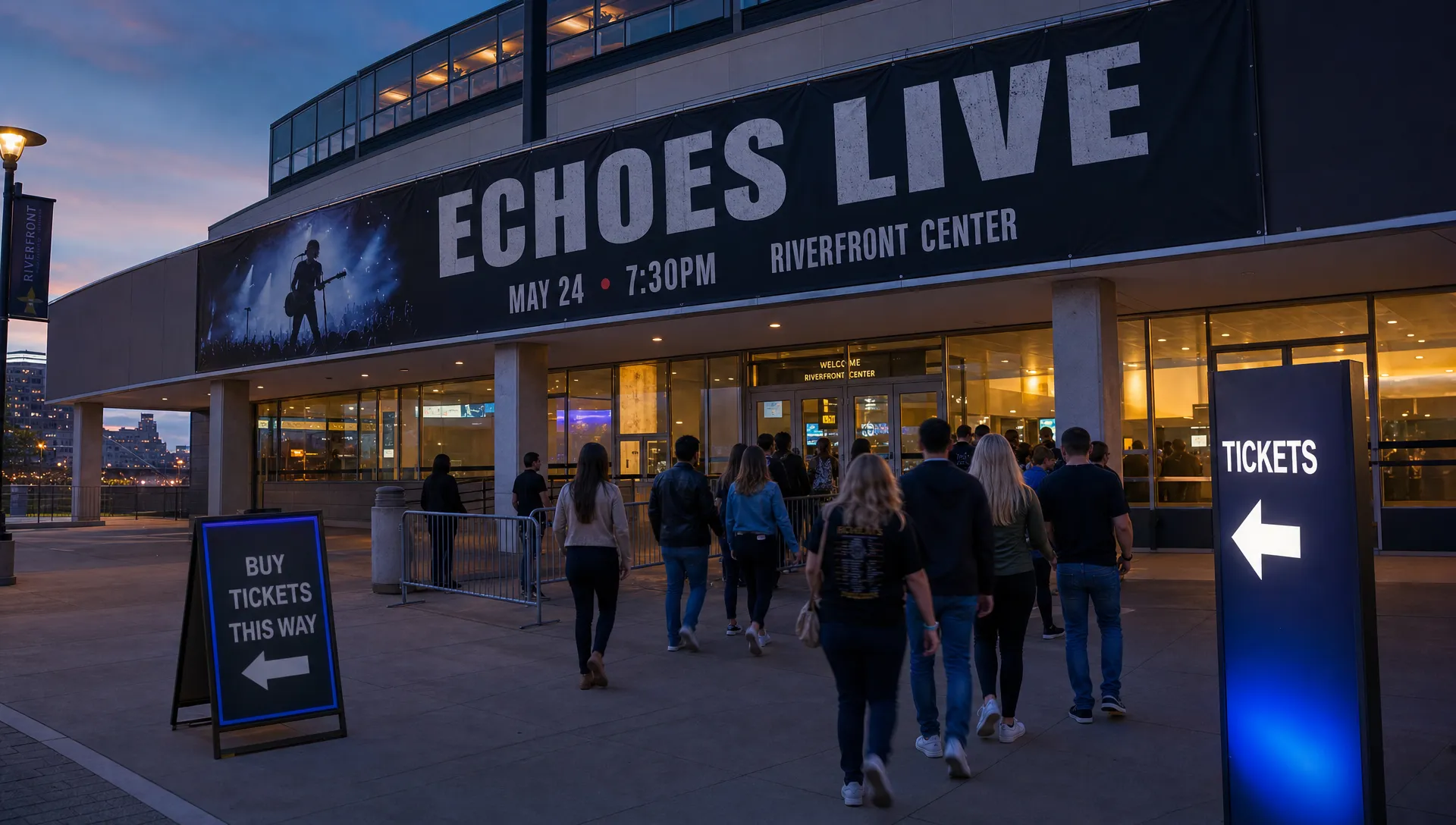
How to Sell Event Tickets on Facebook Without Checkout Drop-Off
Facebook is one of the best places to create demand for an event. Your audience already follows artists, venues, collectives, creators, community pages, and friends who influence what they do on a weekend. The problem is that attention on Facebook is fragile. A person can tap “Interested,” like your lineup post, or click a ticket link, then disappear before paying.
That gap between interest and order is checkout drop-off. For event organizers, especially music producers and small teams managing deposits, venue costs, artist fees, and cash flow, it is not a minor inconvenience. It is lost revenue that looked promising but never reached your account.
The goal is not simply to make Facebook sell tickets for you. The goal is to use Facebook as a high-intent discovery channel, then move people into the fastest possible buying path before distraction wins.
According to Baymard Institute’s cart abandonment research, the average documented online cart abandonment rate sits around 70%. Event ticketing is not identical to retail, but the lesson is the same: if checkout feels slow, unclear, or risky, a large share of motivated buyers will leave.
Why Facebook ticket buyers drop off before paying
Most Facebook ticket sales do not fail because people dislike the event. They fail because the purchase path asks too much at the wrong moment.
A Facebook buyer is often on mobile, inside the Facebook app, moving quickly, half distracted, and deciding emotionally. They saw a friend share the event, noticed the price, liked the artist, or felt urgency because a sales phase is ending. That intent can be strong, but it is not patient.
Common friction points include forced account creation, unclear fees, too many ticket choices, slow-loading pages, weak event details, long forms, and payment flows that feel disconnected from the original post. If someone clicked because your post said “early bird ends tonight,” but the ticket page does not clearly show the early bird tier, trust drops instantly.
Here is how Facebook interest typically leaks during the buyer journey:
| Buyer moment | Drop-off trigger | Better approach |
|---|---|---|
| Sees a post, ad, or event invite | CTA is vague or buried | Use one clear action such as “Get tickets” |
| Taps the ticket link | Page loads slowly or looks unrelated | Send buyers to a mobile-first event page that matches the Facebook message |
| Reviews ticket options | Too many tiers or unclear differences | Make each ticket type easy to understand |
| Starts checkout | Forced registration or unnecessary fields | Use guest checkout and ask only for essential information |
| Reaches payment | Surprise fees or unclear total | Show pricing and fees transparently before payment |
| Leaves without buying | No follow-up path | Retarget or repost with a stronger reason to act |
Every extra decision gives the buyer a chance to pause. Every pause gives Facebook a chance to pull them back into the feed.
Treat Facebook as the discovery layer, not the final experience
Facebook is powerful for reach, social proof, and reminders. It is not always the ideal place to complete the entire ticketing experience. In many setups, the best path is simple: use Facebook to generate intent, then send buyers to a dedicated ticket checkout designed for conversion.
Your Facebook Event, posts, stories, ads, and group shares should all point to the same primary destination: the ticket page. Avoid sending people to a homepage, Linktree-style menu, Instagram profile, or a page where they must search for the event. If the buyer has to think, “Where do I buy?” the path is already too slow.
For organizers using TixFlow, this is where a dedicated event page and customizable checkout can help keep the transition clean. You can point Facebook traffic directly to the event purchase flow instead of forcing attendees through a general website or account creation process.
Consistency matters. The event name, date, venue, visual identity, ticket tier names, and core offer should match across Facebook and checkout. If the Facebook post promotes “Final release tickets,” the checkout page should make that final release tier immediately visible.
Make the Facebook CTA impossible to misunderstand
A surprising amount of checkout drop-off happens before checkout begins. People are interested, but they are not told exactly what to do next.
On Facebook, your calls to action should be direct and repeated without sounding spammy. Good CTAs include “Buy tickets,” “Reserve your spot,” “Get final release tickets,” or “Claim early bird before midnight.” Weak CTAs include “More info soon,” “Don’t miss it,” or “Link in event” without a clear instruction.
Use the strongest ticket link placements available to you:
- Add the ticket link in the Facebook Event ticket field or action button.
- Put the ticket link in the first lines of important posts, not only at the end.
- Pin a ticket post to the top of the event discussion when relevant.
- Reply to high-intent comments with helpful context and the ticket link.
- Keep the same link in artist, venue, partner, and promoter posts when possible.
Do not make buyers choose between five different links. Facebook already creates enough distraction. Your job is to narrow the next step.
Remove forced registration from the ticket path
Forced registration is one of the fastest ways to lose a mobile buyer. Someone who is ready to buy a ticket does not necessarily want to create an account, verify an email, remember a password, or agree to a platform relationship before they even know if the order will go through.
This is especially true for nightlife, music, pop-up, fitness, food, and community events where the decision can be spontaneous. The attendee is buying access, not signing up for software.
If you are seeing Facebook clicks but weak completed orders, inspect the checkout path from a buyer’s perspective. How many taps happen before payment? Are you asking for anything that is not needed for the ticket, guest list, tax, safety, or event operations? Can a first-time buyer complete the order without creating an account?
TixFlow supports no buyer registration, which directly addresses one of the biggest checkout friction points. For a deeper look at why this matters, see TixFlow’s guide on why sign-up kills ticket sales.
Build a ticket page that matches the Facebook promise
When someone lands from Facebook, they should immediately feel, “Yes, this is the event I clicked for.” Any mismatch creates doubt.
Your ticket page should answer the practical questions that stop people from buying. That does not mean adding a wall of text. It means making the right details easy to scan.
Include the essentials: event name, date, start time, venue, city, age policy, lineup or host, ticket tiers, what each tier includes, refund or transfer policy if relevant, and entry requirements. If there are free tickets, VIP access, early bird pricing, group tickets, or door price differences, explain them clearly.
The ticket tier structure should also support the Facebook message. If your post says “$15 early bird ends Friday,” the buyer should not land on a confusing list of ten options where the early bird ticket is buried. If your ad promotes a VIP experience, the VIP tier should clearly state what makes it different.
A clean ticket page reduces the amount of selling your Facebook caption has to do. The post creates the click. The page closes the sale.
Keep pricing clear before checkout
Surprise costs are conversion killers. If the ticket is advertised at one price on Facebook, but the buyer sees a noticeably higher total only at the final payment step, many will abandon the order.
That does not mean you cannot charge fees. It means the buyer should understand the total before they feel tricked. Transparent pricing builds trust, and trust matters even more when the buyer is moving from a social platform into an external checkout.
Organizers also need to think beyond gross sales. A packed event with poor net revenue can still hurt your business. Flat per-ticket fees, clear pricing tiers, and disciplined discounts make it easier to predict what you actually keep from each order. If revenue protection is a priority, TixFlow’s article on selling tickets without cutting into revenue covers this from a pricing strategy angle.
For Facebook traffic, the simplest rule is this: do not make people calculate. Show the ticket option, what it includes, and the cost clearly enough that the buyer can say yes quickly.
Use urgency, but make it real
Facebook works well for urgency because people see social activity in real time. A deadline post, a “second release live” update, or a capacity warning can push interested people into action. But fake urgency trains your audience to ignore you.
Real urgency comes from actual constraints: limited capacity, a price phase ending, artist announcement timing, venue rules, promo code expiration, guest list cutoffs, or production deadlines. If early bird ends Friday, end it Friday. If only 50 VIP tickets exist, do not quietly add 100 more under the same name.
Strong urgency posts do three things. They state what is changing, when it changes, and what the buyer should do now. For example: “Early bird closes at 11:59 PM tonight. Final release starts tomorrow. Get your ticket before the price changes.”
Automated sales phases and smart promo codes can help organizers run this cleanly without manually editing prices during a busy campaign. If you want more ideas for urgency without sounding desperate, TixFlow’s guide to promoting tickets on sale now is a useful companion.
Simplify the mobile payment flow
Most Facebook ticket buyers will be on mobile. That means your checkout has to work in the environment where the buyer actually is, not only on a desktop browser in your office.
Before launching a campaign, test the full buying path on a phone from inside the Facebook app. Tap the ticket link from a real Facebook post or event. Watch how the page opens, how long it takes, how the ticket options appear, and how many fields are required before payment.
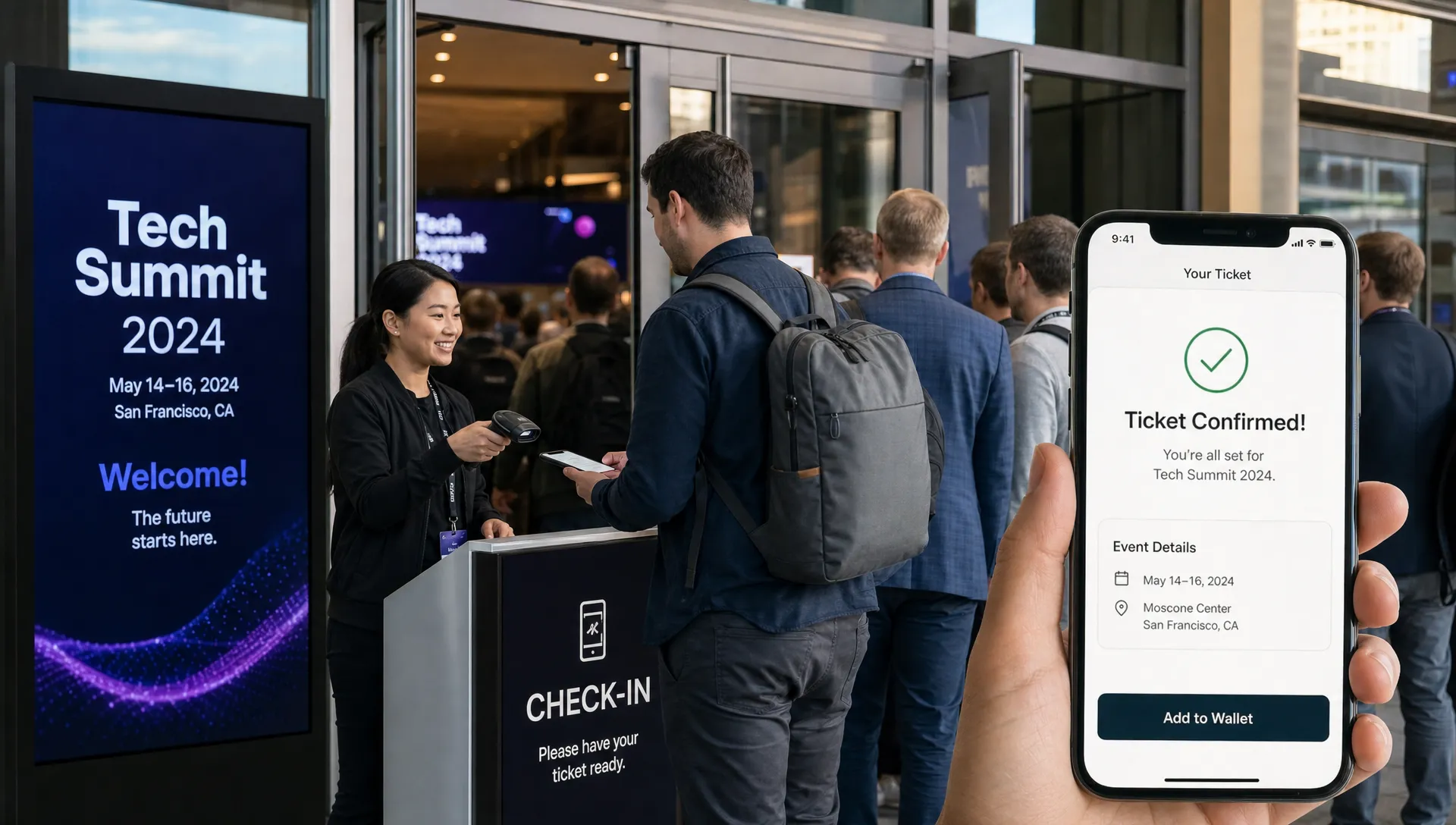
A good mobile ticket checkout should feel obvious. The buyer should be able to choose a ticket, enter essential details, pay, and receive confirmation without searching for buttons or zooming in. If your checkout asks for too much, sends people through multiple redirects, or makes the final payment step feel uncertain, Facebook traffic will expose the weakness quickly.
For more on reducing payment friction, TixFlow has a dedicated guide on simplifying event payment flows for attendees.
Retarget people who showed intent but did not buy
Not every abandoned checkout is lost forever. Some people clicked while commuting, got interrupted, wanted to ask a friend, or were waiting for payday. Facebook gives organizers ways to re-engage interested audiences, especially when your tracking setup and consent practices support it.
Useful retargeting audiences can include people who engaged with your event page, watched event videos, clicked ads, visited your ticket page, or started checkout but did not complete. The exact setup depends on your tools, privacy requirements, and Meta configuration. Meta’s documentation on the Meta Pixel explains how website actions can be used for measurement and advertising when implemented properly.
Retargeting should not simply repeat the same generic “buy tickets” message. Give the buyer a new reason to act. That might be a price increase reminder, a lineup clip, a testimonial from a past event, a limited promo code, a venue walkthrough, or a simple FAQ post that removes a common objection.
If your first post created curiosity, your retargeting should create confidence.
Protect cash flow when Facebook campaigns work
A successful Facebook push can create a sharp sales spike. That is good news, unless your payout schedule prevents you from using that cash when you need it.
Event organizers often have expenses before the event happens: deposits, production, security, marketing, artist payments, venue balances, staffing, and equipment. If ticket revenue is locked away until after the event or delayed by slow payout cycles, strong demand can still leave you squeezed.
This is why ticketing platform choice matters. Instant payouts, flat per-ticket fees, and real-time sales control are not just back-office conveniences. They affect how confidently you can scale ad spend, release new ticket tiers, pay suppliers, and make decisions while the campaign is live.
For music producers and independent organizers, cash flow control can be the difference between reacting late and managing the event proactively.
Track where Facebook ticket sales are leaking
Do not judge Facebook performance only by likes, shares, or event responses. Those signals are useful, but paid orders are the outcome that matters.
Track the journey in stages so you can identify the actual leak. If many people see the post but few click, the creative or offer is weak. If many click but few start checkout, the ticket page may be unclear. If many start checkout but few pay, the payment flow is likely too slow, too surprising, or too demanding.
| Metric | What it tells you | What to improve if it is weak |
|---|---|---|
| Post or ad click-through rate | Whether the Facebook message creates intent | Creative, headline, offer, audience targeting |
| Ticket page views | Whether people reach the event page | Link placement, page speed, mobile loading |
| Checkout starts | Whether the ticket offer is clear enough | Ticket tiers, pricing, event details, trust signals |
| Completed orders | Whether checkout is converting | Form length, registration requirements, payment clarity |
| Promo code usage | Which campaign messages drive action | Partner posts, influencer codes, urgency offers |
| Sales by phase | How pricing changes affect demand | Early bird timing, final release pricing, capacity planning |
Real-time sales control is valuable here because you can adjust while the campaign is running. If a tier sells faster than expected, you can manage the next phase. If a promo code is working, you can decide whether to extend, stop, or replace it. If a Facebook ad is driving clicks but not orders, you can pause it before wasting more budget.
A practical Facebook to checkout workflow
If you are preparing to sell event tickets on Facebook, use this workflow before your next launch:
- Create the ticket page before the Facebook push, including final event details, ticket tiers, pricing, and entry information.
- Test the full checkout on mobile from inside the Facebook app, not only from a desktop browser.
- Build or update the Facebook Event with the same event name, date, venue, image, and ticket link.
- Publish one clear announcement post with the ticket link near the top and a specific reason to buy now.
- Pin the most important ticket post or make sure the event ticket button is easy to find.
- Coordinate artists, venues, hosts, sponsors, and partners so they share the same ticket destination.
- Monitor clicks, checkout starts, completed orders, and ticket tier movement after each major post or ad.
- Follow up with real urgency, social proof, and objection-handling content until sales close.
This process keeps Facebook focused on what it does best: creating attention, trust, and repeated exposure. It keeps checkout focused on what it must do best: turning that attention into paid orders quickly.
Common mistakes to avoid
The biggest mistake is treating a Facebook RSVP as a sale. An “Interested” response is useful, but it does not pay the venue. You still need a clear conversion path.
Another common mistake is sending traffic to a page that is not built for mobile buying. If your ticket page is slow, crowded, or account-heavy, Facebook will bring you traffic that never converts.
Organizers also hurt conversion by changing language too much between post and checkout. If the post promotes “warehouse night, final release,” but the ticket page uses a different event name or does not show final release pricing, the buyer hesitates.
Finally, avoid over-discounting to rescue weak checkout. Discounts can help, but if the real problem is friction, you are paying buyers to tolerate a bad purchase experience. Fix the path first.
Frequently Asked Questions
Can you sell event tickets directly on Facebook? In many cases, Facebook is best used as the promotion and discovery channel, with the actual checkout happening on a dedicated ticketing page. Available ticketing options can vary by region, account type, and integrations, so organizers should focus on making the ticket link and buying path as clear as possible.
Why do people click my Facebook ticket link but not buy? The most common reasons are unclear ticket options, surprise fees, forced registration, slow mobile loading, too many form fields, or a mismatch between the Facebook post and the ticket page. Test the flow from a phone inside the Facebook app to spot friction.
Should I require buyers to create an account? For most event ticket purchases, forced account creation adds unnecessary friction. A guest checkout usually converts better because buyers can complete the order without passwords, verification steps, or extra commitment.
How many ticket tiers should I promote on Facebook? Promote the tier that matches the message. If the campaign is about early bird, final release, VIP, or group tickets, make that option obvious. You can offer multiple tiers, but the buyer should not have to decode the pricing structure.
What is the best way to follow up with people who did not buy? Use retargeting and organic reminders that add new value, such as a deadline, lineup update, venue detail, past event clip, FAQ answer, or promo code. Do not repeat the same generic post every time.
Turn Facebook interest into paid orders faster
Facebook can create attention, but your checkout determines how much of that attention becomes revenue. If buyers have to register, search for the right ticket, guess the final price, or fight through a slow mobile flow, drop-off will keep eating into sales.
TixFlow is built for organizers who want a faster path from interest to paid order, with no buyer registration, instant payouts, flat per-ticket fees, customizable event pages, unlimited ticket tiers, automated sales phases, smart promo codes, digital guest lists, real-time sales control, and Stripe Connect integration.
If Facebook is already driving attention to your event, make sure the next tap is built to convert.