
How to Create an Event and Sell Tickets in One Smooth Flow
To create an event and sell tickets without chaos, treat the setup as one connected flow instead of a stack of separate tasks. The event page, ticket tiers, checkout, payment setup, guest list and launch plan all shape the same buyer experience. If one part feels unclear, the whole sale slows down.
A smooth flow does two things at once. It gives attendees a fast path from interest to purchase, and it gives your team the control needed to manage revenue, capacity and entry. That matters whether you are producing a club night, workshop, festival, community event or private launch.
This guide walks through the full sequence, from the first event details to the moment attendees arrive at the door.
Start With the Event Promise
Before opening a ticketing tool, define the promise of the event in plain language. This is not a slogan. It is the short answer to why someone should go, who it is for and what they get by buying now.
A strong event promise helps every later decision. It tells you what to put above the fold on the event page, how to name ticket tiers and when to push urgency. If the promise is vague, you end up compensating with too many words, too many ticket types or too many announcements.
At minimum, settle these details before setup:
- Event name, date, start time and location
- Core audience and reason they will care
- Capacity or realistic sales goal
- Ticket price range and fee approach
- Refund, transfer or entry policy
- Launch date and first promotion channel
For example, a music producer organizing a release party might lead with the artist lineup, venue atmosphere and limited capacity. A workshop organizer might lead with the outcome attendees will leave with. The ticketing flow should reflect that priority.
If you are still deciding how many tickets to release, what to charge or when to raise prices, it helps to build a simple sales plan before the page goes live. TixFlow has a practical guide on how to create a ticketed event with a simple sales plan if you want to map the commercial side first.
Build Ticket Tiers Around Real Buyer Choices
Ticket tiers should make buying easier, not turn the checkout into a puzzle. Each tier needs a clear reason to exist. If two ticket options feel almost identical, buyers pause to compare them, and hesitation is expensive during an event launch.
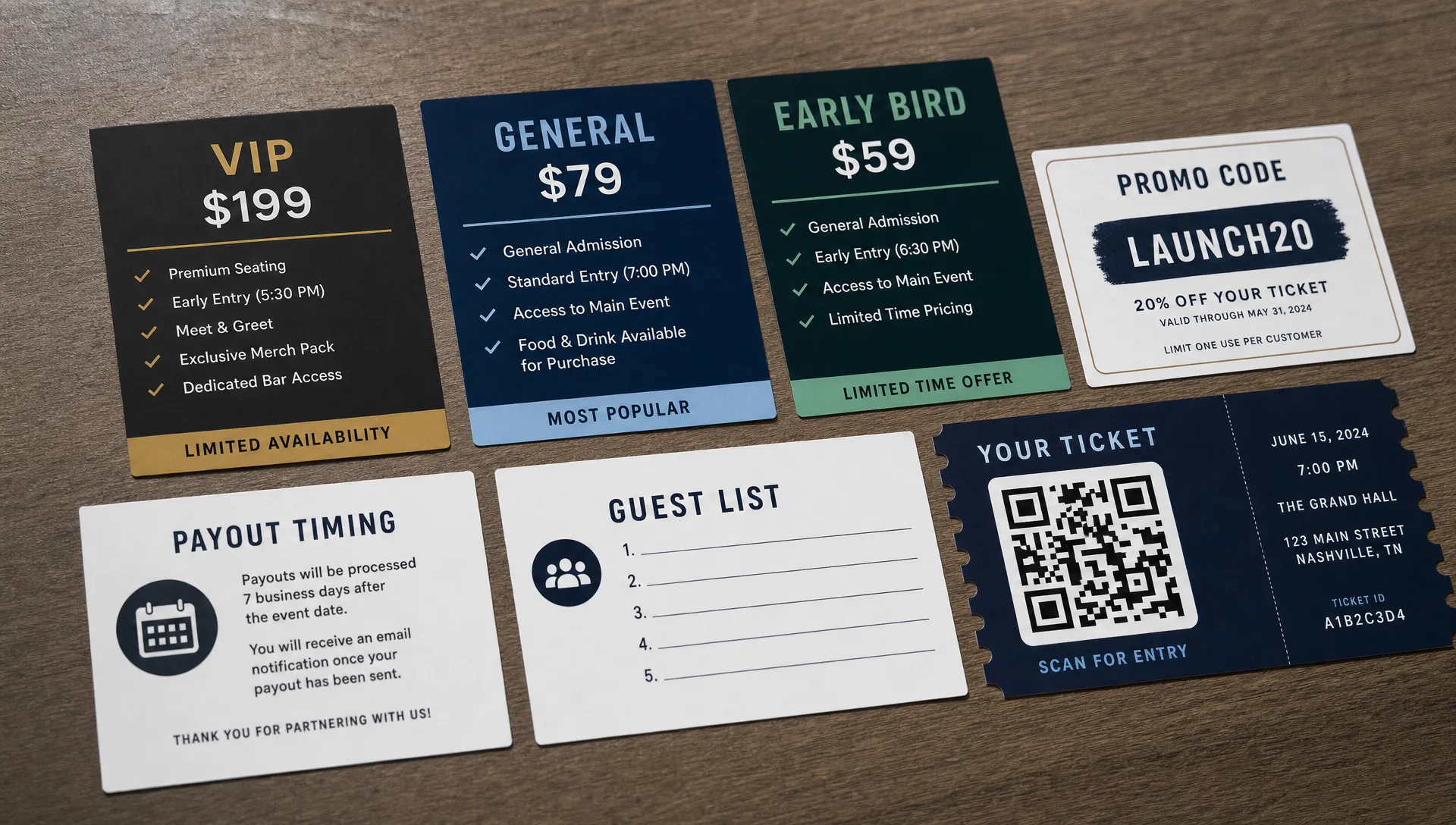
The best ticket structures usually match one of three patterns: time-based pricing, access-based pricing or audience-based pricing. Time-based pricing rewards early buyers. Access-based pricing separates general admission from VIP, backstage, seated, group or add-on experiences. Audience-based pricing gives different rates to students, members, locals or invited guests.
| Ticket structure | Best use case | Buyer question it answers |
|---|---|---|
| Early bird, general admission, last call | Events with a launch window and urgency | Should I buy now or wait? |
| General admission, VIP, premium access | Events with different levels of experience | Which experience do I want? |
| Member, student, community, public | Events serving distinct audiences | Which price applies to me? |
| Single, group, bundle | Events where people attend together | Can I bring friends for less? |
A common mistake is creating tiers based on internal organizer logic rather than buyer logic. “Phase 1” and “Phase 2” may make sense to your team, but “Early Bird” and “Standard” are more immediately understandable. If you need a tier for operational reasons, rename it so it feels useful to the attendee.
This is where a platform with unlimited ticket tiers and automated sales phases can save time. You can plan the full ticket ladder in advance, then let each phase open and close without manually editing the page during a busy launch.
Create an Event Page That Answers Questions Fast
Your event page has one job: turn attention into a confident purchase. It does not need to explain everything your brand has ever done. It needs to answer the questions buyers have before they commit.
Above the fold, attendees should understand what the event is, when it happens, where it happens and what ticket they should buy. If they have to scroll through a long description before finding price or location, the page is working against you.
Use the first screen for essentials:
- A clear event title that matches your promotion
- Date, time and venue information
- One short description focused on the attendee experience
- Ticket options visible without confusion
- A direct call to buy tickets
The rest of the page can support the sale with lineup details, schedule notes, venue rules, age restrictions, accessibility information, FAQs and refund terms. Keep those sections useful, but do not bury the purchase path under promotional copy.
Customizable event pages help here because your page can match the tone of the event while still keeping ticket selection simple. A warehouse show, creator meetup and conference afterparty should not all feel identical, but the buying path should remain obvious in each case.
Remove Checkout Friction Before You Promote
Promotion brings traffic. Checkout converts it. Many organizers spend weeks crafting launch posts, then send interested buyers into a checkout flow that asks for too much, hides fees or forces account creation.
A smoother checkout reduces unnecessary decisions. Attendees should be able to pick a ticket, see the full cost, enter essential information and pay without creating a profile they did not ask for. No buyer registration is especially helpful for impulse-driven events where someone clicks from Instagram, a text thread or an artist announcement and wants to buy immediately.
Transparent pricing also matters. Flat per-ticket fees make revenue planning easier for organizers and help buyers understand what they are paying. If fees appear late in the process or change unexpectedly, the buyer may return to the event page, message a friend, or abandon the purchase entirely.
For a deeper look at this part of the buyer journey, see TixFlow’s guide on how to simplify event payment flows for attendees. The core principle is simple: the fewer avoidable steps between interest and payment, the more momentum you preserve.
Set Up Payments With Cash Flow in Mind
Ticket sales are not only a marketing metric. They are working capital. For many organizers, early sales pay for deposits, production, staffing, venue costs, artist travel, equipment, insurance or final promotion. If payouts are delayed or unclear, a sold event can still create cash flow pressure.
Before launch, confirm how money moves from buyer payment to organizer access. You should know when payouts arrive, what fees apply, who receives funds and how refunds or disputes are handled. This is especially important for music producers and independent organizers who operate on tight timelines.
TixFlow is built around instant payouts, flat per-ticket fees and Stripe Connect integration. Stripe Connect is designed for platforms that need to route payments between buyers and sellers, which makes it relevant for ticketing workflows where organizers need reliable payment infrastructure.
The practical takeaway is that payment setup should not be an afterthought. If your ticketing platform helps you control cash flow from the beginning, your sales plan becomes easier to execute.
Launch in Phases, Not All at Once
A smooth ticketing flow continues after the page is live. The best launches guide demand across phases instead of dumping every option into the market at once.
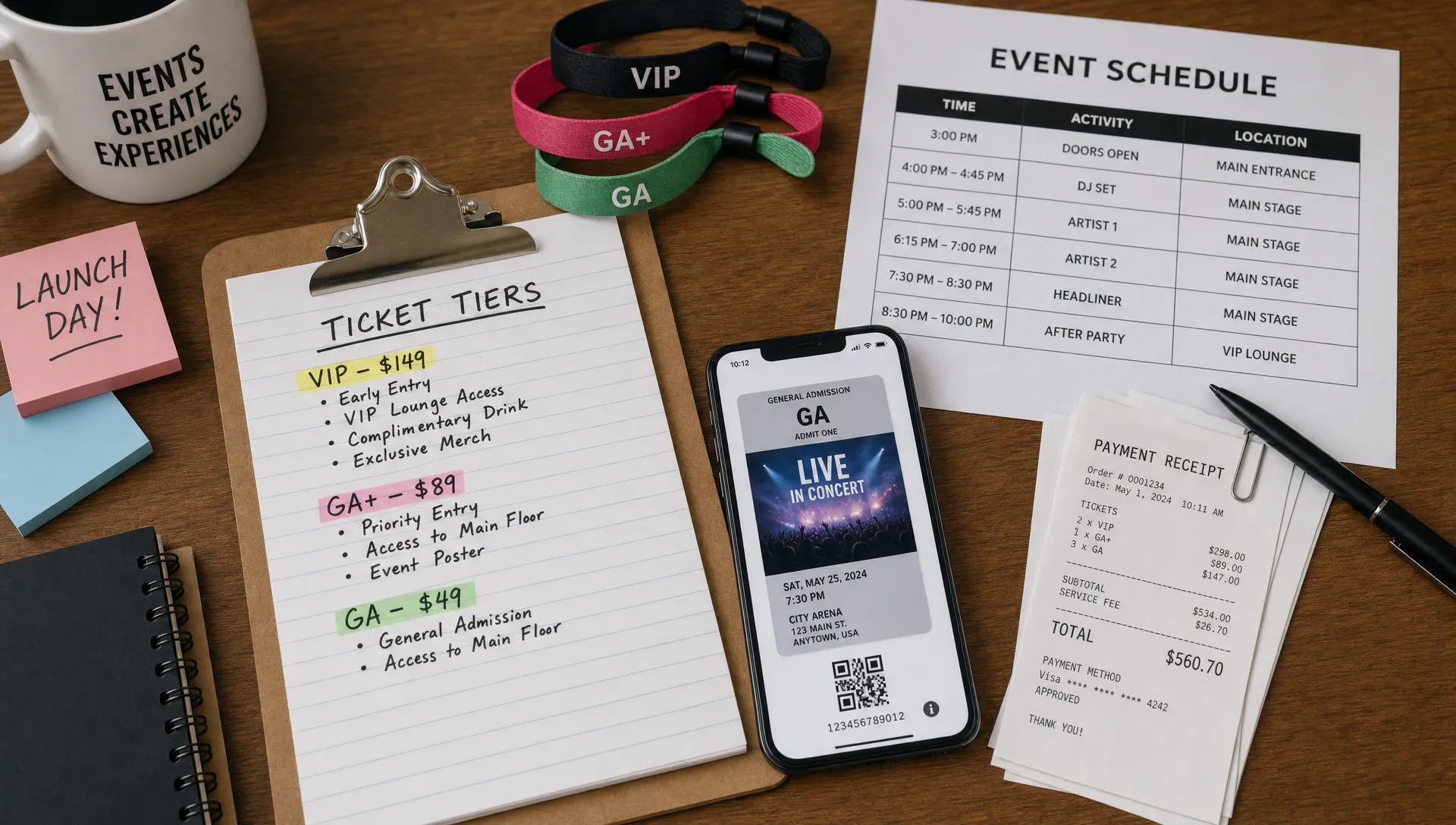
A phased launch creates reasons to act now while giving you room to adjust. You might start with a private presale for loyal fans, then open early bird tickets, then move into standard pricing and finish with a final release if capacity remains. Each phase should have a purpose.
A simple launch sequence might look like this:
- Private access: Send a limited link or promo code to members, past attendees, collaborators or mailing list subscribers.
- Public early bird: Offer the clearest value for buyers who commit early.
- Standard sale: Keep pricing stable while most promotion runs.
- Final call: Use remaining capacity, deadline urgency or last lineup announcements to move late buyers.
- Door policy: Decide whether door tickets will exist, what they cost and how they affect capacity.
Smart promo codes can support this without discounting the whole event. Instead of making every ticket cheaper, you can create targeted codes for partners, street teams, sponsors or community groups. That keeps your public price intact while still giving specific audiences a reason to move.
Real-time sales control also helps you avoid awkward moments. If a tier is moving too fast, you can respond before capacity becomes a problem. If a phase is underperforming, you can adjust the next announcement, tighten the event copy or focus promotion on a better channel.
Keep the Buyer Path Consistent Across Channels
Most buyers will not begin on your ticketing page. They will come from social posts, artist stories, email, venue calendars, text messages, community groups or paid ads. A smooth flow means the message that gets the click matches the page that receives it.
If your Instagram post says “$15 early bird ends Friday,” the event page should show that exact ticket clearly. If your email promotes VIP access, the VIP tier should not be hidden below five unrelated options. If your flyer says doors at 8 PM, the page should not say 9 PM unless the difference is clearly explained.
Inconsistent details create support work. People ask whether the price is correct, whether the event time changed or whether a code still works. Those questions slow down buyers and distract your team during promotion.
Before each announcement, open the page as if you were a first-time buyer. Check the event name, date, price, tier availability, promo code, checkout steps and confirmation message. This five-minute review catches issues before they turn into public confusion.
Prepare Entry While You Create the Event
Entry is part of the ticketing experience, not a separate door problem. When attendees arrive, your team needs to know who has paid, which tickets are valid and how to handle common edge cases such as name changes, duplicate screenshots, late arrivals or VIP access.
Digital guest lists make this easier because sales and entry information stay connected. Your door team can work from current ticket data instead of printed spreadsheets that become outdated the moment another ticket sells. This is especially useful when sales continue close to doors.
Think through these details before launch:
- What information does the door team need to verify each attendee?
- Will there be separate lines for VIP, guest list or general admission?
- Can tickets be scanned or checked quickly on mobile?
- Who has permission to resolve ticket issues at the door?
- How will walk-up sales affect capacity if you allow them?
Online tickets improve both checkout and entry when they are treated as one system. TixFlow covers this connection in more detail in its article on how online tickets improve checkout and entry.
Use One Control Center for Sales Decisions
Once sales begin, organizers often fall into reactive mode. Someone asks how many tickets sold. Someone else wants a promo code. The venue needs an update. A partner asks whether their allocation is still available. If ticketing data is scattered across tools, every answer takes longer than it should.
A better workflow is to manage live sales from one control center. You want real-time visibility into ticket volume, tier availability and guest list status so your next decision is based on current information. That does not mean watching the dashboard all day. It means knowing where the truth lives.
This is especially important for cash flow. If you can see revenue movement and access payouts quickly, you can make practical decisions about production spending, ad budgets or staffing. A ticketing setup that gives organizers real-time control is not just convenient. It changes how confidently you can run the event.
The Smooth Flow Checklist
Use this checklist before you announce the event publicly. It is designed to catch friction across the full journey, from discovery to entry.
| Step | What to confirm | Why it matters |
|---|---|---|
| Event promise | The page explains why the event is worth attending | Buyers understand the value quickly |
| Ticket tiers | Each tier has a clear name, price and purpose | Buyers do not overthink the decision |
| Fees | Costs are predictable and easy to understand | Trust stays high at checkout |
| Checkout | Buyers can purchase without unnecessary registration | Fewer people drop off before payment |
| Payouts | You know when money is available and what fees apply | Cash flow is easier to manage |
| Sales phases | Presale, early bird and standard tickets are planned | The launch has built-in momentum |
| Promo codes | Codes are targeted and tested before sharing | Discounts stay controlled |
| Guest list | Entry data updates with ticket sales | Door operations stay organized |
| Team access | The right people know where to find sales information | Fewer internal bottlenecks appear |
The goal is not perfection. The goal is to remove avoidable friction before your audience encounters it.
Common Mistakes That Break the Flow
Even experienced organizers can lose sales because the process feels disconnected. The most common problems are usually simple.
Too many ticket tiers can make a good offer harder to understand. If buyers cannot tell which ticket is right for them in a few seconds, simplify the structure or rewrite the tier names.
Late fee surprises can damage trust. If the total price changes at the final step, some buyers will pause, especially for group purchases where every dollar is multiplied.
Manual phase changes can create mistakes during busy launch days. If early bird pricing is supposed to end at midnight, automate it when possible instead of relying on someone to remember.
Weak confirmation details can create support questions. After payment, attendees should know that the purchase worked, where the ticket is, what to bring and what happens next.
Disconnected guest lists can slow the door. If the door team is working from an old export while online sales continue, entry becomes harder than it needs to be.
A smooth system does not remove all organizer work. It removes the repetitive work that should not need human attention in the first place.
Frequently Asked Questions
What is the easiest way to create an event and sell tickets online? The easiest way is to choose a ticketing platform that lets you build the event page, create ticket tiers, accept payment and manage attendees in one workflow. This avoids moving data between separate tools.
How many ticket tiers should an event have? Most events work best with a small number of clear tiers. Early bird, standard and VIP can be enough for many shows or gatherings. Add more only when each tier gives buyers a distinct reason to choose it.
Should I require buyers to create an account before purchasing? In most event contexts, forced registration adds friction. If buyers can complete checkout without creating an account, the purchase feels faster and more natural, especially on mobile.
How do promo codes fit into a smooth ticketing flow? Promo codes work best when they are targeted. Use them for partners, loyal fans, private presales or specific campaigns rather than discounting the entire public sale.
Why do instant payouts matter for event organizers? Instant payouts can help organizers manage cash flow as tickets sell. That can be useful when early revenue needs to support venue deposits, production costs, promotion or staffing before the event date.
Create Your Next Ticketed Event With Less Friction
If you want one place to create your event, sell tickets, manage phases, control pricing and keep guest lists organized, TixFlow is built for that flow. Organizers get instant payouts, flat per-ticket fees, no buyer registration, customizable event pages, smart promo codes and real-time sales control.
Set up the event once, keep the buyer path clear and give your team the control it needs from launch to entry.