
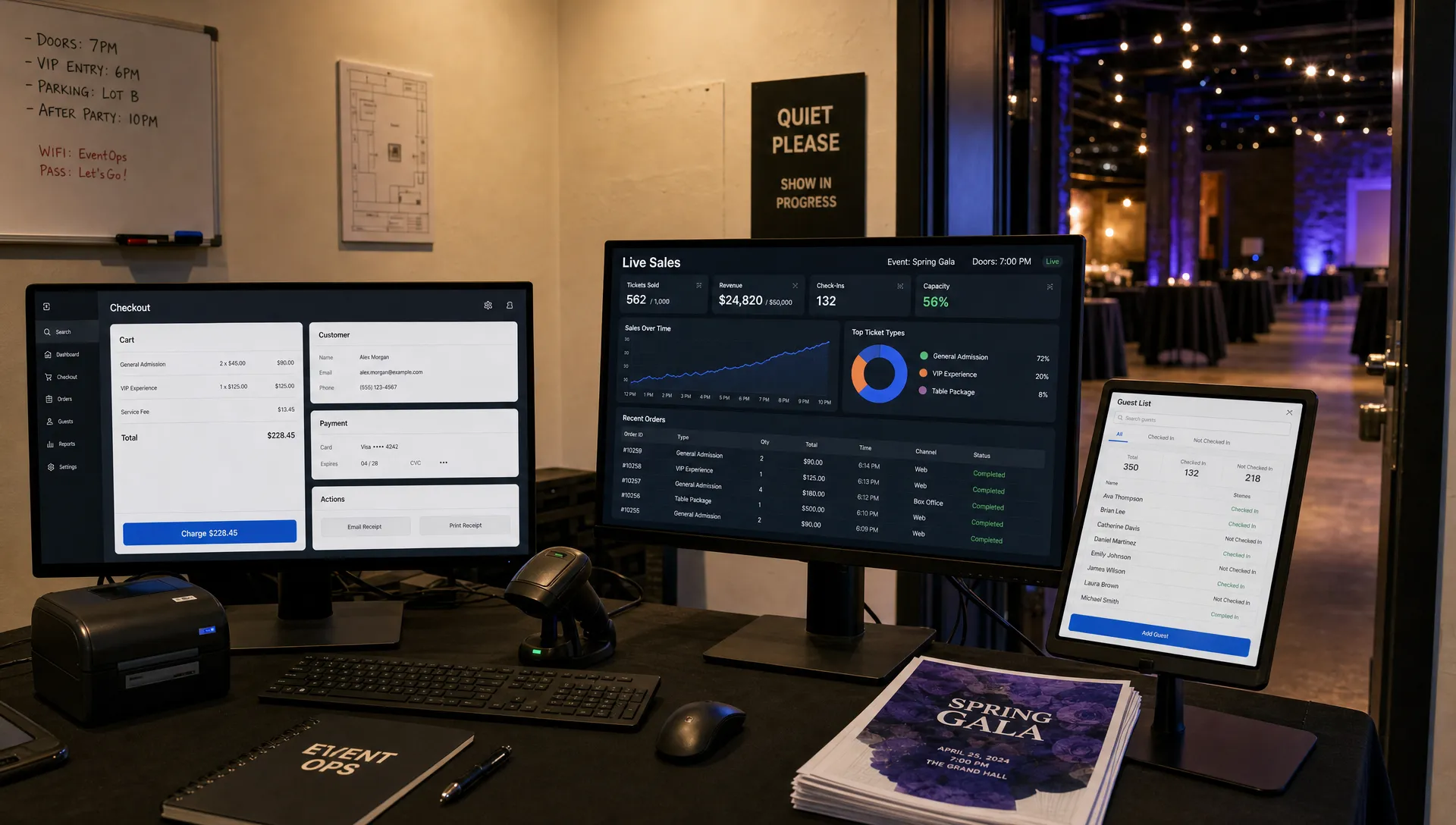
Free Ticketing Websites Compared for Event Organizers
Free ticketing websites are attractive for a simple reason: every dollar saved on fees can go back into the venue, artists, production, marketing or your own margin. But “free” in event ticketing rarely means the same thing from one platform to another.
For a neighborhood meetup, free may mean no cost because no payment is collected. For a club night or music showcase, it may mean the organizer pays nothing because buyers absorb the fees. For a nonprofit fundraiser, it may mean the platform is funded by optional tips. Those models create very different outcomes for checkout conversion, buyer trust and cash flow.
This comparison breaks down the main types of free ticketing websites, where they fit best and what event organizers should check before choosing one.
What “free” actually means in event ticketing
Before comparing platforms, define what you need to be free. A free RSVP tool for a 40-person community event is not the same as a low-fee ticketing system for a 600-person show with tiered pricing, promo codes and door staff.
| Free ticketing model | What it usually means | Best fit | Main risk |
|---|---|---|---|
| Free for free events | No platform fee when tickets cost $0 | Meetups, workshops, RSVP-only events | Limited tools if you later sell paid tickets |
| Free for organizers | Fees are passed to attendees | Paid events where margin is tight | Higher checkout total can reduce conversion |
| No subscription fee | No monthly plan, but paid ticket fees apply | Occasional events | Per-ticket costs can add up at scale |
| Donation or tip-funded | Platform asks attendees or donors for optional contributions | Nonprofits and fundraisers | Buyer experience may feel unusual for commercial events |
| DIY free tools | Forms, spreadsheets and manual check-in | Very small informal events | No real ticket security, scanning or sales controls |
The right choice depends on your event model. If you are running a free launch party, you mostly need easy RSVP collection and a clean guest list. If you are selling early bird, general admission and VIP tickets, you need pricing controls and payout clarity more than a platform that looks free on the surface.
If you are still deciding whether free admission is the right strategy, TixFlow’s guide to when free ticketing makes sense for event organizers is a useful companion to this software comparison.
Criteria used in this comparison
A ticketing website should be judged by more than its headline price. Organizers need to know how the platform behaves when real buyers arrive, when sales move quickly and when costs need to be paid before the event date.
For this comparison, the most important criteria are:
- Checkout friction: Can attendees reserve or buy without creating an account, repeating information or being surprised by fees?
- Payout timing: Does the platform help you access revenue quickly, or does it hold funds until after the event?
- Pricing flexibility: Can you create multiple ticket tiers, sales phases, access codes and promo campaigns?
- Brand control: Does the event page feel like your brand, or does the platform marketplace dominate the experience?
- Door operations: Can your team manage guest lists, check-ins and last-minute changes without spreadsheets breaking?
- Fee transparency: Are organizer fees, buyer fees and processing costs clear before you publish?
For a broader decision framework beyond free plans, see this breakdown of how to compare event ticketing platforms in 2026.
Free ticketing websites compared at a glance
Pricing and free-tier rules can change, so always verify current terms on each provider’s own pricing page before committing. The table below focuses on fit, tradeoffs and the type of “free” each option is best known for.
| Platform | Best for | Where the free angle fits | Organizer considerations |
|---|---|---|---|
| TixFlow | Paid, free and hybrid events where cash flow and control matter | Strong low-fee alternative for organizers who need free tiers plus paid ticket sales | Built around instant payouts, flat per-ticket fees, no buyer registration and real-time control |
| Eventbrite | Public events that may benefit from marketplace discovery | Commonly used for free RSVPs and general event listings | Broad reach, but organizers should review paid ticket fees, branding limits and payout terms |
| Ticket Tailor | Branded ticket sales without relying on a large marketplace | Often attractive for free events and simple box office setup | Good for independent organizers, but check how paid ticket volume affects cost |
| Humanitix | Community events, schools, nonprofits and social-impact organizers | Free event ticketing plus a mission-driven paid ticketing model | Strong values fit, but review regional support, payout process and integrations |
| Zeffy | Eligible nonprofits and fundraising events | No mandatory platform fees for qualifying nonprofit use cases | Optional contributions may affect attendee perception, and it is not built for every commercial event |
| RSVPify | Invite-only events, RSVPs and guest management | Useful for collecting free responses and managing attendance | Better for RSVP workflows than high-volume public ticket sales |
| Google Forms or similar tools | Tiny informal events | No ticketing platform fee | Not a true ticketing system, with limited security, scanning, branding and automation |
Platform-by-platform comparison
TixFlow: best when “free” is not enough
TixFlow is not valuable because it pretends paid ticketing has no cost. It is valuable because it focuses on the costs and delays organizers actually feel: slow payouts, checkout friction, complicated ticket setup and unclear per-ticket economics.
For event organizers, music producers and teams that need to manage cash flow, TixFlow’s instant payouts can matter more than a platform that markets itself as free but holds funds too long. If you owe a venue deposit, a DJ advance, security staff or production suppliers before doors open, payout timing is part of your event budget.
TixFlow also supports no buyer registration, flat per-ticket fees, real-time sales control, customizable event pages, unlimited ticket tiers, automated sales phases, smart promo codes, digital guest lists and Stripe Connect integration. That makes it especially relevant for hybrid events where you might offer free RSVP tickets, early bird paid tickets, VIP access and timed sales phases from the same setup.
Best fit: independent organizers who want a fast checkout, cleaner operations and predictable economics instead of a generic marketplace experience.
Eventbrite: best for broad public visibility
Eventbrite is one of the most recognizable names in online event discovery. That recognition can help when your event depends on public search, casual browsing or audience trust from people who do not already know your brand.
For free events, Eventbrite can be a practical way to publish a page, collect registrations and manage attendee details. For paid events, organizers should pay close attention to how service fees, payment processing and payout timing work in their region.
Best fit: public talks, community events, classes, festivals and organizers who value marketplace exposure.
Main caution: a large marketplace can be useful, but it can also make your brand feel secondary. If your goal is to build a direct audience, compare the data access, checkout flow and page customization carefully.
Ticket Tailor: best for independent branded ticketing
Ticket Tailor is often considered by organizers who want a straightforward box office without leaning heavily on a marketplace. It tends to appeal to small and mid-sized event teams that want a cleaner branded experience and a more direct relationship with attendees.
For free events, it can be a simple way to issue tickets and manage registrations. For paid events, its value depends on your ticket volume, plan structure and whether its workflow fits your operational needs.
Best fit: independent venues, workshops, theater groups, pop-ups and recurring local events.
Main caution: compare the total cost at your expected volume, not just the starting price. A model that works for one event per quarter may look different if you run weekly shows.
Humanitix: best for mission-led and community events
Humanitix is a strong option for organizers who want ticketing to align with a social-impact mission. Its model is especially appealing to schools, nonprofits, community organizers and mission-driven events.
For free events, it can cover the basic need to register attendees and manage the door. For paid events, organizers should review current pricing, payout process and regional availability before making it their default system.
Best fit: fundraisers, educational events, conferences, community programs and values-led organizers.
Main caution: mission fit is important, but the practical details still matter. Test the checkout and organizer dashboard before putting a high-stakes event on sale.
Zeffy: best for eligible nonprofit fundraisers
Zeffy stands out because it is designed around nonprofit fundraising. For eligible organizations, the no-mandatory-platform-fee model can be compelling, especially when every dollar saved supports the mission.
The tradeoff is that Zeffy’s model is not meant for every event type. A registered nonprofit gala, charity run or donor event may be a good fit. A commercial club night, music showcase or private brand activation likely needs a different ticketing workflow.
Best fit: nonprofits that want to sell fundraising tickets, collect donations and reduce platform costs.
Main caution: understand how optional contributions are presented to attendees. Even if the model is fair, the checkout experience should still feel clear and trustworthy.
RSVPify and DIY tools: best for simple headcounts
RSVPify, Google Forms and similar tools can work well when the event is free, small and low-risk. If you only need to know who is coming to a private dinner, internal meetup or small invite-only gathering, a lightweight RSVP flow may be enough.
The limitations appear when you need real ticketing. Manual spreadsheets do not prevent duplicate entries, automate sales phases, handle paid access or give door staff a reliable scanning process. They also become fragile when guests forward links, arrive with name changes or expect mobile tickets.
Best fit: small private gatherings, invite-only RSVPs and events where no money changes hands.
Main caution: DIY is only free if your time has no value. Once your team spends hours reconciling lists, sending reminders and fixing check-in issues, the hidden cost becomes obvious.
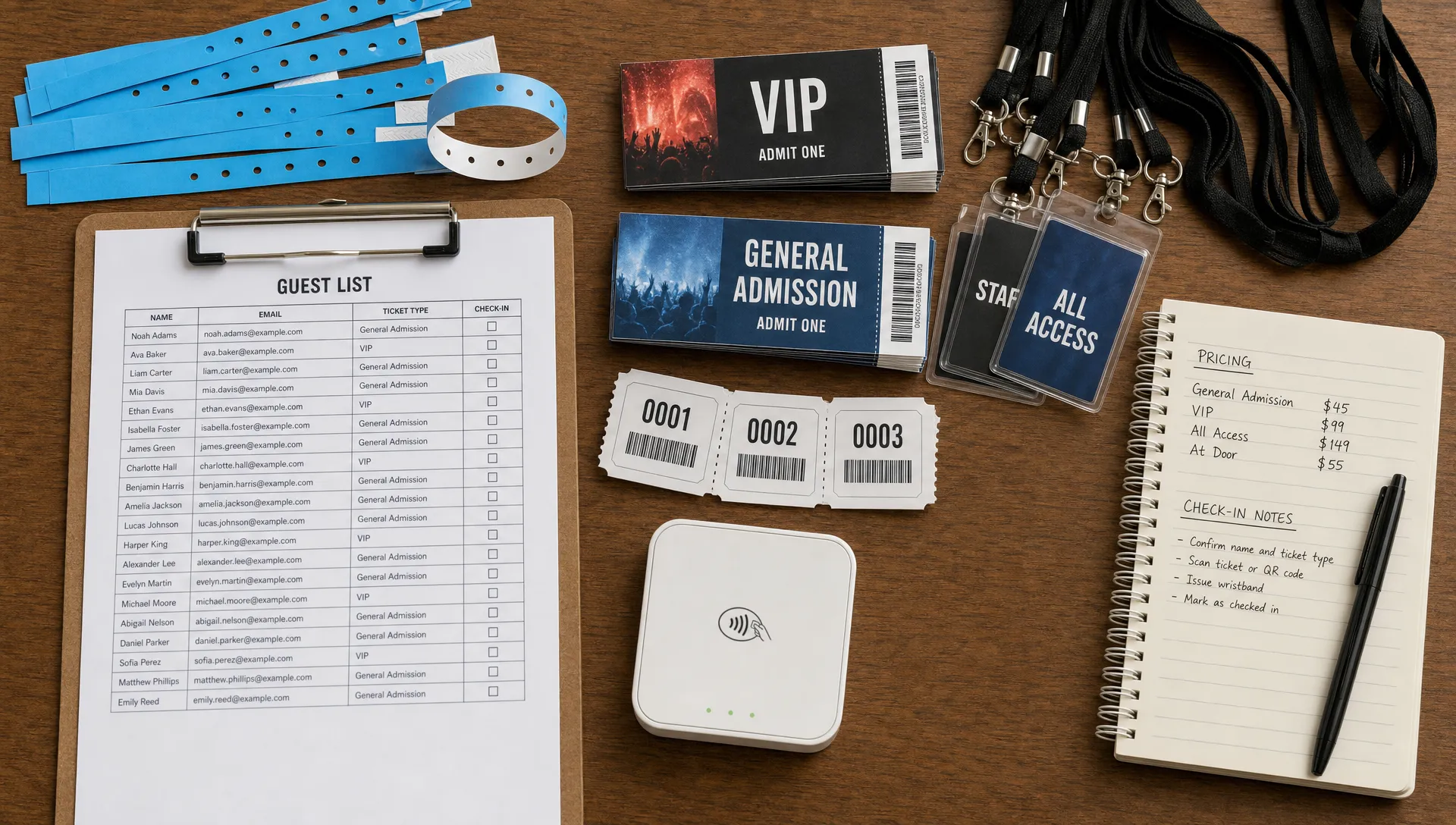
Best choice by event type
The best free ticketing website depends on the event you are actually running. A nonprofit gala, a producer showcase and a free yoga class should not use the same decision logic.
| Event type | Strong starting point | Why it fits |
|---|---|---|
| Free community meetup | Eventbrite, Ticket Tailor, Humanitix, RSVPify | Simple registration and attendee tracking usually matter more than advanced sales tools |
| Club night or live music show | TixFlow, Ticket Tailor, Humanitix | Ticket tiers, door lists, promo codes and payout timing become more important |
| Music producer showcase | TixFlow | Fast setup, no buyer registration, real-time control and instant payouts help protect cash flow |
| Nonprofit fundraiser | Zeffy, Humanitix | Nonprofit-friendly models can reduce platform costs and align with donor expectations |
| Private invite-only event | RSVPify, Google Forms | Guest response tracking may be enough if there are no paid tickets or access-control needs |
| Paid workshop or class | TixFlow, Ticket Tailor, Eventbrite | Organizers need clear pricing, reliable checkout and attendee communication |
If you are comparing options for a paid event, do not optimize only for the lowest advertised fee. A platform that adds friction at checkout can cost more through abandoned purchases than it saves in platform fees. TixFlow’s guide to simplifying event payment flows for attendees explains why removing unnecessary steps can directly affect sales.
Hidden tradeoffs most organizers miss
Free for you can be expensive for buyers
Passing fees to attendees may make the platform look free from the organizer side, but buyers still see the final price. If a $25 ticket becomes noticeably more expensive at checkout, some attendees will hesitate, especially for casual events where urgency is low.
A better approach is to decide your total acceptable buyer price first, then work backward into ticket revenue, taxes, platform fees and processing costs. That keeps your pricing strategy grounded in how attendees actually make decisions.
Payout timing affects event survival
Cash flow is not an accounting detail for organizers. It determines whether you can pay deposits, book talent, order supplies and promote the event while sales are happening.
Some platforms pay on a regular processor schedule. Others may hold funds until after the event or review accounts before releasing money. That may be fine for a free workshop, but risky for a music event with upfront production costs. Ask when funds become available, whether reserves can apply and what happens if you reschedule.
A free RSVP is not the same as access control
For a small free event, a name on a spreadsheet may be enough. For a packed room, capacity and check-in become operational risks.
Real ticketing should help you control attendance, issue unique tickets, manage guest lists and make changes quickly. If your door team cannot trust the list, the platform has failed even if it cost nothing.
Branding matters when you are building an audience
Some free ticketing websites are built around their own marketplace. That can help discovery, but it may weaken your direct relationship with attendees.
If your goal is to build a recurring event brand, a label showcase or a producer-led community, look at the event page, checkout emails and data export options. The attendee should remember your event, not just the ticketing provider.
How to test a ticketing website before committing
Do not choose a platform based only on pricing pages. Create a test event and run through the buyer journey on your phone. Most attendees will not study your event page on a desktop with perfect patience.
Check whether you can:
- Create free and paid ticket types without a complicated setup
- Buy or reserve a ticket without forced account creation
- Show the full price clearly before payment
- Add promo codes or sales phases if your strategy needs them
- Edit capacity or ticket availability in real time
- Export or manage a usable guest list
- Understand exactly when money reaches your account
Then test the door process. Scan a ticket, find a guest manually, add a walk-up if you allow them and simulate a last-minute capacity change. The best free ticketing website is the one that still works when the event is live and people are waiting.
Frequently Asked Questions
Are free ticketing websites really free? Sometimes, but it depends on the model. Free events may have no platform fee, while paid events usually involve ticketing fees, payment processing fees or optional attendee contributions. Always check who pays, when they pay and how the fees appear at checkout.
What is the best free ticketing website for paid events? There is no single best option for every organizer. If you need marketplace discovery, Eventbrite may be worth comparing. If you want branded ticketing, Ticket Tailor may fit. If cash flow, fast checkout and real-time control are priorities, TixFlow is a strong option to evaluate.
Should I pass ticketing fees to attendees? Passing fees can protect your margin, but it can also raise the final checkout price and reduce conversions. Many organizers get better results by setting a clear all-in price target, then choosing a platform with predictable fees and minimal checkout friction.
Is Google Forms enough for a free event? Google Forms can work for a small, informal RSVP list. It is not ideal when you need unique tickets, secure check-in, waitlists, capacity control, payment collection or a professional attendee experience.
What matters most for music events and nightlife? Music events usually need fast checkout, mobile-friendly purchase flows, clear ticket tiers, promo codes, guest list control and reliable payouts. Cash flow is especially important when artists, venues, production teams and promoters need to be paid before the event.
Choose a ticketing setup that protects your event
Free ticketing websites can be useful, but “free” should not be your only filter. The better question is whether the platform helps you sell smoothly, manage the door and keep control of your cash flow.
If you need instant payouts, low flat per-ticket fees, no buyer registration, flexible pricing and real-time sales control, TixFlow is built for organizers who want ticketing to feel simple for attendees and manageable for event teams.