
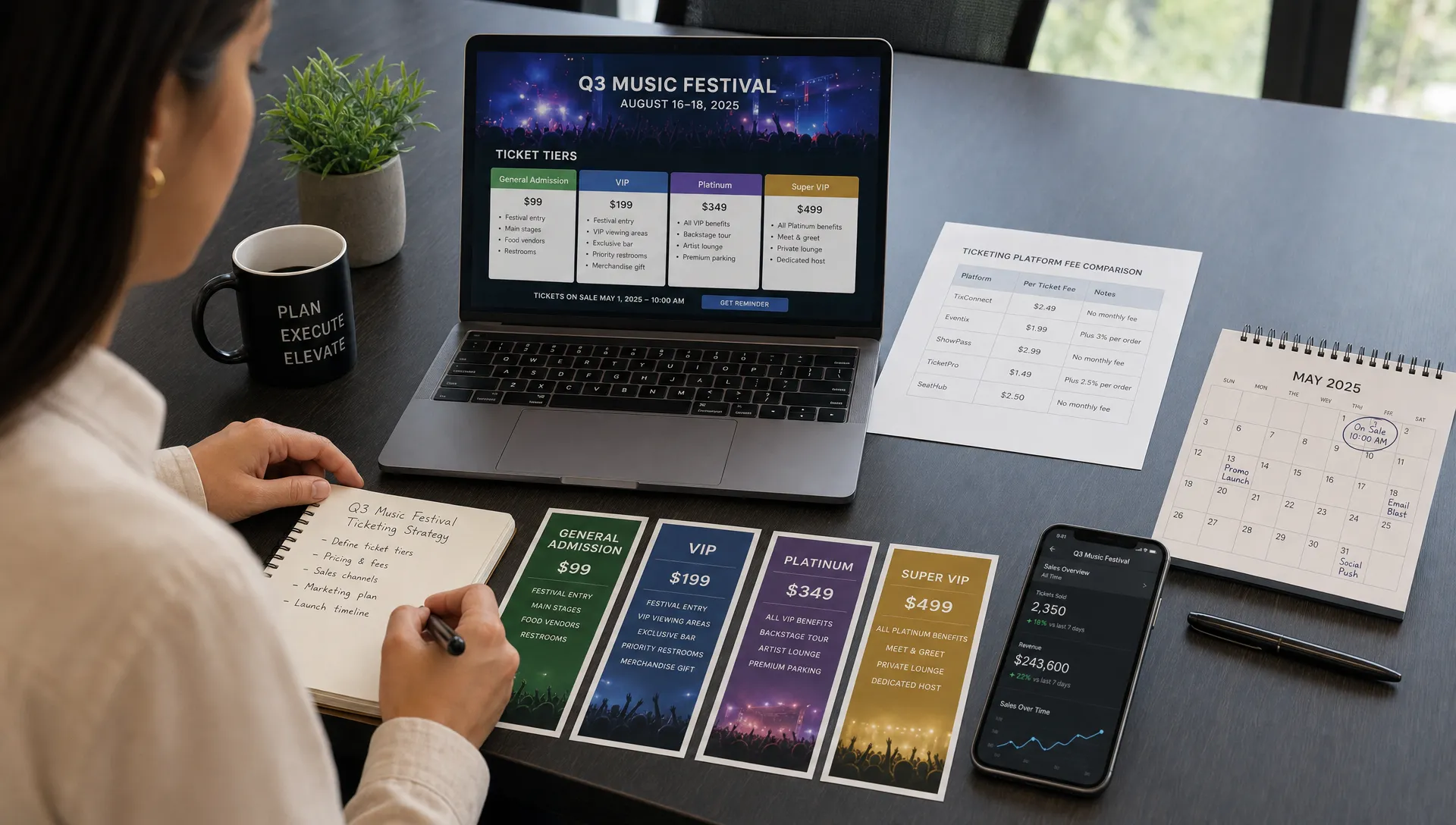
How to Compare Event Ticketing Platforms in 2026
Choosing an event ticketing platform in 2026 is no longer just a question of “Which tool lets me sell tickets online?” Most platforms can do that. The harder question is which platform protects your revenue, reduces buyer friction, gives your team operational control, and still feels aligned with your brand when the event scales.
That matters because ticketing sits at the center of the attendee journey. It affects the first purchase decision, your cash flow before the event, your ability to run promotions, your check-in experience, and the data you use to plan the next show, workshop, conference, tasting, or community event.
This guide gives you a practical framework for comparing event ticketing platforms in 2026, whether you are switching from a marketplace, replacing manual payments, or choosing your first dedicated system.
Start with your event model, not the platform feature list
A long feature list can be misleading. The “best” ticketing platform for a 2,000-person festival may be unnecessarily complex for a 120-person local event. Likewise, a basic registration form may fall apart when you need sales phases, timed promotions, multiple ticket tiers, or fast payouts.
Before you compare vendors, define what your ticketing process actually needs to support.
Ask these questions first:
- What type of events do you run most often?
- How many ticket tiers do you usually need?
- Do you need early bird, regular, last chance, VIP, group, or complimentary tickets?
- How soon do you need access to ticket revenue?
- Do buyers expect a fast checkout without creating an account?
- How much control do you need over branding and event pages?
- Who manages check-in, refunds, guest lists, and last-minute capacity changes?
- Will you run promo codes, private links, partner offers, or automated sales phases?
Once you answer those questions, the comparison becomes clearer. You are not buying “ticketing software.” You are choosing the revenue and operations layer for your event business.
The 9 criteria that matter most when comparing event ticketing platforms
1. Total fees, not just advertised fees
Many organizers start by comparing headline pricing, but the real cost can be harder to see. A platform may advertise a low base fee while adding payment processing fees, service fees, payout fees, currency conversion fees, or hidden charges for features you actually need.
In 2026, you should compare the total cost per ticket and the way fees are handled. Some platforms let organizers absorb fees, pass them to buyers, or configure how costs appear at checkout. Others limit your options.
Look at three numbers for each platform:
| Fee category | What to check | Why it matters |
|---|---|---|
| Platform fee | Flat fee, percentage fee, or both | Determines how costs scale as ticket price increases |
| Payment processing | Card, wallet, local payment, and refund costs | Affects your net revenue per order |
| Buyer-facing fees | Whether fees are shown early, late, or bundled | Impacts trust and checkout completion |
A flat per-ticket fee can be especially attractive for organizers selling higher-value tickets, because the platform cost does not automatically rise with your ticket price. If fee strategy is a major concern, TixFlow’s guide on how to maximize event revenue instead of absorbing ticket fees is a useful companion to this comparison.
2. Checkout friction and buyer conversion
The best ticketing platform is not only the one your team likes using. It is also the one your attendees can complete quickly.
Checkout friction can come from unnecessary account creation, long forms, unclear fees, confusing mobile layouts, limited payment options, or too many steps between the event page and the final purchase. The Baymard Institute’s checkout research has consistently shown that checkout usability plays a major role in online purchase completion, and ticketing is no exception.
When comparing platforms, run a test purchase on mobile. Do not just watch a demo. Try to buy a ticket as if you were a first-time attendee who heard about the event from Instagram, a text message, or a newsletter.
Pay attention to:
- Whether buyers must create an account before purchasing
- How many fields the checkout requires
- Whether the fee breakdown is clear
- How fast the page loads on mobile
- Whether the payment flow feels trustworthy
- How quickly the confirmation and ticket are delivered
For small and mid-sized events, removing buyer registration can be a major advantage. Attendees want to buy, get their ticket, and move on. Every extra step creates another chance to lose the sale.
3. Payout speed and cash flow
Ticket revenue is not just a number on a dashboard. It pays for venues, artists, staff, vendors, equipment, security, marketing, and production costs. If a platform delays payouts until after the event, your team may need to finance the event with cash reserves or credit.
When comparing event ticketing platforms, payout timing should be one of your first filters.
Ask each provider:
- When is ticket revenue available?
- Are payouts instant, rolling, weekly, or after the event?
- Are there payout holds for new organizers?
- Are refunds deducted from future payouts or current balance?
- Which payment provider powers the transaction flow?
- Does the platform support connected accounts or direct organizer payouts?
TixFlow, for example, is built around instant payouts and Stripe Connect integration. Stripe Connect is widely used for marketplace and platform payments, and Stripe provides detailed documentation on connected account payment flows. The important comparison point is not the logo of the payment provider, but whether the ticketing platform’s payout model supports your real cash flow needs.
If you regularly front production costs, you may also want to review this guide on how organizers can simplify ticketing payments for faster payouts.
4. Ticket tier and pricing flexibility
A platform that works for one general admission ticket may not work when your pricing strategy evolves. In 2026, organizers increasingly need flexible ticket structures to manage demand, reward early buyers, test price points, and create urgency.
At minimum, compare whether each platform supports multiple ticket types, inventory limits, scheduled sales, discount codes, and private ticket options. For more sophisticated events, look at automated sales phases, smart promo codes, and real-time controls that let you adjust availability without rebuilding the event page.
A strong ticketing platform should help you answer questions like:
- Can I launch early bird pricing and automatically switch to regular pricing?
- Can I cap VIP tickets separately from general admission?
- Can I create a private ticket tier for partners, members, or press?
- Can I pause or reopen sales quickly?
- Can I run a promo code without discounting every buyer?
- Can I track which promotions actually drove sales?
Pricing flexibility is not only for large events. Small events often benefit the most because they need to create momentum early and avoid discounting too late. If you are still shaping your pricing model, this guide on how to price tickets for small events can help you think through the strategy before choosing the software.
5. Brand control and event page customization
Some platforms make your event feel like it belongs to the platform first and your brand second. That may be acceptable if discovery through a large marketplace is your main priority. But if most buyers come from your own audience, social channels, email list, community, or partners, your ticketing experience should reinforce your brand.
Compare how much control you get over the event page, checkout appearance, language, images, copy, and confirmation experience. A consistent brand experience can make the purchase feel more trustworthy, especially for niche events, premium experiences, and local communities where the organizer’s reputation matters.
This is also where you should decide whether you want a marketplace, a white-label style experience, or something in between. If you are weighing a large aggregator against a more specialized setup, TixFlow’s Eventbrite vs. TixFlow comparison explores that tradeoff in more detail.
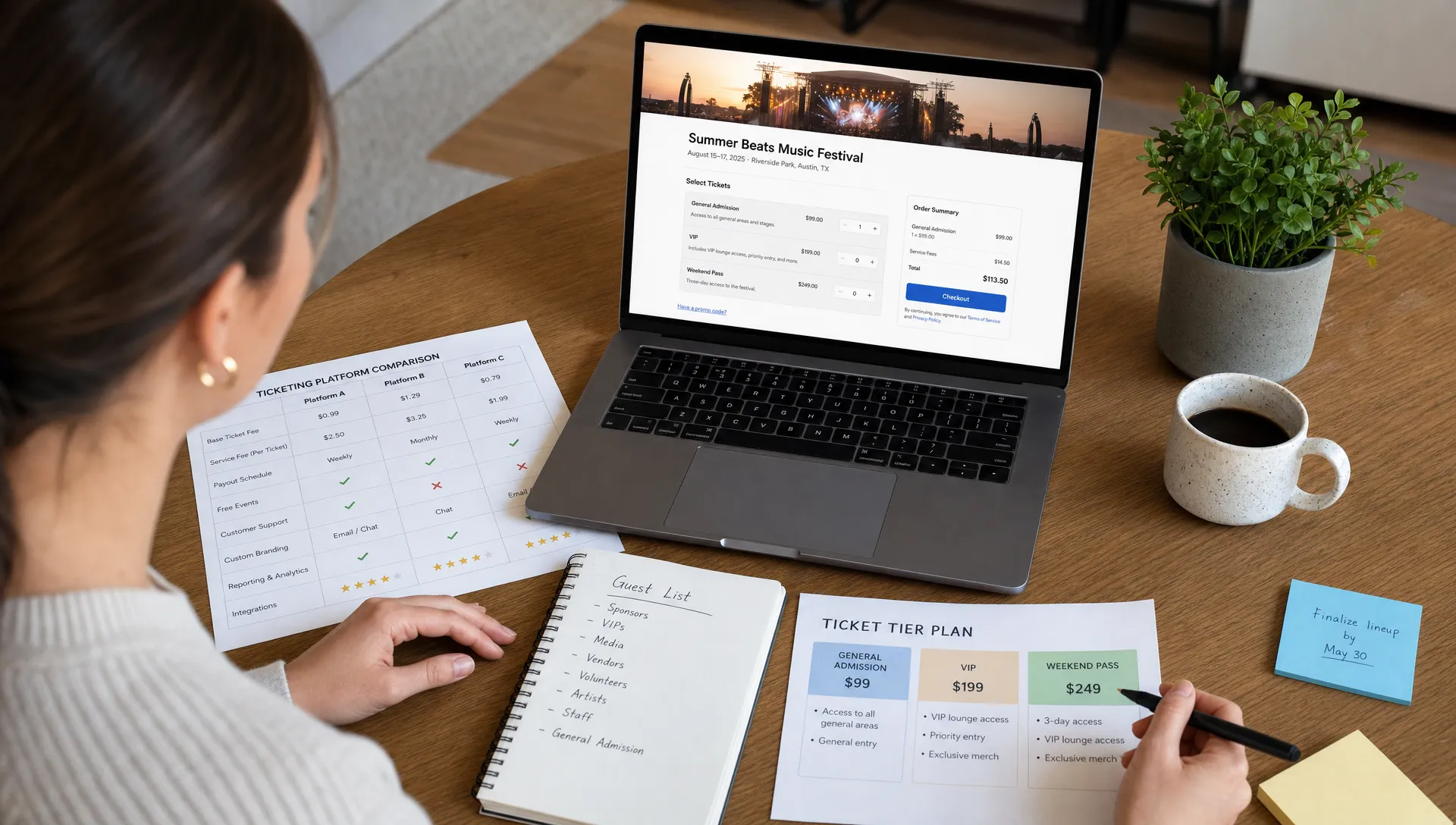
6. Real-time control during sales
Ticket sales rarely go exactly according to plan. A sponsor might request reserved tickets. A performer might add a second show. A venue might change capacity. A promo code might need to be paused. A tier might sell faster than expected.
Real-time control helps your team respond without waiting for support or rebuilding the entire event setup.
Look for the ability to:
- Edit ticket availability while sales are live
- Pause or resume sales quickly
- Adjust ticket tiers and sales windows
- Monitor sales performance in real time
- Manage guest lists digitally
- Handle complimentary tickets or manual entries when needed
This is especially important for event teams that operate with lean staffing. The more control you have inside the platform, the fewer manual workarounds you need in spreadsheets, payment apps, inboxes, and door lists.
7. Day-of-event operations
Many organizers evaluate ticketing platforms only from the sales side, then discover operational weaknesses at the door. A platform should make check-in easier, not create a bottleneck when attendees arrive.
Digital guest lists, clear attendee records, ticket status visibility, and simple check-in workflows are essential. Even if your event is small, a messy door experience can damage the attendee’s first impression.
When testing platforms, simulate the day-of-event process:
| Operational task | What to test | Risk if ignored |
|---|---|---|
| Guest list access | Can staff find attendees quickly? | Slow lines and frustrated buyers |
| Ticket validation | Can the team confirm valid tickets easily? | Duplicate entries or manual disputes |
| Last-minute changes | Can you add, edit, or comp attendees? | Staff rely on texts and spreadsheets |
| Sales visibility | Can you see final counts in real time? | Capacity and staffing decisions become harder |
The right platform should work for the person setting up the event and the person managing the entrance. Those are often different people with different needs.
8. Security, compliance, and payment trust
Attendees trust you with their payment information, even if a payment processor handles the sensitive card data behind the scenes. Your ticketing platform should make that trust easy to maintain.
You do not need to become a payments engineer, but you should understand how the platform approaches secure payments, access control, refunds, and data protection. For card payments, the PCI Security Standards Council is the main global body behind PCI Data Security Standard requirements. A modern platform should rely on reputable payment infrastructure and avoid unnecessary handling of sensitive payment data.
Ask vendors:
- Which payment processor is used?
- How are refunds handled?
- What data can organizers access?
- Can staff access be limited by role or need?
- How are tickets delivered and validated?
- What happens if an attendee disputes a charge?
Security also includes operational trust. If staff share passwords, export lists into unprotected files, or manually reconcile payments across tools, your process becomes riskier even if the platform itself is secure.
9. Setup speed and organizer usability
A powerful platform is only useful if your team can actually launch events without a long implementation cycle. Setup speed matters for recurring events, last-minute announcements, pop-ups, workshops, and independent organizers who cannot wait weeks to publish a page.
Evaluate the organizer experience from start to finish. How quickly can you create an event, add ticket tiers, configure pricing, publish the page, run a test order, and access the guest list?
A good platform should make common tasks obvious and advanced settings available when needed. If every change requires support, the platform may become a bottleneck.
A practical scoring checklist for 2026
Once you have narrowed your options, use a simple scoring model. Give each platform a score from 1 to 5 for each category, then weight the categories based on your event model.
| Category | Suggested weight | What a 5 looks like |
|---|---|---|
| Buyer checkout | High | Fast mobile checkout with minimal required steps |
| Fees and revenue control | High | Transparent fees with flexible fee handling |
| Payout speed | High | Revenue access matches your cash flow needs |
| Ticket tier flexibility | Medium to high | Multiple tiers, limits, phases, and promo options |
| Branding | Medium | Event page and checkout feel aligned with your brand |
| Operations | High | Digital guest lists and smooth day-of-event workflows |
| Security and payments | High | Trusted payment infrastructure and clear refund handling |
| Setup speed | Medium | Events can be created and updated quickly |
| Support fit | Medium | Help is available in the way your team needs it |
This framework keeps the decision grounded. A platform with the most features may not win if the checkout is slow, the fees are unclear, or payouts do not match your business model.
Common red flags when evaluating platforms
Some problems only become obvious after you start selling. Watch for these warning signs during the comparison process.
One red flag is unclear pricing. If you cannot easily calculate what you will keep from a $25, $75, or $150 ticket, the fee model needs more scrutiny. Another is mandatory buyer registration, especially for events where impulse purchases matter. A third is limited ticket tier control, which can restrict your ability to test early bird pricing, VIP access, or partner offers.
Be cautious if payout timing is vague. “Fast payouts” should have a specific meaning. Ask exactly when funds become available and whether there are exceptions.
Also watch for platforms that make your event look generic. If the platform brand dominates the purchase experience, you may be building someone else’s relationship with your audience instead of strengthening your own.
Finally, avoid choosing a platform only because it is familiar. Familiar tools can be convenient, but they may not be optimized for your type of event, your fee strategy, or your need for control.
Where TixFlow fits in the comparison
TixFlow is designed for organizers who want a modern ticketing experience without unnecessary friction for buyers or operational complexity for teams. Its feature set focuses on practical organizer needs: instant payouts, flat per-ticket fees, no buyer registration, real-time sales control, customizable event pages, unlimited ticket tiers, automated sales phases, smart promo codes, digital guest lists, and Stripe Connect integration.
That combination is especially relevant if you care about fast cash flow, clear ticket economics, flexible pricing, and a checkout experience that does not force attendees to create an account before buying.
TixFlow may be a strong fit if your priorities include:
- Selling tickets quickly without a long setup process
- Keeping the buyer journey simple
- Managing multiple ticket tiers or sales phases
- Avoiding percentage-based platform fees where possible
- Accessing revenue faster through instant payouts
- Maintaining more control over the event page and sales flow
As with any platform, the best way to evaluate fit is to map the features against your actual event workflow. Compare the cost structure, test the checkout, review payout timing, and confirm that the operational tools match how your team works.
How to run a fair platform comparison
To avoid being swayed by demos or brand recognition, compare platforms using the same test event. Create a realistic event scenario with your actual ticket prices, expected capacity, sales phases, promo codes, and check-in needs.
Then test each platform against that same scenario. Calculate net revenue after fees. Run a mobile checkout. Confirm payout timing. Try creating and editing ticket tiers. Check how the event page looks. Review the guest list workflow. If possible, ask someone outside your team to buy a test ticket and describe the experience.
A fair comparison should include both organizer experience and attendee experience. The platform must work well on both sides of the transaction.
Frequently Asked Questions
What is the most important factor when comparing event ticketing platforms? The most important factor depends on your event model, but checkout friction, total fees, payout timing, and operational control are usually the highest-impact areas. A low-cost platform can still be expensive if it reduces conversion or delays access to revenue.
Should I choose a marketplace or a dedicated ticketing platform? A marketplace can help if you rely heavily on platform discovery. A dedicated ticketing platform may be better if most buyers come from your own audience and you want more control over branding, fees, checkout, and customer relationships.
Why does payout speed matter for event organizers? Payout speed affects cash flow. If ticket revenue is held until after the event, organizers may need to cover venue, production, staffing, and marketing costs upfront. Faster payouts can make event planning more sustainable.
Are flat per-ticket fees better than percentage fees? Flat per-ticket fees can be beneficial for higher-priced tickets because the platform fee does not rise as the ticket price increases. Percentage fees may be simpler for some models, but organizers should compare the actual net revenue at their expected ticket prices.
How can I test checkout friction before choosing a platform? Create a test event and complete a purchase on mobile. Count the steps, review required fields, check whether account creation is mandatory, evaluate fee clarity, and confirm how quickly the ticket is delivered.
Choose the platform that protects the full event experience
The right ticketing platform should do more than process orders. It should help you sell faster, keep more control over revenue, reduce buyer friction, manage day-of-event operations, and build trust with your audience.
If you are comparing event ticketing platforms in 2026, put TixFlow on your shortlist. Explore how TixFlow supports instant payouts, flat per-ticket fees, no buyer registration, flexible ticket tiers, customizable event pages, and real-time sales control at TixFlow.