
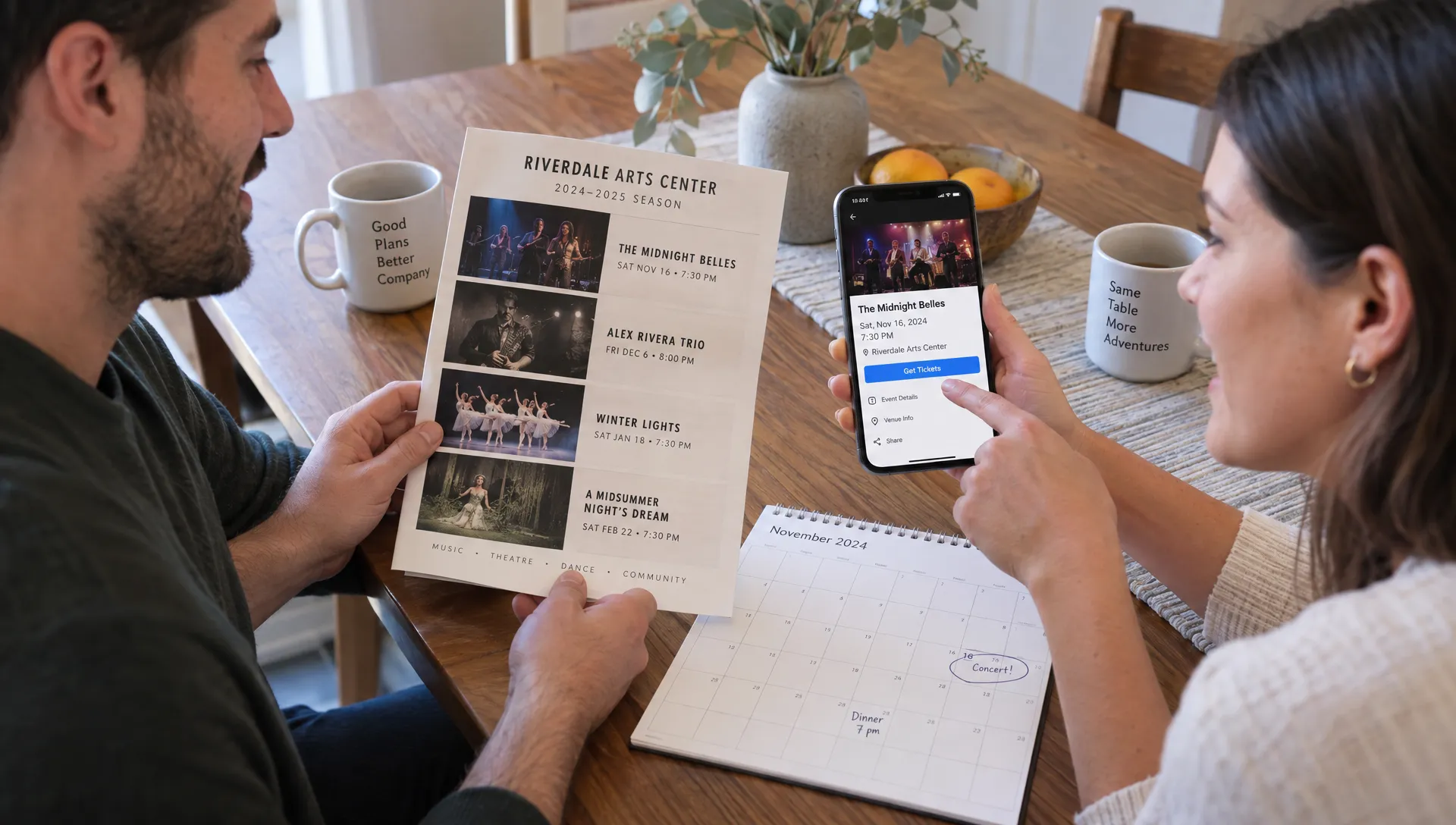
Tickets Are on Sale! 5 Email Templates for Event Organizers
Your tickets are on sale, but the announcement still has to give people a reason to buy. A useful launch email answers four questions quickly: what is happening, why it is worth attending, what it costs and where to book.
The five templates below cover a public launch, an early-bird offer, a private presale, a program update and a final online-sales reminder. Each includes a subject line, preview text and a clear call to action. Choose the message that matches your actual sales stage rather than sending every version to everyone.
Replace the bracketed fields before sending. Treat each bold call to action as button copy linked to your live ticket page. Keep the essential information in text, even if you also include a poster, so readers can understand the offer without loading images.
Before you announce that tickets are on sale
Check the purchase journey on a phone before emailing your audience. The event date, venue, ticket availability and advertised price should match across the email, event page and checkout. Use accurate prices that include mandatory fees and make applicable tax treatment clear.
Use this guide to select a template:
| Template | Best audience | Send when |
|---|---|---|
| Public launch | Subscribers interested in this event | Public booking opens |
| Early-bird offer | Relevant subscribers who have not purchased | A genuine discounted phase is available |
| Private presale | Eligible interest-list members or past attendees | Their access window opens |
| Program update | Interested nonbuyers | A meaningful addition is confirmed |
| Final reminder | Engaged nonbuyers | A real online-sales deadline approaches |
Confirm venue readiness before accepting payments, too. For a restaurant or small venue in the Kingston area, that can include discussing TapTech’s commercial drain maintenance services with the venue manager to address drainage concerns before a busy event. Operational checks belong behind the scenes, not in your announcement copy.
1. Public launch email: make the invitation clear
Best for: Your main announcement to subscribers who have expressed interest in the event or its subject. Lead with the experience, then provide the practical details needed to buy.
Subject: Your invitation to [Event name] on [Date]
Preview text: [Main attraction] at [Venue]. Choose your ticket today.
Hi [First name],
It’s official: tickets are on sale for [Event name].
Join us on [Date] at [Venue, city] for [specific experience, such as a headline performance, hands-on workshop or evening of local food].
Your ticket includes [main inclusion] and [second inclusion]. Whether you’re coming for [audience interest] or planning a night out with friends, you’ll find [specific reason this event is worth attending].
Date and time: [Date, start time and time zone]
Location: [Venue and city]
Tickets: [Ticket options and total advertised prices]
Get tickets [Ticket URL]
We’d love to see you there.
[Organizer name]
Replace broad claims such as “an unforgettable experience” with something concrete: a confirmed artist, a workshop outcome or an unusual venue. If you offer several ticket tiers, highlight the main choices rather than copying the entire pricing page into the email. Keep one primary booking destination so readers do not have to choose between competing links.
2. Early-bird email: explain the price and deadline
Best for: Interested subscribers who have not bought. This version works when a lower-priced phase genuinely ends at a defined time. If allocation rather than time controls availability, say so explicitly.
Subject: Early-bird pricing for [Event name] ends [Day]
Preview text: Book at [Early-bird price] before [Deadline and time zone].
Hi [First name],
Early-bird tickets are on sale for [Event name] at [Total early-bird price] until [Date, time and time zone].
After that deadline, [the same ticket type] moves to [Total next-phase price].
Join us at [Venue] on [Event date] for [specific attraction or benefit]. Your ticket includes [inclusions], with [important access detail, such as the session or admission period covered].
If you already know you want to attend, this is the lower-priced booking window.
Book the early-bird rate [Ticket URL]
Early-bird deadline: [Date, time and time zone]. [Add any genuine allocation limit or eligibility condition.]
See you there,
[Organizer name]
Check that the ticket page changes price at the advertised deadline. TixFlow supports automated sales phases, but schedule the email separately in your email platform and verify both timings. Only state a savings amount when you have compared equivalent tickets, including mandatory fees. Do not restart the same “final” offer the following morning.
3. Private presale email: reward early interest
Best for: A defined group receiving advance access, such as interest-list members or eligible returning attendees. Make the access instructions easy to find and avoid implying that recipients have a reservation unless they actually do.
Subject: Your early access to [Event name] is open
Preview text: Use [Access code] to book before public sales open on [Date].
Hi [First name],
You signed up to hear about [Event name], so you’re receiving access before the public launch.
Join us on [Date] at [Venue, city] for [specific experience]. [Add one confirmed detail that makes this edition relevant to this audience.]
Your access code: [Code]
Presale window: [Opening date and time] to [Closing date, time and time zone]
Available tickets: [Eligible ticket types and total prices]
Enter your code at [exact step in the booking process]. This gives you access to book during the presale; tickets are not held unless you complete your order.
Your presale tickets are on sale now, ahead of public booking on [Date].
Use my early access [Ticket URL]
Thanks for being among the first to hear about it.
[Organizer name]
Before sending, test the code using the same path recipients will follow. If you do not have an eligible audience yet, a pre-launch interest list can help you build one for a future release. Do not describe a publicly available discount as exclusive access.
4. Program update email: give undecided readers new information
Best for: Relevant subscribers who have not purchased and now have a fresh reason to consider the event. A confirmed performer, additional workshop or newly announced experience can justify another message without repeating the launch email.
Subject: [Artist, speaker or experience] joins [Event name]
Preview text: Here’s what the new addition brings to [Event date].
Hi [First name],
We’ve added [Confirmed addition] to [Event name] on [Date].
[Explain the addition in one specific sentence: what attendees will hear, learn, see or take part in.]
It joins [existing program highlight], giving you [clear audience benefit]. If [relevant interest] is what brings you out, this is a good reason to take another look at the program.
The essentials:
[Date and start time, including time zone]
[Venue and city]
[Ticket type and total advertised price]
[State whether the new addition is included in that ticket or requires a separate purchase.]
See the program and book [Ticket URL]
[Organizer name]
Make the update substantial enough to deserve another email. A poster redesign usually is not; a confirmed artist or additional included session may be. Existing buyers can receive a separate information-focused update without another request to purchase. That distinction keeps your sales messages relevant and reduces confusion about whether their original ticket covers the addition.
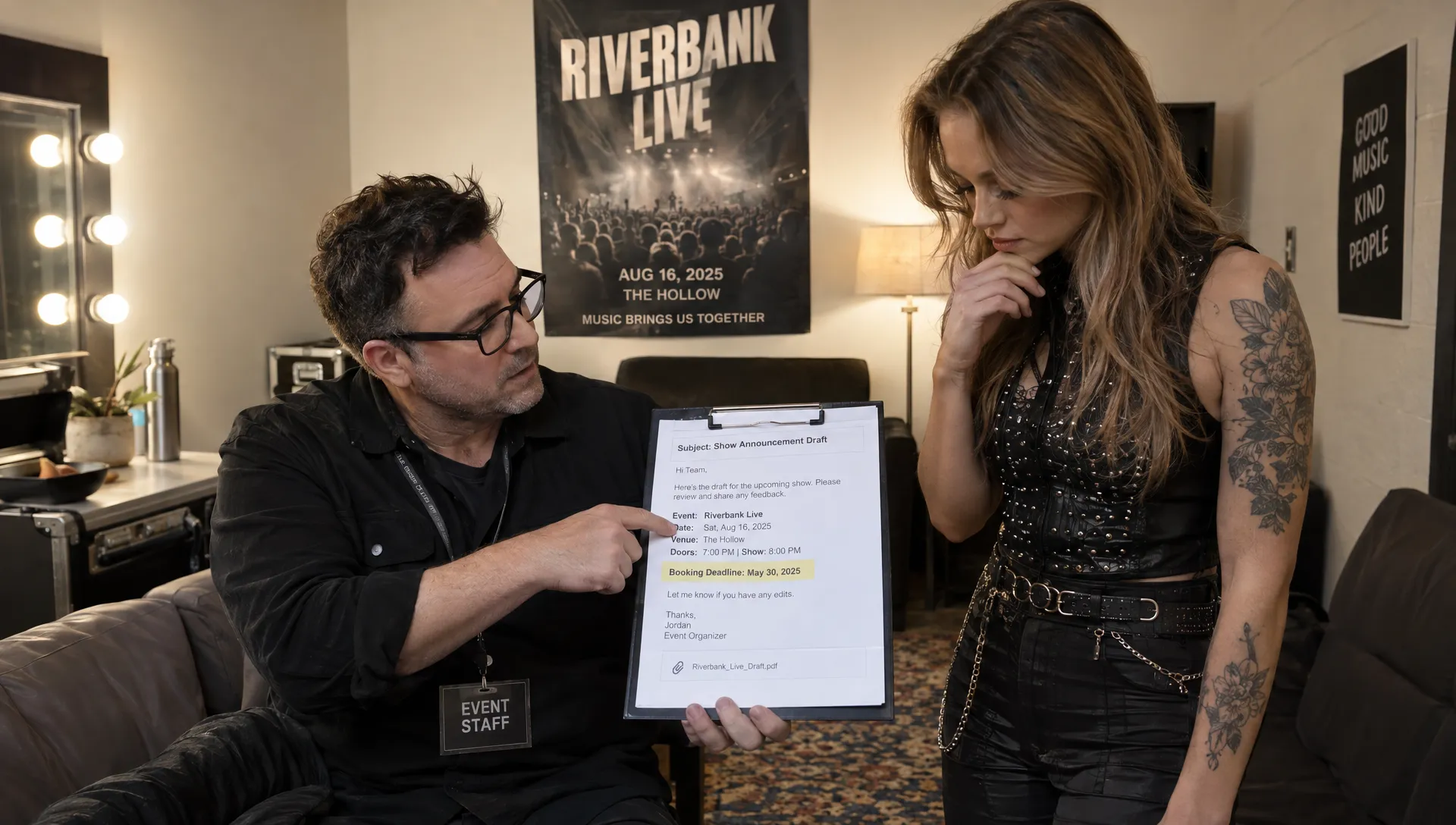
5. Final reminder email: state exactly what is ending
Best for: Engaged subscribers who have not purchased, shortly before a genuine deadline. Distinguish between online sales closing, a price changing and the event selling out. They are different claims.
Subject: Online booking for [Event name] closes [Day, time]
Preview text: Book before [Deadline and time zone]. [Accurate door-sales information.]
Hi [First name],
A quick reminder: tickets are on sale online until [Date, time and time zone] for [Event name].
We’ll be at [Venue, city] on [Event date], with [main attraction or experience]. [Add one useful practical detail, such as doors opening time or the session start time.]
Available option: [Ticket type and total advertised price]
After online booking closes, [state the actual arrangement: no door sales, door sales subject to availability or a different purchasing process].
Book before online sales close [Ticket URL]
If you have a question before booking, contact [Monitored email address].
Thanks,
[Organizer name]
Verify availability immediately before sending. If only a particular tier is nearly sold out, name that tier rather than implying the entire event is almost full. For other ways to create urgency around ticket availability, use the actual sales conditions as your starting point, not a countdown added for effect.
Send the right version and measure purchases
These templates are alternatives for different moments, not a mandatory five-email sequence. A short local event may need only a launch and a final reminder. A larger production may have enough meaningful changes to justify more messages.
When tickets are on sale, use an up-to-date purchaser list to exclude existing buyers from acquisition-focused reminders. Keep operational messages, such as venue changes or arrival instructions, separate so attendees still receive essential information.
Give each email a distinct tracking link if your email and analytics tools support it. Compare attributed orders and revenue where available, not just opens. Privacy protections and automated scanning can affect engagement metrics, so a high open rate alone does not establish that a message sold tickets.
For US commercial email, follow the FTC’s CAN-SPAM compliance guidance, including accurate sender information, truthful subject lines, a valid postal address and a working opt-out method. Honor opt-out requests within the required timeframe and follow any additional consent rules that apply to your audience.
Frequently asked questions
What should an event ticket announcement include? Say that tickets are on sale, explain the event’s main appeal and include the date, location, accurate pricing and one clear booking link. Add relevant restrictions, such as age limits, before readers purchase.
Should the subject line include the ticket price? Include it when price is central to the offer, such as an early-bird release. Otherwise, the event name or a specific attraction may be more useful. Any advertised price should accurately reflect mandatory fees and relevant conditions.
How many ticket emails should I send? Send when you have a meaningful reason: booking opens, an offer ends, the program changes or online sales close. Avoid sending near-identical reminders simply because another day has passed.
Can I use these templates for free events? Yes. Replace purchase language with registration language and remove price claims. Only mention limited spaces or a registration deadline when those limits are real.
Connect the email to an easy checkout
A clear invitation should lead to a ticket page that matches it. Before sending, confirm the advertised tier is available and complete a mobile purchase-path check.
TixFlow offers customizable event pages, unlimited ticket tiers, automated sales phases and checkout without buyer registration. It also offers flat per-ticket fees and instant payouts, features worth considering when planning ticket revenue and event cash flow. Use your email platform to send the message, then direct readers to the relevant event page with one obvious next step.