
Registration Websites for Events That Keep Forms Short
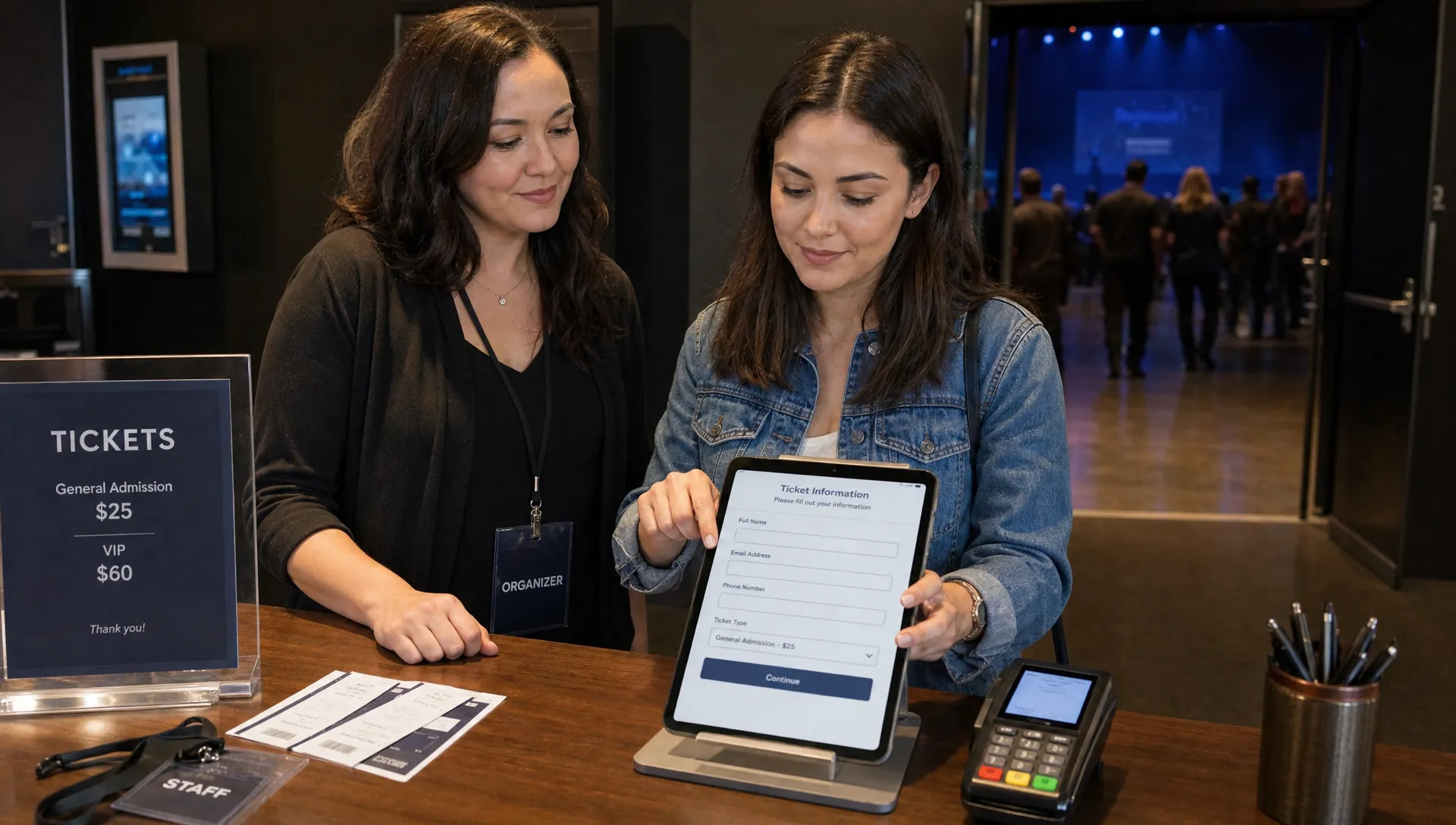
The best registration websites for events do not treat every ticket buyer like a database record to complete. They help people move from interest to purchase with as little friction as possible, then give organizers the information they need to run the event well. For concerts, workshops, club nights, fundraisers, conferences and pop-ups, that usually means one thing: keep the form short until there is a clear reason to ask for more.
A registration form is not just an admin tool. It is part of your sales funnel. Every extra field can create a small pause, and enough pauses can turn into abandoned carts, especially on mobile, during flash sales or when a buyer is coming from a social post with limited context.
This does not mean organizers should collect no information. It means they should collect the right information at the right moment. A name, email and ticket selection may be enough to confirm a purchase. Dietary restrictions, accessibility needs, guest details or marketing questions may matter too, but they do not always belong before payment.
Why registration websites for events should keep forms short
Registration websites for events should be designed around the buyer's momentum. Most attendees arrive with a simple goal: choose a ticket, pay and receive confirmation. If the process suddenly asks them to create an account, verify a password, fill out demographic fields or answer optional questions that look mandatory, the buying mood changes from easy to effortful.
For organizers, short forms are not just about user experience. They protect revenue. A music producer announcing a limited-capacity show, for example, may have a short window when demand is high. A slow checkout can waste the energy created by the announcement.
Short forms also reduce support. When buyers are forced through long registration flows, they make more mistakes, use alternate emails they cannot access or abandon the purchase and message the organizer later. A simpler flow gives the team cleaner data and fewer manual fixes.
The principle is straightforward: if a field is not needed to complete the transaction, deliver the ticket or manage entry, question whether it belongs before payment.
The hidden cost of asking too much before payment
Long forms feel harmless from the organizer side because each field has a reason. You want to know how attendees heard about the event. You want phone numbers in case details change. You want age ranges, job titles, company names or social handles for reporting and partnerships. Individually, those requests can seem reasonable.
The buyer experiences them differently. They see a longer task, more privacy exposure and more chances to type something wrong. On mobile, even a few extra fields can feel slow. In a group purchase, the buyer may not have all guest details ready and may postpone checkout entirely.
This is why registration websites for events need a clear hierarchy of information. Payment-critical fields come first. Operational fields come second. Nice-to-have marketing data comes last, often after the purchase or through optional follow-up.
If you are trying to improve the entire buying journey, not only the form itself, TixFlow has a related guide on simplifying event payment flows that covers pricing clarity, checkout speed and buyer confidence.
What belongs in a short event registration form
A good short form is not empty. It is focused. The goal is to capture enough information to issue a valid ticket, contact the buyer and support entry at the door.
For many paid events, the core fields are:
- Buyer name
- Email address
- Ticket quantity and tier
- Payment details
- Optional consent for event updates or marketing, where legally required
Some events need more. A workshop may need attendee names for certificates. A dinner may need dietary restrictions. A retreat may require emergency contact details. The point is not to avoid necessary data, but to avoid collecting it too early or presenting it without context.
| Field type | Best timing | Why it matters |
|---|---|---|
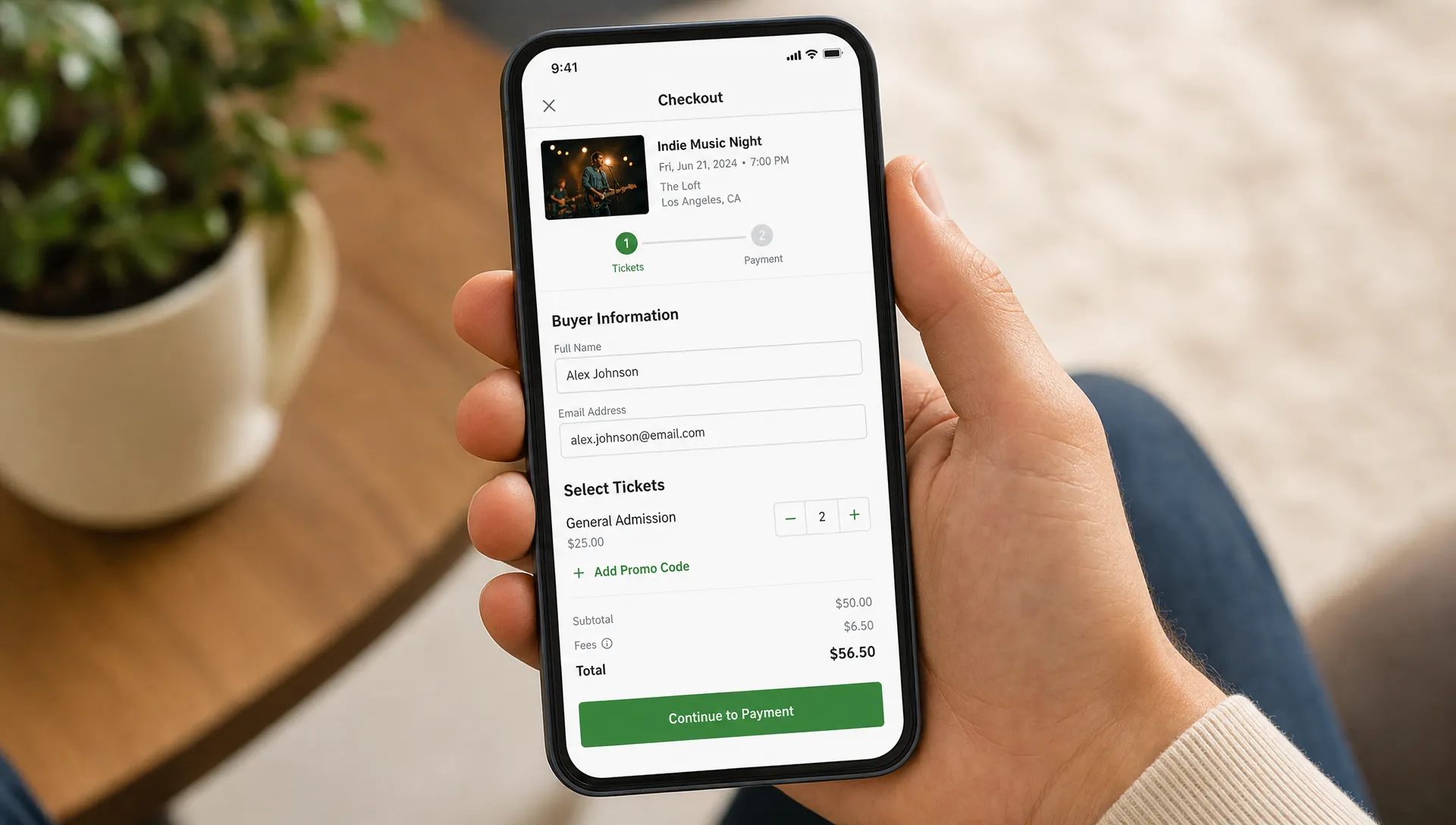
| Buyer name and email | Before payment | Needed for receipt, confirmation and ticket delivery |
| Ticket tier and quantity | Before payment | Needed for pricing, capacity and access rules |
| Promo code | Before payment | Affects the final price and buyer decision |
| Guest names | Before or after payment, depending on event | Useful for check-in, but not always needed to complete sale |
| Dietary or accessibility needs | After payment or as a clearly explained optional field | Important for planning, but may slow simple ticket purchases |
| Marketing questions | After payment | Useful for reporting, but rarely essential to purchase |
This structure helps organizers avoid a common trap: using the checkout form as a survey. Surveys have their place, but the payment moment is not always that place.
Use progressive questions instead of one long form
Registration websites for events work better when they separate purchase intent from attendee profiling. This approach is often called progressive disclosure: ask only what is necessary now, then request more information later when the buyer understands why it matters.
For example, a conference organizer might sell the ticket with only basic buyer details, then send a post-purchase form for session preferences. A promoter might let someone buy four tickets immediately, then allow guest names to be added later. A nonprofit might ask donation-related questions after the ticket is confirmed, not before.
This pattern is common outside ticketing too. Health services often need sensitive information, but the best ones make the process feel manageable by guiding users step by step. For example, CELTO's quiz-based recommendation flow shows how a service can ask structured questions about goals and habits, then use the answers to recommend a relevant next step. Event organizers can borrow the same idea: ask in context, explain the reason and avoid presenting every question at once.
Progressive questions also improve data quality. When buyers are not rushed before payment, they are more likely to give accurate answers later.
Short forms still need strong operational control
Keeping forms short does not mean giving up control. Organizers still need to manage capacity, pricing, promotions, entry and revenue timing. The right platform should make those controls available behind the scenes without making the buyer do extra work.
For a music event, this might mean early bird tickets that switch automatically to general admission. For a workshop, it might mean multiple ticket tiers for students, VIPs or group buyers. For a venue, it might mean promo codes for partners while keeping the public checkout clean.
TixFlow is built for this kind of balance. Organizers can use features such as customizable event pages, unlimited ticket tiers, automated sales phases, smart promo codes, digital guest lists and real-time sales control while keeping the buyer path simple. The platform also supports no buyer registration, which removes one of the most common sources of checkout friction.
Cash flow matters too. If your event budget depends on early sales to pay deposits, suppliers or artists, delayed access to revenue can create pressure. TixFlow's instant payouts and Stripe Connect integration are designed to help organizers keep tighter control over money moving through the event.
How short registration improves check-in
There is a fear that shorter forms will make door operations harder. In practice, the opposite can be true when the ticketing system is structured well. Clean basic data, valid digital tickets and a reliable guest list often matter more than long attendee profiles.
At check-in, staff usually need to confirm that the person has a valid ticket, that the ticket has not already been used and that any access rules are clear. They do not need every marketing field collected during purchase.
Registration websites for events should connect the form to the entry process. If guest names are necessary, make them easy to edit before the event. If the buyer can purchase multiple tickets for friends, make sure the guest list still supports smooth scanning or lookup. If tickets have different access levels, labels should be clear for staff.
For a deeper look at this tradeoff, TixFlow's article on how ticket registration affects conversion and check-in explains why the right amount of data can improve both sales and entry.
What to look for in a short-form event platform
When comparing platforms, do not judge the registration form only by how it looks in a demo. Test the full buyer path on mobile, from event page to confirmation email. A form can look minimal but still hide friction through account creation, unclear pricing or unnecessary steps.
A strong short-form platform should give you:
- No forced buyer account creation
- Clear total pricing before payment
- Flexible ticket tiers without a cluttered checkout
- Optional fields that are visibly optional
- Guest list tools that work with simple buyer data
- Promo codes that do not confuse the purchase flow
- Fast payout options that support organizer cash flow
- Easy event setup without technical overhead
The platform should also let organizers adjust sales in real time. If one tier sells out, a sales phase ends or a promo code needs to be paused, you should not need a complex workaround. Buyer simplicity and organizer control should support each other, not compete.
This is where the best registration websites for events differ from generic form builders. A form builder can collect information, but an event ticketing platform also has to manage payment, inventory, ticket delivery, check-in and revenue.
A practical rule for every form field
Before adding a field, ask one question: what will break if we do not ask this before payment?
If the answer is ticket delivery, pricing, legal consent or secure entry, the field may belong in checkout. If the answer is reporting, personalization or future planning, the field may be better after payment. If there is no clear answer, remove it.
This rule is especially useful for teams with multiple stakeholders. Marketing may want attribution data. Operations may want planning details. Sponsors may want audience profiles. Finance may want billing information. A short form does not ignore those needs, but it protects the moment when revenue is at stake.
A simple internal review can help. Put every proposed field into one of three categories: required to sell the ticket, required to run the event or useful to know. Only the first category should automatically appear before payment. The second category needs timing judgment. The third category belongs in optional follow-up.
FAQ
What is the ideal length for an event registration form? The ideal length depends on the event, but many ticketed events can start with buyer name, email, ticket selection and payment. Add more fields only when they are needed for pricing, ticket delivery, legal consent or entry.
Do registration websites for events need attendee accounts? Not always. Forced accounts can slow checkout, especially for one-time attendees. For many public events, email-based confirmation and digital ticket delivery are enough.
When should organizers collect guest names? Collect guest names before payment only if they are required for security, assigned access or check-in. Otherwise, consider letting the buyer add or edit guest names after purchase.
Can short forms still support promo codes and ticket tiers? Yes. Promo codes, ticket tiers and sales phases can run behind the scenes without making the buyer fill out a long form. The platform should handle the logic while keeping checkout clear.
What should I ask after payment instead of before? Session preferences, dietary needs, accessibility details, survey questions, referral sources and marketing preferences often work well after payment, as long as the request is timely and clearly explained.
Build a shorter path from interest to sold ticket
Short forms are not about collecting less forever. They are about protecting the purchase moment and moving extra questions to the point where they make sense.
If you want event checkout that avoids forced buyer registration while still giving your team pricing control, ticket tiers, promo codes, digital guest lists and fast access to revenue, TixFlow is built for that balance. Keep the buyer path short, keep operations organized and make every field earn its place.