
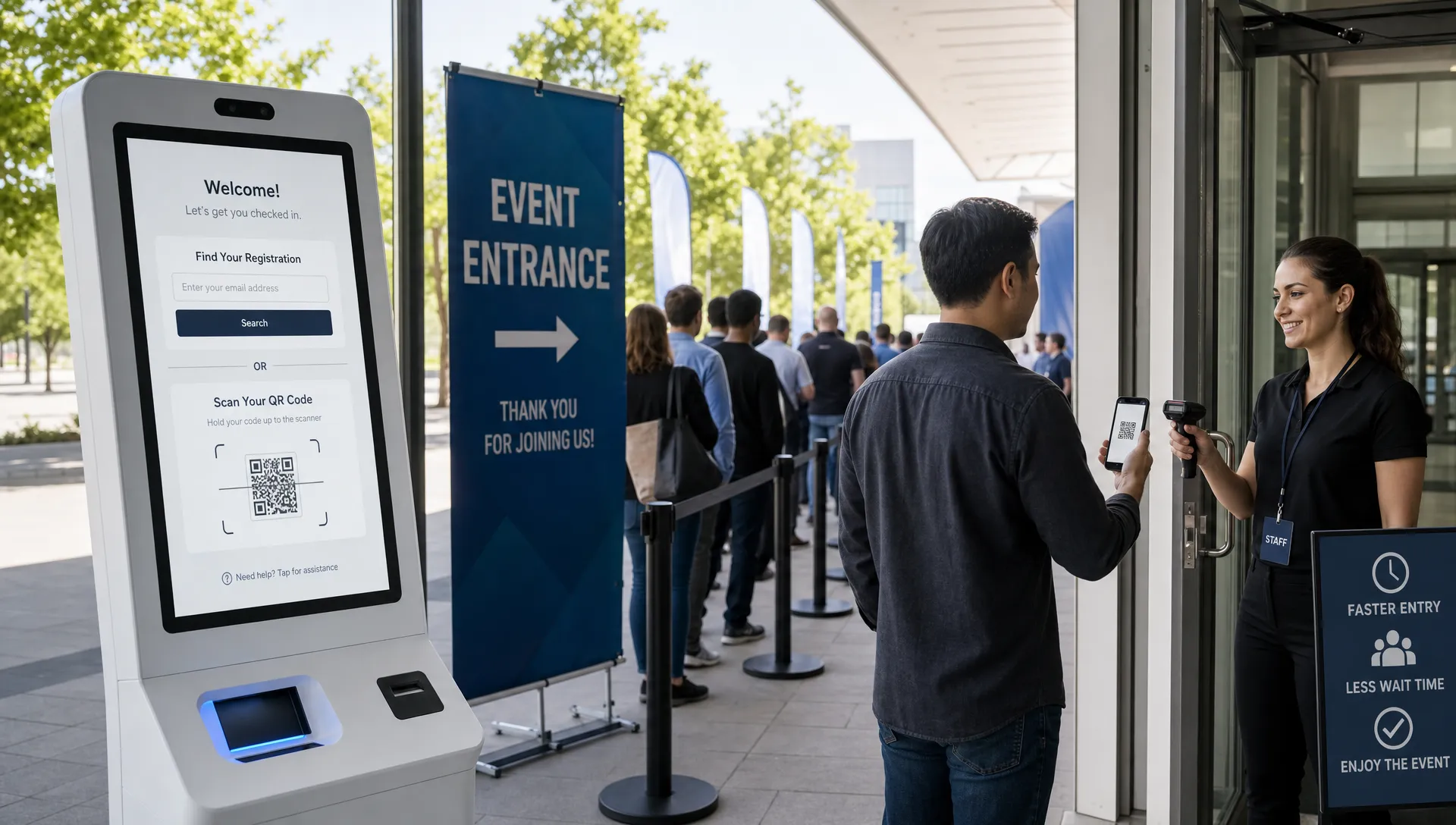
How Ticket Registration Affects Conversion and Check-In
Ticket registration sits at a sensitive point in the event buying journey. Ask too little, and your door team may struggle to identify attendees, manage access, or handle exceptions. Ask too much, and buyers may abandon before they ever reach payment.
For organizers, music producers, venue teams, and anyone managing event cash flow, this is not a minor form-design issue. Ticket registration influences two critical moments: the moment someone decides whether buying is worth the effort, and the moment they arrive at the door expecting fast entry.
The best approach is not “collect no data” or “collect everything upfront.” It is knowing which information belongs before payment, which belongs after purchase, and which should never be required unless it directly improves the event experience.
What ticket registration really means
Ticket registration is the process of collecting attendee or buyer information as part of the ticket journey. In practice, it can include anything from a simple email field for ticket delivery to a full attendee profile with phone number, company name, dietary needs, session choices, ID details, and marketing preferences.
It is important to separate ticket registration from account registration. A buyer may need to provide an email address so the ticket can be delivered, but that does not mean they should be forced to create a password, verify an account, or log in before purchasing. That extra step can turn a ready buyer into a lost sale, especially on mobile.
This is why guest checkout matters so much for event ticketing. If your current flow asks buyers to register an account before they can pay, it is worth reviewing how forcing people to create accounts before they buy can reduce ticket sales.
A strong ticket registration flow should answer one question at every step: “Does this information help complete the sale, deliver the ticket, admit the attendee, or run the event safely?” If the answer is no, it probably should not be required before checkout.
How ticket registration affects conversion
Conversion drops when the perceived effort of buying becomes larger than the perceived value of attending. People may love the artist, venue, lineup, workshop, or community, but if the checkout feels slow, intrusive, or confusing, hesitation appears.
Ticket registration affects conversion in several ways.
First, every extra field increases cognitive load. A buyer who expected to make a quick purchase now has to decide what to enter, whether the information is necessary, and whether they trust the organizer with it. On desktop, this may feel mildly annoying. On mobile, it can be enough to stop the purchase.
Second, registration can interrupt urgency. Many event purchases happen in emotional, time-sensitive moments. A fan sees an announcement, a friend shares a link, or an attendee decides before a price tier expires. If the checkout flow slows down that momentum, the buyer may decide to “come back later,” which often means never returning.
Third, required registration can create privacy concerns. Asking for phone numbers, birth dates, addresses, job titles, or demographic details without explanation makes buyers wonder how their data will be used. Even when the organizer has a legitimate reason, a lack of context can damage trust.
Finally, registration can make group purchases harder. If one person is buying five tickets for friends, requiring every attendee name, email, and profile detail before payment can create a bottleneck. The buyer may not have that information ready, which turns a sale into a task.
| Registration choice | Likely conversion impact | Check-in value | Better approach |
|---|---|---|---|
| Buyer email for ticket delivery | Low friction | High | Keep it required and clear |
| Forced account creation | High friction | Low | Avoid it for standard ticket purchases |
| Phone number | Medium friction | Medium | Require only if operationally necessary |
| Attendee name for every ticket | Medium to high friction | Medium | Collect after purchase for group orders when possible |
| Marketing opt-in | Medium trust risk | Low | Make it optional and transparent |
| Accessibility or dietary needs | Low to medium friction | High for certain events | Ask only when relevant and explain why |
The lesson is simple: not all registration fields are equal. Some reduce risk and improve operations. Others mostly satisfy curiosity. The fields that do not directly support payment, delivery, access, safety, or fulfillment are the ones most likely to hurt conversion.
When registration can improve conversion
Registration is not always bad for sales. In the right context, it can increase confidence and make the event feel more professional.
For example, a business conference may need attendee names for badges, company details for networking, and session preferences for room planning. A workshop may need skill level or equipment requirements. A VIP experience may need guest names for secure access. In these cases, buyers often expect some registration because it signals that the organizer is prepared.
The problem starts when the registration burden does not match the event type. A late-night music event, club show, warehouse party, or small live performance usually does not need a long attendee profile. The buyer wants a ticket, proof of purchase, and fast entry. If the registration process feels like a conference signup, conversion will suffer.
The key is proportionality. The more complex, expensive, or personalized the event, the more information buyers may tolerate. The faster, simpler, and more impulse-driven the purchase, the leaner registration should be.
How ticket registration affects check-in
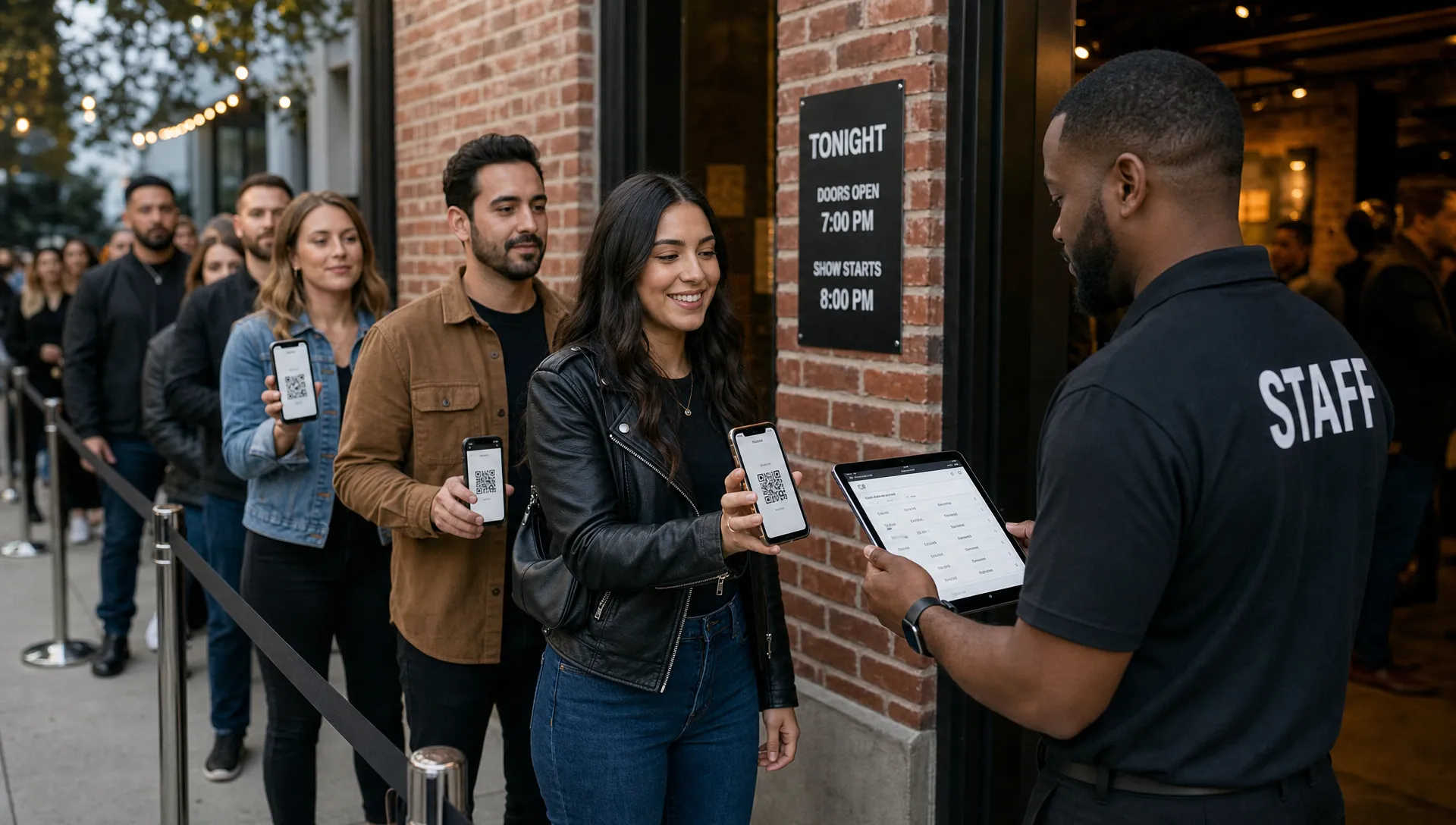
Check-in is where registration decisions become visible. A clean registration process can help the door team move quickly, verify the right people, and solve exceptions without creating a line. A messy one can slow entry even when ticket sales were strong.
Good registration improves check-in by making the guest list searchable, keeping ticket ownership clear, and helping staff identify special access levels. For events with VIP tiers, artist lists, press passes, staff access, or sponsor tickets, accurate registration data can reduce confusion at the door.
But more registration does not automatically mean better check-in. If the data collected is incomplete, inconsistent, or difficult for staff to use, it can create more problems than it solves.
Common check-in issues caused by poor registration include misspelled attendee names, buyers entering placeholder information to get through checkout, group tickets all under one person’s email, ticket transfers not reflected on the guest list, and staff having to search by multiple fields while a line grows outside.
The goal is not to collect the most data. The goal is to collect usable data that matches how the door team actually checks people in.
The best model: progressive registration
Progressive registration means collecting information in stages instead of forcing everything into the pre-payment checkout flow. This protects conversion while still giving organizers the information they need.
The first stage is checkout. At this point, the buyer should only be asked for information required to complete payment, deliver the ticket, and confirm the order. For many events, that means name, email, ticket type, quantity, and payment details.
The second stage is post-purchase. Once the ticket is secured, buyers are more willing to provide extra information because the transaction is no longer at risk. This is a better time to ask for attendee names, dietary preferences, accessibility needs, merch sizes, workshop choices, or optional profile details.
The third stage is pre-event communication. As the event approaches, organizers can remind attendees to update names, complete waivers, review entry rules, or assign tickets to friends. These requests work best when they are tied to a clear benefit, such as faster check-in or accurate badge printing.
The fourth stage is the door. At entry, the process should be as simple as possible: scan the ticket, confirm validity, handle exceptions, and move the line forward. If staff need to make complex data decisions at the door, the registration flow probably failed earlier.
Progressive registration is especially useful for events with both impulse buyers and operational complexity. You can keep the sale fast while still gathering details before they become necessary.
How event type changes the right registration strategy
A music event usually benefits from minimal registration before payment. Fans are often buying quickly, reacting to announcements, group chats, social posts, or price changes. A smooth flow with no buyer registration, immediate ticket delivery, and clear pricing helps preserve momentum. If age verification is required, it may be better handled through venue policy at the door rather than a long checkout form, depending on local rules and the event format.
A conference or educational event can support more registration because the ticket is often tied to a professional identity or personalized agenda. Even then, organizers should be careful. Badge details and session preferences can often be collected after purchase instead of blocking payment.
A VIP event or merch-bundled ticket may require additional fulfillment details. The mistake is asking for every product preference during the initial purchase if it is not needed immediately. If you are creating premium apparel, artist merch, or staff items, you can handle product planning separately with suppliers of custom woven labels, patches, and ribbons while keeping the ticket checkout focused on the sale.
A multi-day or multi-session event may need stronger registration logic because capacity planning depends on attendee choices. In that case, clarity matters. Explain why each required field exists, and avoid asking for the same information more than once.
Practical ways to reduce friction without hurting operations
Improving ticket registration is usually about removing unnecessary steps, not removing useful information. The best changes make the buyer journey feel faster while giving your team cleaner data.
Start by auditing every required field. If a field does not affect payment, ticket delivery, access control, safety, legal compliance, or fulfillment, make it optional or move it after purchase. This one exercise often reveals several fields that exist because “we have always asked for them,” not because they improve the event.
Use plain language near sensitive fields. If you need a phone number for urgent event updates, say so. If you need attendee names for security or badge printing, explain that the information helps speed up entry. Buyers are more willing to share data when the reason is obvious.
Design for mobile first. Ticket purchases often happen on phones, and mobile forms punish unnecessary complexity. Use short fields, clear labels, auto-fill support, large tap targets, and as few screens as possible.
Avoid account walls. A buyer should not need to remember a password to buy a ticket. If account features are useful, offer them after purchase, not before payment.
Keep group purchasing flexible. Let one buyer complete the purchase, then collect attendee details later when possible. This protects sales from groups where one person is coordinating for friends, band members, staff, or colleagues.
Finally, make sure registration data flows into check-in tools. A digital guest list is only useful if it reflects current sales, transfers, cancellations, and ticket tiers. If the door team is working from outdated exports, even a perfect registration form will not prevent confusion.
Metrics that reveal whether registration is helping or hurting
You do not have to guess whether your ticket registration process is working. The right metrics will show where buyers slow down and where check-in breaks down.
Track checkout conversion rate by device, especially mobile. If mobile buyers abandon at a much higher rate than desktop buyers, your form may be too long or too hard to complete on a phone.
Monitor field-level drop-off if your tools allow it. A sudden exit after a phone number, attendee assignment step, or account creation screen is a strong signal that the requirement needs to be reconsidered.
Compare sales velocity before and after registration changes. If removing a required field increases completed orders without creating operational problems, the old field was likely costing sales.
At the event, track check-in exception rates. Exceptions include duplicate scans, missing names, wrong ticket tiers, unassigned group tickets, payment questions, and manual lookup issues. A fast-selling event can still feel disorganized if too many attendees need manual help at the door.
Organizers who regularly review these numbers can make better pricing, promotion, and operational decisions. If you are not already using your sales data this way, it is worth learning how ticket statistics can improve event sales beyond basic revenue tracking.
A simple rule for every registration field
Before adding any required field to ticket registration, ask four questions.
- Does this field help the buyer complete the purchase?
- Does this field help deliver or validate the ticket?
- Does this field make check-in faster or safer?
- Does this field support something the attendee clearly receives?
If a field fails all four questions, it probably belongs outside checkout. If it passes one, decide whether it must be required before payment or whether it can be collected later.
This rule protects both conversion and operations. It keeps the buying process focused on the sale, and it keeps the check-in process focused on moving people through the door.
How TixFlow supports leaner ticket registration
TixFlow is built around a simple idea: buying a ticket should feel instant for attendees and manageable for organizers. Features like no buyer registration, customizable event pages, unlimited ticket tiers, smart promo codes, real-time sales control, digital guest lists, flat per-ticket fees, and instant payouts help organizers reduce friction while maintaining control.
For event teams that care about cash flow, this matters. Every unnecessary registration step can delay revenue. Every confusing check-in process can damage the attendee experience. A leaner flow helps buyers commit faster, and better guest list management helps your team run the door with more confidence.
Frequently Asked Questions
What is ticket registration? Ticket registration is the process of collecting buyer or attendee information during the ticket journey. It can include basic details like name and email, or event-specific information such as attendee names, access needs, session choices, or VIP details.
Does ticket registration reduce ticket sales? It can, especially when the form is long, account creation is required, or buyers are asked for information that does not feel necessary. Lean registration usually converts better for simple, mobile-heavy, or impulse-driven events.
Should I require attendee names for every ticket? It depends on the event. For secure access, badges, or personalized experiences, attendee names may be useful. For general admission music events or social events, requiring every name before payment can slow group purchases and hurt conversion.
What information should be collected before payment? Before payment, collect only what is needed to complete the transaction, deliver the ticket, and confirm the order. Additional information can often be collected after purchase or closer to the event.
How can registration make check-in faster? Registration can speed up check-in when it produces clean, searchable guest list data and accurate ticket tier information. It slows check-in when data is inconsistent, outdated, or too complex for door staff to use quickly.
Make ticket buying faster and check-in smoother
Ticket registration should support the event, not stand in the way of the sale. When you collect the right information at the right time, buyers move faster, your team gets cleaner data, and the door runs with fewer surprises.
If you want a ticketing setup built for fast checkout, flexible pricing, real-time control, digital guest lists, and stronger cash flow, explore TixFlow and see how a modern ticketing flow can help your next event sell and run more smoothly.