
Listing Tickets on Multiple Sites Without Duplicate Inventory
Listing tickets on multiple sites can expand your event’s reach, but it can also create two buyers for the same remaining ticket. The problem is not having several listings. It is allowing separate checkouts to sell against the same capacity without a reliable inventory rule.
For organizers and music producers, the safest setup uses one checkout, verified shared inventory or fixed allocations for each sales channel. This guide explains how to choose between them, handle reservations and reconcile sales without putting venue capacity or cash flow at risk.
Separate event discovery from ticket fulfillment
An event can appear on a venue calendar, an artist’s website and several discovery platforms while every purchase goes through one ticketing checkout. Multiple places to discover the event do not require multiple independent inventories.
That distinction exists outside ticketing too. Livestock Way’s load board for cattle and horse haulers connects haulers with shippers through listings that show rates upfront. The listing helps people discover an opportunity; it is not a reason to create additional underlying capacity. For an event, additional listings should expose available tickets, not multiply them.
If you are still deciding whether additional channels justify the work, start with whether selling tickets on multiple sites fits your event. Once you have chosen your channels, the operational question is how each purchase reduces availability.
Choose a model for listing tickets on multiple sites
There are three practical architectures. Choose one deliberately rather than assuming that matching ticket counts across dashboards means inventory is synchronized.
| Model | How inventory works | Main requirement |
|---|---|---|
| One checkout, multiple listings | Every listing sends buyers to the same purchasing system | Listings must support a checkout link or compatible embed |
| Shared inventory across checkouts | Each checkout reserves tickets from one authoritative pool | Every channel must participate in the same reservation controls |
| Fixed channel allotments | Each independent checkout receives a separate quantity | Total allocations must stay within sellable capacity |
One checkout is usually the simplest operational choice when discovery sites allow it. You can distribute the event widely without maintaining several saleable copies of the same stock.
Shared inventory offers flexibility, but requires more than an integration that periodically copies sales totals. Fixed allotments are a workable alternative when channels cannot reserve against a common pool.
Avoid the unsafe fourth option: giving every independent checkout the full event capacity and planning to stop sales manually when the combined total approaches the limit. A busy onsale can outrun that process.
Define sellable capacity before publishing
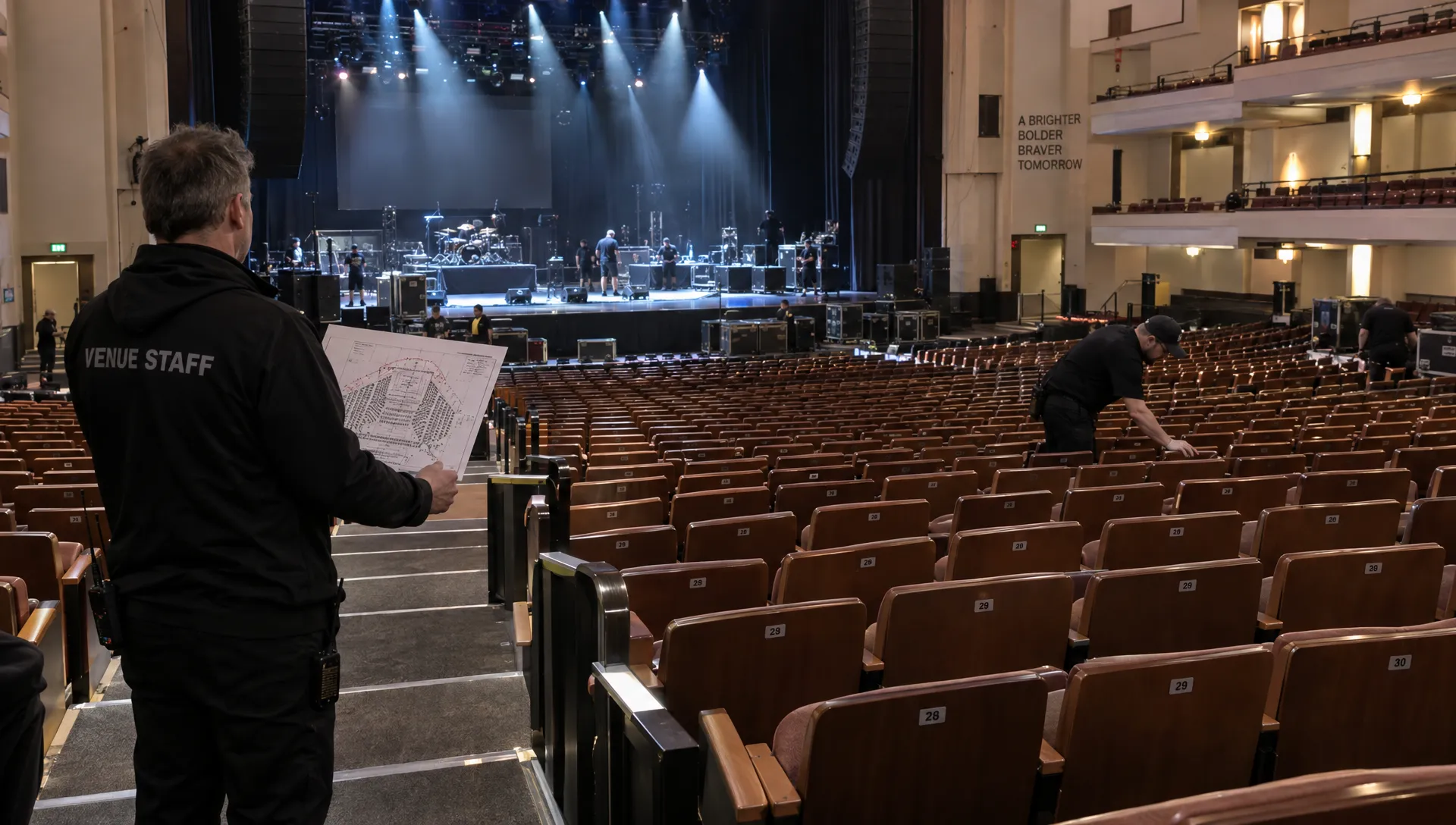
Start with the venue’s approved attendance limit and your event’s admission plan. Confirm how staff, performers and other occupants affect that limit before calculating public ticket availability.
Then separate public inventory from guest admissions, production holds and any contingency reserve. For listing tickets on multiple sites, every channel must fit within that same capacity budget.
Here is a hypothetical allocation after those venue and occupancy checks:
| Capacity item | Admissions |
|---|---|
| Event admission capacity | 500 |
| Guest and complimentary admissions reserved | 20 |
| Contingency hold | 10 |
| Public tickets available | 470 |
| Channel A allocation | 300 |
| Channel B allocation | 100 |
| Channel C allocation | 70 |
The three channel allocations total 470, not 500 each. Complimentary tickets still consume capacity even though they generate no ticket revenue.
Also define how pricing tiers relate to inventory. Early-bird and standard tickets may be different prices for the same admission pool, not additional capacity. When a sales phase changes, unsold tickets must either move into the next phase or remain within a shared limit.
For assigned seating, allocate actual seat identifiers. Dividing quantities alone cannot prevent two channels from selling the same seat.
Shared inventory must reserve tickets before payment
A shared inventory system needs to control the moment a buyer claims a ticket, not merely record the sale afterward.
Suppose two channels display the last available admission. Both buyers begin checkout at nearly the same time. If each channel charges first and reports the sale later, both payments may succeed before either dashboard updates.
A safer sequence is to reserve capacity, collect payment and convert the reservation into an issued ticket. The reservation must be atomic: competing requests cannot both claim the same remaining unit. That protection is what makes listing tickets on multiple sites against one pool viable.
Checkout holds also need explicit expiration rules. An abandoned checkout should eventually release its reservation, but an uncertain payment should not automatically return stock to sale. If payment succeeds while ticket issuance fails, keep that capacity unavailable and send the order to an exception queue.
Payment notifications require similar care. Stripe’s webhook documentation explains that events can arrive more than once and are not guaranteed to arrive in order. Your integration should therefore process repeated notifications without issuing another ticket or decrementing inventory twice, a property called idempotency.
Ask vendors whether reservation controls apply across every connected channel. “Real-time reporting” alone does not answer that question.
Move fixed allotments without creating overlap
When shared reservations are unavailable, give each checkout a hard ceiling. A spreadsheet can record those allocations, but the actual sales limit must be enforced inside each platform.
Using the example above, suppose Channel A sells 125 tickets, Channel B sells 30 and Channel C sells 20. Their remaining availability is 175, 70 and 50 respectively, for a combined 295.
If Channel A needs another 30 tickets, remove that quantity from Channel B’s available stock first. Confirm that the source channel has applied the reduction and account for any active checkout reservations before increasing Channel A.
Only then should Channel A’s remaining availability rise to 205 while Channel B’s falls to 40. The combined remaining inventory stays at 295.
Reduce the source before increasing the destination. Doing those actions in the opposite order temporarily makes the same capacity available twice.
This transfer discipline is essential when listing tickets on multiple sites with independent checkout systems. Assign one person responsibility for allocation changes and record the quantity, source, destination and confirmation time.
For reserved seating, transfer specific unsold seats rather than an equivalent number of seats elsewhere. If the source cannot confirm that a seat is free of purchase holds, do not release it on another channel yet.
Keep one authoritative record for each admission
Inventory control continues after the initial sale. Refunds, cancellations, replacements and buyer-to-buyer transfers can all change records without necessarily changing capacity.
Maintain a unique admission identifier alongside the originating channel, order reference, ticket tier and current status. Keep payment status separate from admission validity: a paid order awaiting ticket issuance still needs its capacity protected.
When listing tickets on multiple sites, apply consistent rules to these changes:
- Refunds: Return capacity only if the admission has been invalidated and your policy permits resale.
- Ticket replacements: Invalidate the original credential so the replacement does not become a second valid admission.
- Buyer transfers: Change ownership without adding another admission to inventory.
- Complimentary tickets: Deduct capacity even when the order value is zero.
Before doors open, build a consolidated guest list that can distinguish tickets from different channels. An order number alone may not be unique across platforms, so retain the channel identifier too.
A merged guest list helps admission operations, but it does not prove that sales inventory was synchronized. Those are separate controls. For the wider team workflow, managing tickets without slowing down your team covers how to keep ownership and handoffs clear.
Reconcile inventory and cash flow separately
A sold ticket, an available processor balance and a bank payout are different records. Combining them into one “sales” figure makes discrepancies harder to diagnose.
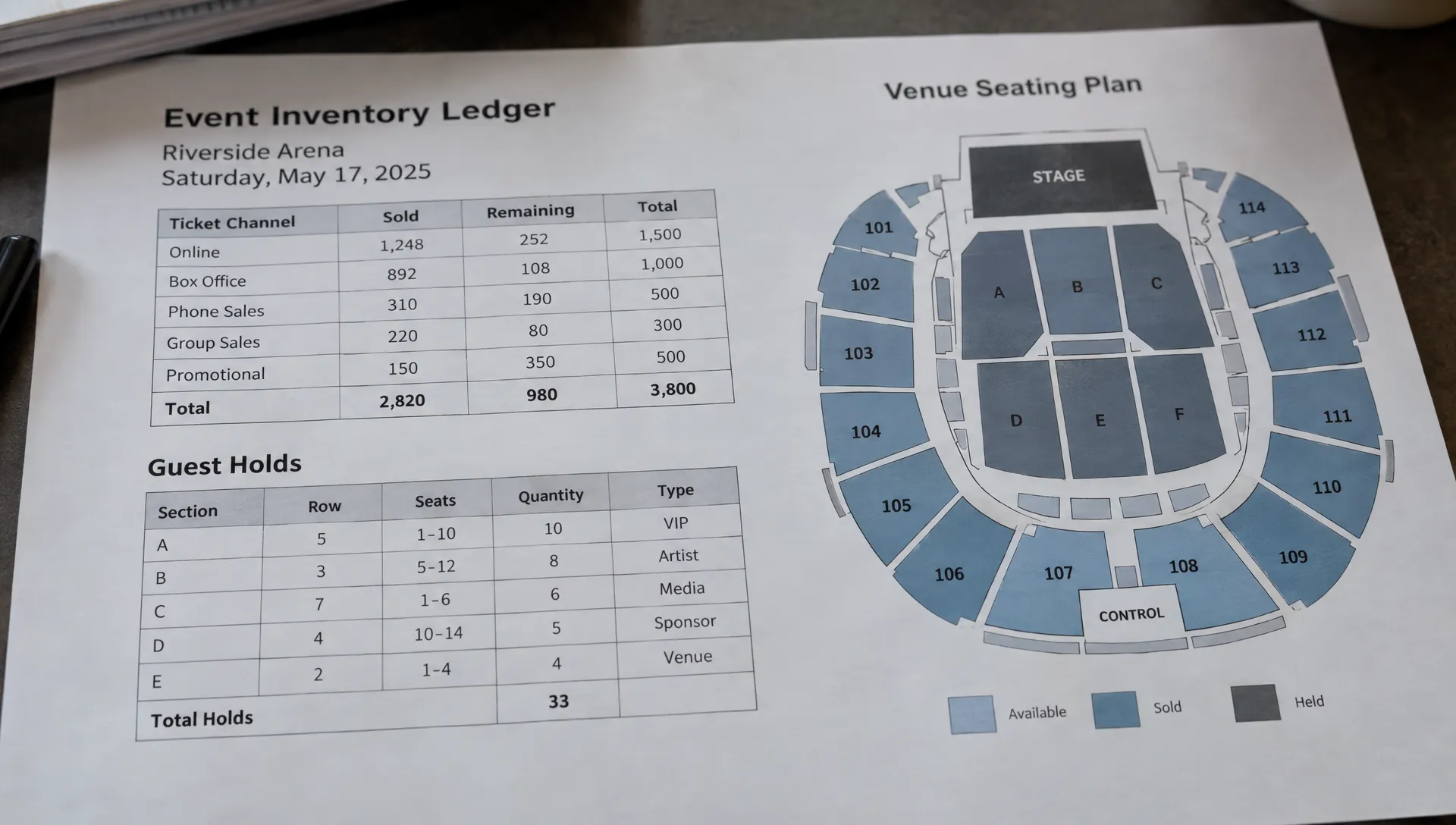
For inventory, check that issued valid admissions, active purchase reservations and remaining availability fit within the sellable pool. Add guest admissions and other reserved capacity when checking against the overall event limit. Do not count a completed purchase as both an issued ticket and an active hold.
For money, reconcile successful payments, refunds, fees, disputes and transfers using transaction-level references. Then compare the expected payout with the amount actually received in your bank account.
Listing tickets on multiple sites can spread revenue across processors and payout schedules. Do not treat gross ticket revenue as cash already available for artist deposits or production expenses.
Keep a separate cash forecast based on actual fund availability and payment obligations. TixFlow offers instant payouts and Stripe Connect integration, but confirm the applicable account eligibility and payout conditions before committing that money. Inventory accuracy prevents overselling; payout visibility helps you avoid spending against funds that have not reached the relevant account.
Test failure cases before opening sales
A successful test purchase proves that checkout can work. It does not establish what happens when channels compete for the last ticket or a payment notification arrives twice.
Run controlled tests before launch, using test environments or vendor-supported procedures where available.
| Test | Expected behavior |
|---|---|
| Two buyers attempt to purchase the last ticket | Only one receives the admission; the other checkout cannot complete that purchase |
| A buyer abandons checkout | The reservation expires according to a defined policy |
| A payment notification is delivered twice | One payment produces one inventory change and one admission |
| Payment succeeds but ticket issuance fails | Capacity remains protected and the order is flagged for resolution |
| A refunded ticket is returned to sale | The original admission is invalidated before capacity becomes available |
| Inventory moves between channels | The source reduction is confirmed before the destination increase |
Include outage behavior in your vendor questions. If a channel cannot reach the authoritative inventory service, it should not keep selling from a stale availability number.
For fixed allotments, test whether pending checkouts can complete after you lower a channel’s limit. That behavior determines how safely you can transfer stock.
These checks turn listing tickets on multiple sites from a dashboard-monitoring exercise into an enforceable operating process. At launch, assign an owner for exceptions and reconcile more frequently during fast-moving sales periods. Reconciliation detects problems; it does not replace reservation controls.
Frequently asked questions
Can I publish the same event on several websites without duplicating inventory? Yes. Where supported, send buyers from each listing to one checkout. If separate checkouts are required, use verified shared reservations or non-overlapping channel allotments.
Is a spreadsheet enough for listing tickets on multiple sites? It can track fixed allocations and support reconciliation. It cannot stop two independent checkouts from selling the same remaining capacity. Each platform needs an enforced limit or access to a common reservation system.
Does real-time sales reporting prevent overselling? Not by itself. Reporting describes activity. Overselling prevention requires a shared reservation gate or separate, correctly enforced allocations.
Do unlimited ticket tiers mean unlimited inventory? No. Ticket tiers describe products or prices. Confirm whether their quantities draw from a common event limit or separate allocations, especially when early-bird sales switch to standard pricing.
Keep your checkout strategy manageable
Before adding another sales channel, document its inventory model, reservation behavior, refund rules and allocation owner. If you cannot explain how it protects the final available ticket, do not give it access to shared capacity.
If your plan uses multiple discovery listings with one checkout, explore TixFlow for customizable event pages, no buyer registration, automated sales phases and real-time sales control. Confirm each discovery site’s linking options before launch, then keep the purchasing path and inventory ownership clear.