
How to Switch Platforms to Sell Tickets Mid-Campaign
Switching platforms to sell tickets mid-campaign is possible, but the safest approach is not to move everything at once. Move future sales first, preserve existing orders and keep a clear record of which system handles each ticket, refund and payment. That protects buyers while you change the part of the campaign that is causing problems.
This guide covers a controlled cutover for event organizers, including inventory, checkout testing, attendee communication and a fallback plan.
Decide whether switching now is worth the disruption
A mid-campaign move makes sense when the current setup creates a material problem: buyers cannot complete checkout, payout timing threatens essential expenses or the platform cannot support your remaining sales phases.
A cosmetic preference is usually a weaker reason, especially close to doors opening. Migration creates work even when both platforms function correctly.
Before committing, compare the cost of staying with the cost of moving. Include staff time, duplicate subscriptions, testing purchases and any contractual restrictions, not just the new per-ticket fee. Our guide to comparing event ticketing platforms can help you check the replacement against your actual requirements.
Do not announce the switch until the new checkout, payment account and admission plan have passed testing.
Set the rules before switching platforms to sell tickets
Write a short migration record that answers these questions. Give each responsibility a named owner, even if one person covers several roles.
| Area | Decision to record |
|---|---|
| Existing tickets | Remain valid in the original system or get replaced? |
| Remaining capacity | How many admissions can the new platform sell? |
| Money | Which account receives each platform’s payouts? |
| Buyer support | Who handles legacy refunds and order problems? |
| Event entry | Which system validates each ticket group? |
| Cutover | When do old sales stop and new sales start? |
| Fallback | What happens if the new checkout fails? |
Keep the original account accessible. Closing its sales page should not mean losing order records, refund controls or evidence needed for payment disputes.
Reconcile admissions before rebuilding inventory
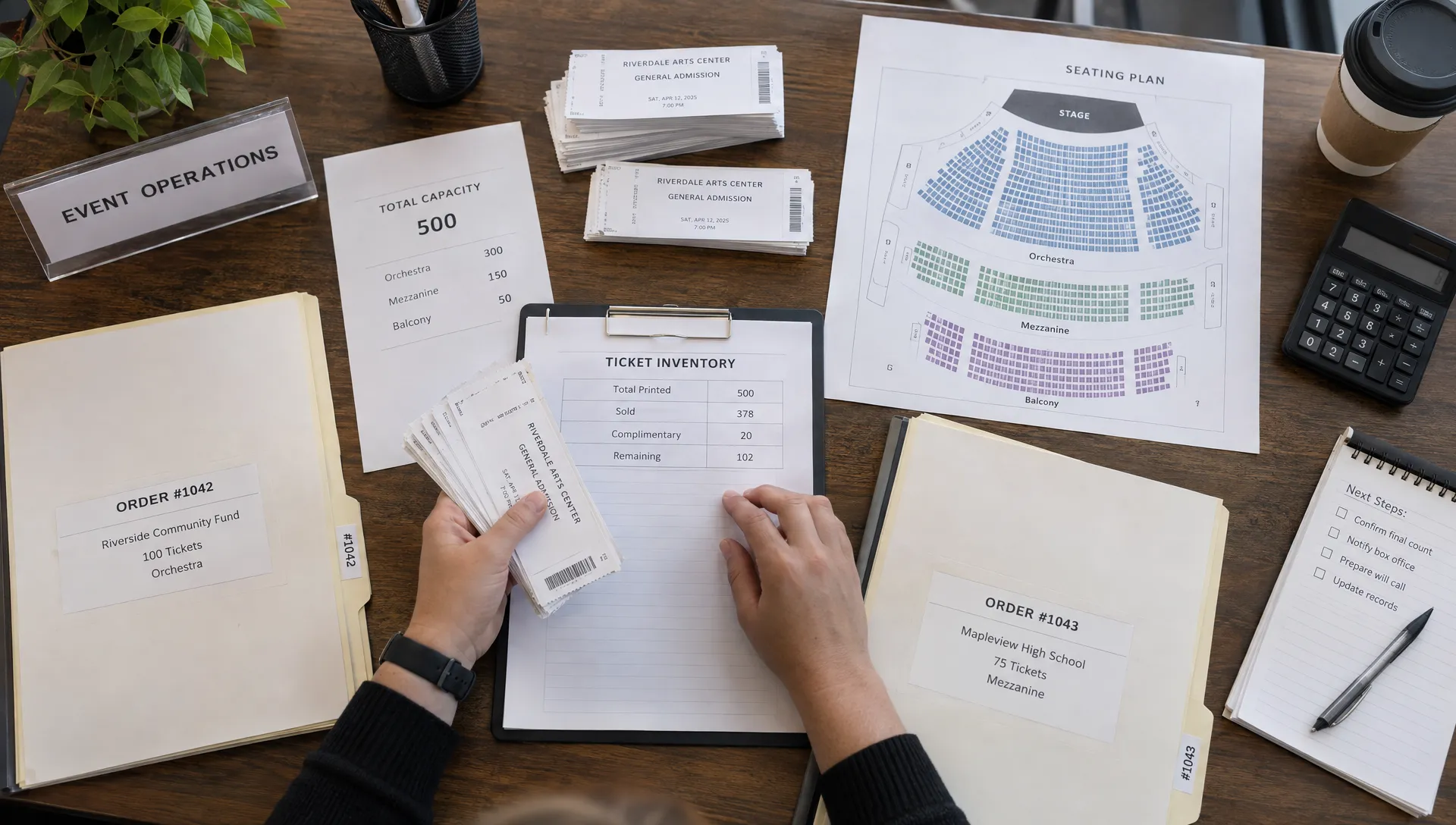
When you change platforms to sell tickets, the inventory you transfer is the capacity still available, not the event’s original capacity.
Export orders and ticket-level records where available. Check the difference between orders and admissions: one order might contain four tickets, while a refunded order might still appear in an unfiltered export.
Use this calculation:
Remaining sellable inventory = event capacity minus valid admissions already issued, active holds and blocked allocations.
For example, an 800-capacity event with 360 valid tickets, 20 active holds and 20 additional places reserved for production has 400 admissions left to sell. This assumes those categories do not overlap.
Include complimentary tickets, sponsor allocations, accessible seating arrangements and any venue-specific restrictions in the reconciliation. For reserved seating, verify seat-level mappings and duplicate assignments before proceeding. A matching section name does not establish that two systems share the same seating plan.
Watch for sales that finish after your export
A buyer may complete an existing checkout after you take a snapshot. Pending payments may also change status later.
Treat the first export as preparation, not the final count. After pausing old sales, identify unresolved checkouts and take a final reconciliation before opening the replacement page.
If several new ticket tiers draw from one room capacity, verify that their combined sales cannot exceed the available total. Separate tier limits are not necessarily a shared event limit.
Keep old money attached to old transactions
Switching platforms to sell tickets does not, by itself, transfer payment transactions or unsettled revenue. Treat the old and new payment records as separate ledgers unless the providers explicitly support another arrangement.
Record the original order ID, payment reference, gross amount, fees, refunds and payout status. Ticket records explain who can enter; financial records explain what happened to their money. You need both.
Check whether the original provider retains balances, applies reserves or limits account access after sales close. Confirm who will handle chargebacks and where any future refund will be funded. Do not promise that switching will release money already held elsewhere.
For the new platform, verify when funds will actually become usable in your account. Instant payout functionality and a completed bank transfer are not the same operational milestone. Our guide to getting ticket revenue quickly without overspending explains how to keep payout access separate from spendable budget.
Avoid transferring full card details. Use the payment providers’ supported processes rather than trying to recreate stored payment methods yourself.
Rebuild the offer, then test the complete purchase
Before switching platforms to sell tickets, reproduce the offer buyers are currently entitled to purchase, not an outdated version of the original launch.
Match the event date, time zone, venue, ticket inclusions, age restrictions and refund terms. Recreate the current sales phase and its end time. Check discount eligibility, redemption limits and whether previously used promotional allowances need to reduce the remaining allocation.
Compare the final buyer total, including platform fees, payment processing and applicable taxes. If the total changes, make that visible before payment rather than presenting the move as financially identical.
Test on a phone and desktop, using the payment provider’s supported test process. Where a live purchase is necessary, authorize it internally and record any nonrefundable costs.
Your test should cover the full journey: checkout, confirmation, ticket delivery, support contact and admission validation. Also test a failed payment and confirm that it does not consume inventory indefinitely.
Choose how existing tickets will work at the door
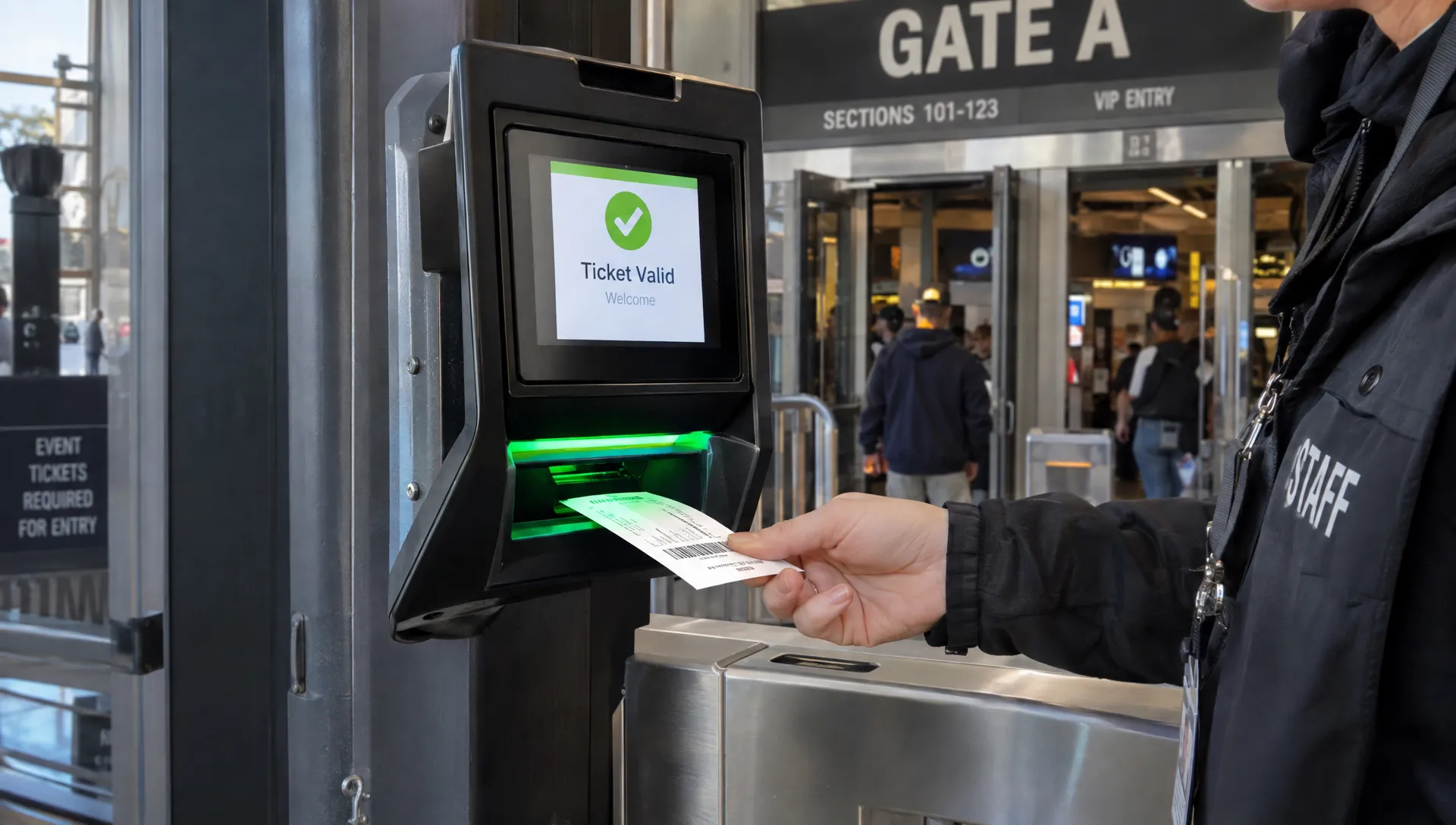
The lowest-disruption option is often to leave existing tickets valid in their original system and use the replacement only for future sales. That depends on retaining reliable access to the old validation tools.
An exported guest list does not prove that the new platform can scan old QR codes or preserve their used status. Confirm compatibility through an actual test, including an attempted second scan.
If you must replace tickets, establish how the old credentials will be invalidated, how replacement tickets will reach buyers and how staff will resolve missing emails. Avoid leaving two independently valid credentials for the same admission.
When switching platforms to sell tickets, make credential ownership explicit: each valid admission needs a defined validation method and a reliable way to prevent reuse. If separate systems remain in operation, train staff on which tickets belong to each one.
Run a controlled sales cutover
Choose a lower-traffic window with enough staff available to monitor payments and answer buyers. Avoid making the change during a scheduled promotional blast or shortly before doors open unless the current system has become unusable.
Use one documented cutover time, including the time zone. A workable sequence is:
- Pause new sales on the original platform and check what happens to open checkouts.
- Reconcile completed orders, pending payments, holds and refunds against the latest snapshot.
- Set the replacement platform’s remaining inventory and verify all scheduled sales phases.
- Open the new checkout, confirm a working purchase path and update your primary campaign link.
- Check both systems for late transactions and adjust available capacity where necessary.
Do not assume pausing a page stops every purchase route. Check embedded widgets, direct ticket links, partner allocations and scheduled promotions too.
If the old checkout cannot be reliably paused, resolve that before opening unrestricted inventory elsewhere. Two active systems without shared capacity controls can oversell the event.
Update campaign links and connected workflows
Start with destinations you control: your event website, email buttons, social profiles, ad destinations, venue listings and partner toolkits. Where practical, use a stable event URL on your own domain as the public entry point so future changes require fewer edits.
Keep the old event page available as a signpost if the provider permits it. State that sales have moved and explain whether previously purchased tickets remain valid. Do not imply that buyers must purchase again.
Review analytics and advertising integrations separately. Confirm that a purchase is recorded once, that campaign parameters survive the new journey and that test transactions do not distort reporting.
If an AI shopping assistant also handles campaign merchandise, review its instructions separately. Transit Art’s agent-facing store instructions illustrate a commerce workflow that requires buyer approval for purchases. Changing a ticket destination should not be treated as permission to place orders or alter an unrelated checkout.
Tell buyers what changes and what does not
When you switch platforms to sell tickets, existing buyers usually need reassurance about admission, not a technical explanation of your software choices.
Send a service message if the change affects their ticket, support route or event-day instructions. Be specific about whether they need to take action. Keep promotional messaging separate and preserve applicable marketing permissions and unsubscribe preferences when moving contact data.
For a migration that leaves existing tickets valid, a message could say:
We’ve moved new ticket sales to a different checkout. Your existing ticket for [event name] remains valid, and you do not need to buy again or exchange it. Please bring your original ticket. For questions about your existing order, contact [support address].
Use that wording only after confirming it is true. If replacements are required, provide a delivery deadline and a clear support route for anyone who has not received theirs.
Limit transferred attendee data to what the new workflow needs. Check provider terms, access permissions and applicable privacy obligations rather than assuming an export permits every new use.
Monitor sales, support and cash after launch
Assign someone to watch the new checkout immediately after launch and through the next campaign push. Monitor paid admissions, failed payments, confirmation delivery, buyer questions and remaining inventory.
Switching platforms to sell tickets can change your reporting definitions, so compare equivalent measures. Orders, admissions and successful payments are different counts. A change in reported conversion rate may reflect a new tracking setup rather than better or worse buying behavior.
Maintain a reconciliation record with a clear mapping between the original platform’s IDs, replacement platform IDs and any replacement ticket references. Keep personal data out of broadly shared campaign spreadsheets where it is not needed.
Do not automatically return every legacy refund to the new inventory. Confirm that the admission has been invalidated and that the released place is genuinely available before offering it again.
Use a fallback that preserves new purchases
Define the failures that would trigger a pause, such as widespread payment errors, missing ticket delivery or an unresolved capacity mismatch.
If the new system fails before taking any orders, restoring the original sales route may be straightforward, subject to a fresh inventory check. Once the replacement has accepted purchases, a rollback must preserve those buyers’ tickets and payment records.
Pause affected sales, reconcile both systems and decide which route can safely resume. Do not simply reopen the old allocation at its previous quantity.
Keep the migration record, exports and support access through the event and any remaining refund or dispute obligations. The cutover is not complete merely because the new page is live.
Frequently asked questions
Can I switch without asking everyone to download a new ticket? Often, yes, if the original tickets remain valid and you retain a reliable way to validate them. Confirm continued account and scanner access before choosing this approach.
Will my existing payouts move to the new provider? Do not assume so. Existing transactions normally remain subject to the original provider’s payout and refund arrangements unless a supported transfer process is confirmed.
Is switching platforms to sell tickets safe close to the event? It depends on testing time, ticket compatibility and staffing. If entry validation or inventory cannot be verified before doors open, keeping existing operations stable may be safer than completing the move.
Should I delete the old event page? Usually, closing sales and leaving clear directions is more useful than immediately removing it, where the platform allows this. Buyers may still need order access, and old campaign links may continue receiving traffic.
Build the replacement around the remaining campaign
Evaluate the new platform against the work still ahead: remaining ticket tiers, scheduled price changes, buyer checkout and access to revenue.
TixFlow offers unlimited ticket tiers, automated sales phases, no buyer registration, flat per-ticket fees and instant payouts. These features can support future sales, but verify your specific requirements for legacy tickets, data transfer and event-day validation before committing to a cutover.
The goal is a working sales route with accurate capacity, valid tickets and no uncertainty about who owes buyers support.