
How to Sell Event Tickets on Facebook With Retargeting Ads
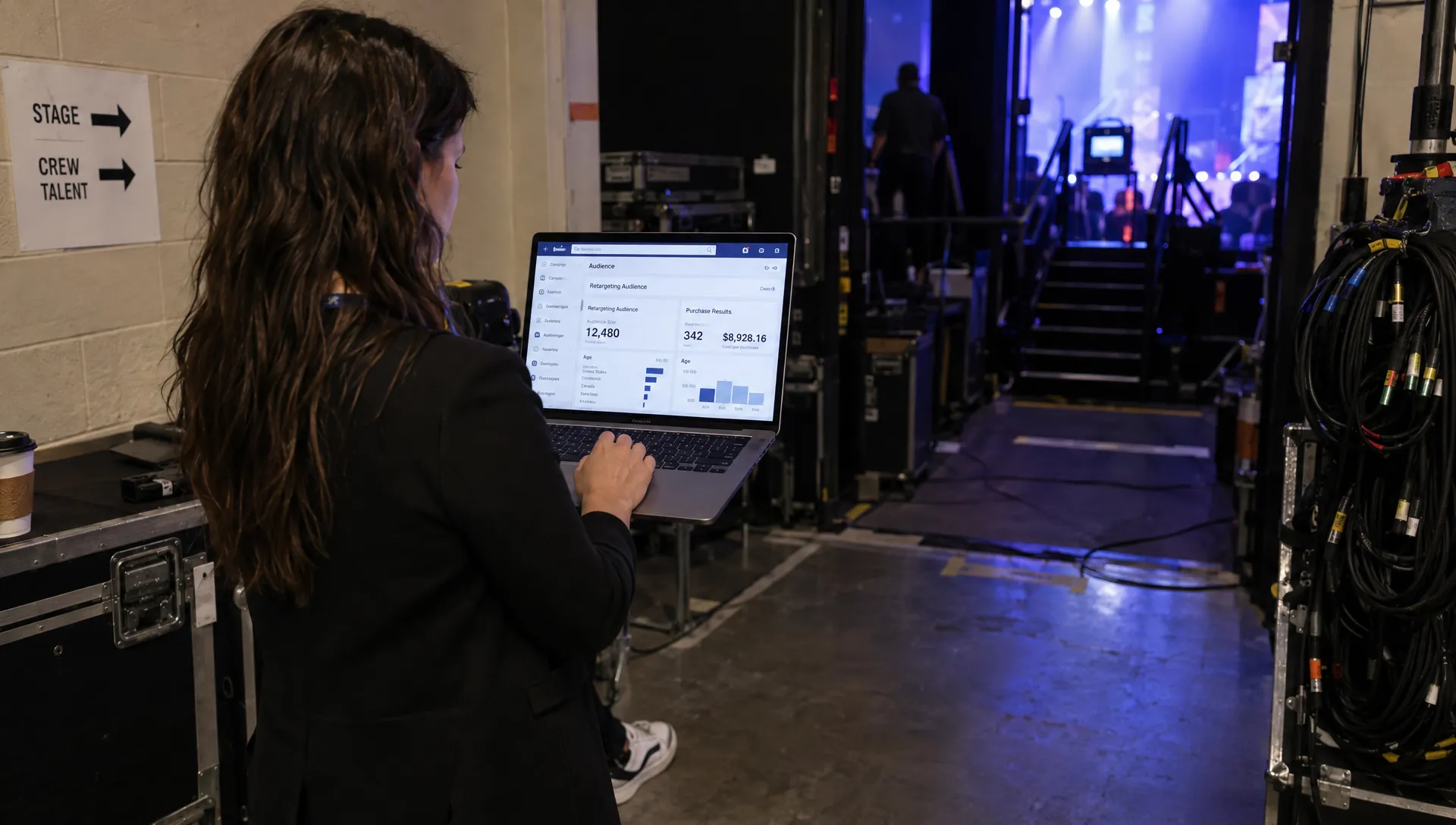
To sell event tickets on Facebook, you need more than an announcement and a boosted post. Retargeting ads help you reach people who already watched your artist content, visited your ticket page or started checkout, then give them a relevant reason to buy.
The setup matters. Without reliable purchase tracking, buyer exclusions and a sensible cost-per-order target, you can spend money reminding people who already bought tickets while missing those who are still deciding.
This guide covers a practical retargeting workflow, from building your audiences to checking whether the resulting sales actually improve your event’s cash flow.
Verify purchase tracking before spending
Retargeting needs two things: a way to identify eligible warm audiences and a way to recognize completed purchases. These are related, but they are not interchangeable. A Facebook video-view audience can exist without tracking on your ticketing website; a website visitor audience generally requires a supported tracking setup.
Check what your ticketing setup supports
Before building website audiences, confirm whether your event page and checkout support the Meta Pixel, purchase events or a supported Conversions API connection. Do not assume a ticketing platform supports these just because it accepts online payments.
Useful events include:
- ViewContent: Someone views the relevant event or ticket page.
- InitiateCheckout: Someone begins the purchase process.
- Purchase: A completed order is recorded with the correct order value and currency.
If you want to sell event tickets on Facebook profitably, test the completed-purchase signal before treating it as your optimization target.
Test the entire checkout journey
Run a test through the supported checkout flow and inspect the results in Meta Events Manager. Check that a purchase fires only after successful payment, records the correct value and does not create another purchase when the confirmation page reloads.
If both browser and server events report the same purchase, use the implementation’s supported deduplication method, typically matching event names and event IDs. Otherwise, one order can look like two conversions.
Tracking must also respect applicable privacy requirements, consent choices and Meta’s terms. Server-side tracking is not a workaround for consent. If purchase tracking is unavailable, use eligible engagement audiences and ticketing reports, but do not mistake clicks for verified sales.
Build audiences around purchase intent
Start with people who already know the event, not a broad interest audience labeled as retargeting. Keep audiences specific to the show where possible, especially if your organization promotes several events at once.
The following windows are starting points to adapt within the options available in your account, not guaranteed settings or performance benchmarks.
| Audience | Illustrative lookback window | Message to test |
|---|---|---|
| Checkout starters who have not purchased | Previous 7 days | Answer a practical concern and link back to tickets |
| Event-page visitors who have not purchased | Previous 14 days | Show the lineup, experience or current ticket tier |
| Relevant Facebook video viewers or page engagers | Previous 30 days | Explain why the event is worth attending |
| Facebook event responders, where available | A window suited to the event’s sales cycle | Clarify venue, date and ticket availability |
You can sell event tickets on Facebook with a small warm audience, but splitting it into too many ad sets can make delivery inconsistent. Combine compatible groups when individual segments are too small to support useful testing.
Exclude purchasers using supported purchase-event audiences or an eligible customer list you are authorized to use. Refresh list-based exclusions regularly, since yesterday’s prospect may be today’s buyer. Upload only permitted customer information, not scraped attendee details.
Also separate events by relevant URLs or supported event parameters. A visitor interested in a jazz showcase should not automatically enter a retargeting audience for an unrelated club night.
Configure a campaign that actually retargets
Use Meta Ads Manager rather than relying only on the Boost Post button. When reliable website purchase tracking is available, the Sales objective with website purchases as the optimization goal is the appropriate starting point.
To sell event tickets on Facebook with a true retargeting campaign, inspect how your audience settings work. In some Advantage+ configurations, Custom Audiences can act as suggestions rather than strict inclusion boundaries. Use the available controls that preserve your intended audience and verify exclusions before launch.
If the configuration allows delivery beyond your warm audience, treat the campaign as broader sales targeting rather than pure retargeting when evaluating results.
Keep the first setup simple: one event, one consolidated warm-audience ad set and a few distinct creative approaches. Create separate high-intent and engagement ad sets only when audience size and budget justify them.
Set an end date aligned with ticket availability. Apply location and age restrictions that genuinely match the event, venue rules and applicable advertising policies. Make sure ads stop when tickets are no longer available.
If this campaign is specifically for Facebook, review placements accordingly. A campaign that also delivers on Instagram should not have all its results described as Facebook-only performance.
Finally, send people directly to the relevant ticket page. Asking them to navigate through a general homepage adds another opportunity to lose the sale.
Use relevant ads to sell event tickets on Facebook
A warm audience does not need the same introduction as someone seeing the event for the first time. Match each ad to the uncertainty that remains.
For video viewers and page engagers: Show what attending will feel like. A short performance clip, recognizable artist or venue shot can make the event concrete. Include the date, location and a clear ticket action so viewers do not have to hunt for basic details.
For event-page visitors: Reinforce the value of the experience. Highlight the lineup, set times if confirmed, venue accessibility or another detail that helps someone decide. Avoid repeating a generic poster with no new information.
For checkout starters: Remove a likely obstacle without claiming to know why a specific person left. Show the current ticket price clearly, explain relevant entry requirements or clarify whether tickets are delivered digitally.
Use urgency only when it is real. For example, “Early-bird pricing ends Friday at 6 p.m.” works only if the ticket tier actually changes then. Do not invent remaining-ticket counts or reset an expired deadline.
These are message options, not a guaranteed delivery sequence. Meta may show several versions in a different order unless you deliberately configure audience rules to separate stages.
Preview each ad on mobile and test its destination. If buyers get stuck after clicking, address that before increasing spend. TixFlow’s guide to reducing Facebook ticket-checkout drop-off covers that separate part of the journey.
Set a budget from ticket economics
Choose your acceptable acquisition cost before choosing a daily budget. The relevant unit is usually an order, because a purchase event can represent two or more tickets.
To sell event tickets on Facebook without overspending, distinguish revenue per order from contribution per order before advertising. Contribution is what remains after the costs you allocate to fulfilling that sale, including relevant ticketing fees, taxes, refund assumptions and event costs.
Consider this hypothetical example:
| Item | Amount |
|---|---|
| Average order | 2 tickets at $30 each |
| Revenue per order | $60 |
| Allocated costs before advertising | $44 per order |
| Contribution before advertising | $16 per order |
| Target cost per purchase | $10 |
| Contribution remaining after advertising | $6 per order |
In this model, $16 is the break-even acquisition cost under the stated assumptions, not a recommended spending target. A $10 target leaves room for error. Change the figures to reflect your actual economics, and avoid counting the same cost twice.
Your initial daily budget should be an amount you can afford to test without putting deposits, artist payments or venue commitments at risk. A small retargeting audience cannot absorb unlimited spend just because its members are warm.
Define a review point in advance. If a test spends several times your target acquisition cost without a purchase, investigate tracking, delivery and checkout before adding money. That is a diagnostic trigger, not proof that the event cannot sell.
Measure orders, not just ad engagement
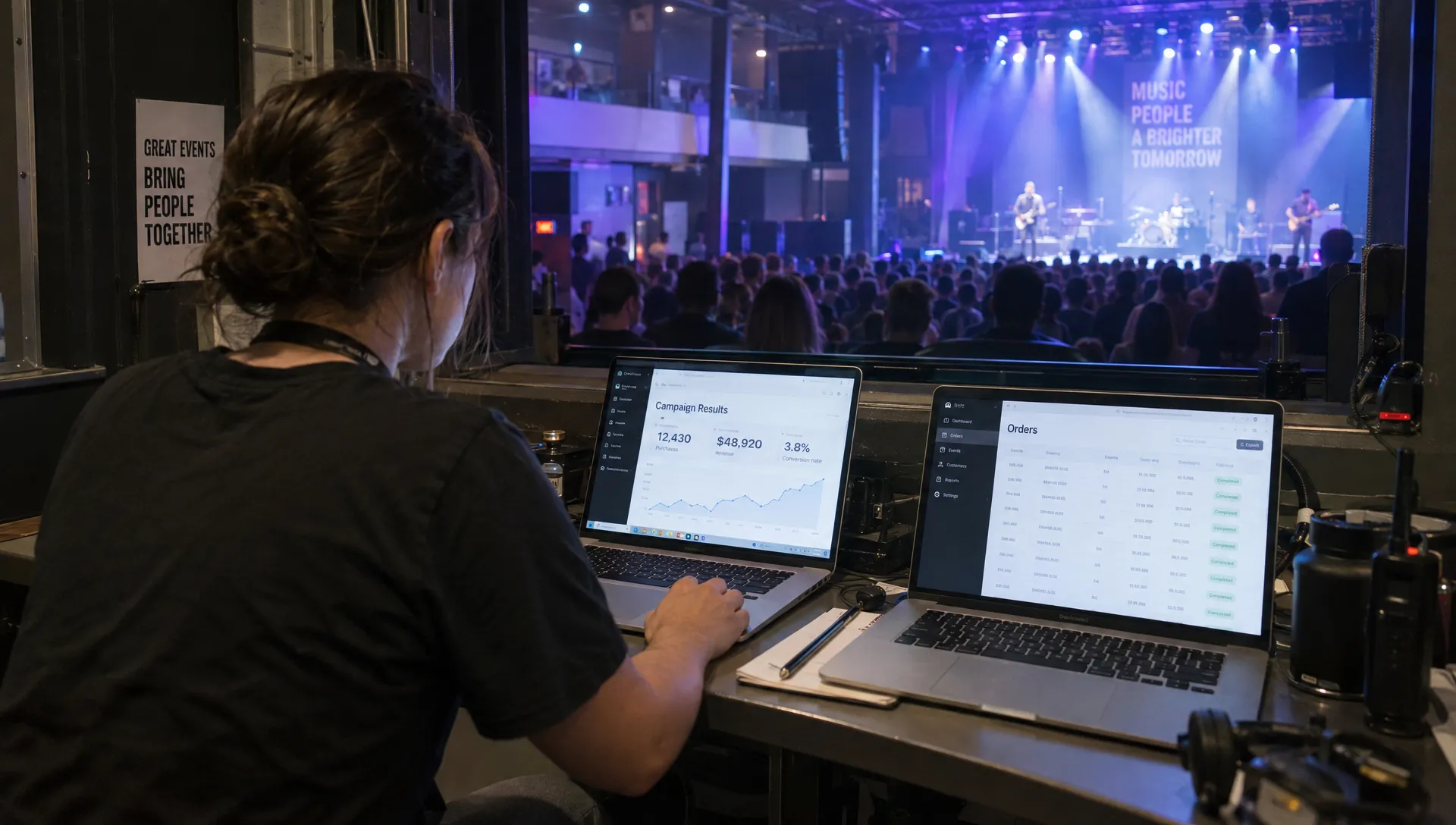
A retargeting ad can attract inexpensive clicks and still fail to sell event tickets on Facebook at an acceptable cost. Judge the campaign primarily by completed orders, acquisition cost and the contribution those orders produce.
Review the funnel to locate the problem. Impressions with few clicks suggest the message or offer needs attention. Clicks with few event-page visits can indicate loading or destination problems. Checkout starts without purchases point toward payment friction, unexpected charges or unresolved practical questions.
Add consistent UTM parameters to your destination links so your analytics can distinguish campaigns and creative. For example, use utm_source=facebook, utm_medium=paid_social and a campaign name specific to the event. Do not put personal information in URL parameters.
Compare Meta’s attributed purchases with your ticketing records, but do not expect perfect agreement. Attribution settings, view-through credit, consent restrictions and cross-device activity can produce different totals. Record the attribution setting used when comparing tests.
Watch frequency alongside conversion performance. Repeated exposure is not automatically wasteful, but rising frequency combined with declining purchases is a reason to check audience saturation or refresh creative. There is no universal frequency limit that fits every event.
Change one major variable at a time where practical. Replacing the audience, budget and offer together makes it difficult to identify what improved results. Use your ticket statistics to evaluate sales velocity and tier performance, not just the advertising dashboard.
Reconcile campaign results with actual cash
It is possible to sell event tickets on Facebook at an attractive reported return while still having too little cash available for upcoming bills. Ad attribution, ticket revenue and bank payouts measure different things.
Suppose the hypothetical campaign above spends $200 and generates 20 orders at $60 each. Reported revenue is $1,200, return on ad spend is 6 and cost per purchase is $10. Yet contribution after advertising is only $120 under those cost assumptions: 20 orders multiplied by $16, less $200 in ads.
That distinction matters when deciding whether you can increase spending. A high revenue multiple does not automatically mean a large profit or an immediately available bank balance.
Reconcile ticket orders against payment records, refunds, fees and actual payouts. A payout can bundle multiple orders, so its deposit date will not necessarily match each purchase date. Advertising charges can also arrive on a different schedule.
If your bank provides PDF statements, you can convert bank statement PDFs into verified CSV or Excel to make deposits and ad charges easier to reconcile. The service checks extracted figures against the statement’s running balance and totals, but you still need to match transactions to the correct event and accounting category.
TixFlow offers instant payouts and Stripe Connect integration, which can support an organizer’s cash-flow planning. Keep payout timing separate from campaign profitability, and reserve enough money for refunds, taxes and outstanding event obligations before reinvesting proceeds.
Frequently asked questions
Can I retarget people who responded to my Facebook event? Where Meta offers that engagement audience in your account, you can use eligible event interactions to build a Custom Audience. Availability and options vary. An Interested or Going response is not a paid ticket, so provide a direct path to purchase and exclude confirmed buyers where supported.
Do I need a Meta Pixel to run retargeting ads? Not for every audience. Supported Facebook engagement audiences can be built without website tracking. However, retargeting website visitors and optimizing around completed orders require appropriate tracking or a supported integration. Confirm what your ticketing setup can actually record before launching.
Can retargeting work without an existing warm audience? Retargeting alone cannot create an audience that does not exist. To sell event tickets on Facebook for a new event, first generate relevant attention through artist content, partner promotion or prospecting campaigns. Then retarget eligible engagers and visitors rather than allocating the entire budget to an empty audience.
Should I offer a discount to abandoned-checkout visitors? Not automatically. Start by clarifying the price, event details and checkout process. A discount reduces contribution and may be unnecessary. If you test one, use a genuine deadline and compare acquisition cost, order value and contribution against a version without the discount.
Connect your ads to a straightforward ticket purchase
Retargeting works best when the audience, message and checkout all point toward the same event. Verify purchases, exclude buyers, use honest urgency and review contribution before raising the budget.
TixFlow offers no buyer registration, customizable event pages, unlimited ticket tiers and automated sales phases. As you sell event tickets on Facebook, use those capabilities to keep the ticket offer clear and the buying process straightforward, while confirming your tracking requirements before launching ads.