
Event Tickets and Registration Data Privacy Checklist
Every sale creates a data trail. With event tickets and registration, that trail can include buyer emails, ticket-holder names, payment references, accessibility requests and guest-list exports. A privacy checklist should cover all of it, not just the policy linked beneath your checkout button.
For organizers, the goal is practical: collect what you need, keep it accessible only to the right people and remove it when its purpose ends. That protects attendees without making purchasing or check-in unnecessarily difficult. It also helps your team avoid last-minute confusion over sponsor requests, shared spreadsheets and refund records. Use the checks below before opening sales, repeat them before doors open and assign someone to handle the work that continues after the event. This is operational guidance, not a substitute for jurisdiction-specific legal advice.
A privacy checklist for event tickets and registration
1. Map where attendee data actually goes
Start with the full journey: checkout, payment processing, confirmation emails, customer support, venue entry and post-event reporting. Include manual processes. A downloaded guest list on a volunteer’s personal laptop is still part of your data handling.
Distinguish the buyer from the ticket holder. Someone purchasing four tickets has not necessarily provided permission to market to all four attendees. Likewise, a purchaser’s email address may not belong on every ticket record or scanner view.
Create a simple inventory before choosing controls:
| Data or destination | Purpose to document | Question to resolve |
|---|---|---|
| Buyer email | Ticket delivery and order support | Which systems receive it? |
| Ticket-holder name | Admission or identity checks, if needed | Does every event require it? |
| Payment reference | Refunds and reconciliation | Can staff work without card details? |
| Accommodation request | Arranging requested assistance | Who genuinely needs access? |
| Guest-list export | Approved entry operations | Where will copies be stored and deleted? |
Completion check: Every destination has an owner, a purpose and an identified recipient. Include agencies, venue partners and temporary staff, not just software vendors.
2. Remove fields that do not serve a defined purpose
For event tickets and registration, data minimization means collecting only what is necessary for a stated task. An email address may be needed to deliver tickets; a birth date, employer or postal address needs its own justification. Do not make a field mandatory simply because the form builder offers it.
The ICO’s guidance on data minimization explains this principle under the UK GDPR. It is also a useful operational test: if your team cannot explain how it will use an answer, remove the question.
Avoid open-ended prompts that invite unnecessary disclosures. For an accommodation request, ask what assistance the attendee needs rather than requesting a diagnosis. Keep that information separate from routine guest-list access wherever your tools allow.
Shorter forms also reduce checkout friction. TixFlow’s guide to registration websites that keep forms short covers form design; the privacy decision comes first: whether the information belongs in your systems at all.
3. Match your privacy notice to the actual workflow
A privacy notice for event tickets and registration should explain the organizer’s identity, what information is collected, why it is used and who receives it. It should also describe retention, relevant rights and how attendees can contact you. Where applicable, explain lawful bases and international transfers.
Put a clearly labeled link where people provide their information. If you collect accommodation details through a separate form, provide relevant privacy information there too. A footer link alone may not give attendees enough context for an unexpected use.
Determine which laws apply before borrowing a template. The answer depends on factors including your organization, relevant locations, processing activities and statutory thresholds. California’s privacy law, for example, applies to covered businesses, not automatically to every event selling tickets in the state. The California Attorney General’s CCPA overview explains coverage and consumer rights.
Completion check: The notice describes your real setup. Remove claims such as “we never share information” if processors, venue partners or other recipients handle it. Have qualified counsel review uncertain obligations, especially for sensitive information or events involving children.
4. Separate ticket delivery, marketing and optional tracking
An order confirmation is not the same purpose as a promotional newsletter. Keep essential ticket communications separate from optional marketing, and apply the consent or other requirements relevant to each channel and jurisdiction. Where consent is required, use a clear, separate choice rather than a preselected checkbox.
Review the event website as well as checkout. Advertising pixels, embedded maps, chat widgets and videos may introduce additional data collection. Configure consent controls where required and test that optional tracking behaves as promised.
For a concrete example outside ticketing, the Tracey Warren Nutrition privacy policy describes website-level collection involving comments, cookies and embedded content. Those categories are a useful reminder that an event’s privacy inventory can extend beyond its registration form. The policy is not a template for your event or evidence that your setup complies with applicable law.
Record what attendees agreed to, when they agreed and which wording they saw. Do not treat acceptance of ticket terms as blanket permission for unrelated advertising or sponsor contact.
5. Review vendors, payment handling and sponsor access
Your event tickets and registration workflow may involve a ticketing provider, payment processor, email service and venue partner. Establish each party’s role for each activity. A provider may process some information on your instructions while using other information for its own purposes.
Review the applicable contract, data-processing terms, subprocessors, security information and deletion arrangements. Ask where information is processed and whether international-transfer safeguards are needed. Do not assume a vendor’s privacy policy answers every contractual question.
For payments, keep raw card details out of forms, inboxes and spreadsheets. Use the payment provider’s supported checkout flow and verify your remaining payment-security responsibilities. Outsourcing payment collection does not automatically remove every obligation.
Sponsor access deserves a separate decision. Sponsoring the event does not, by itself, justify receiving the attendee database. Define the proposed purpose and legal requirements before promising contact lists in a sponsorship package.
Completion check: You can explain each recipient’s access and identify the agreement or other basis supporting it. Unresolved sponsor requests stay out of the launch plan.
6. Restrict staff access and protect entry operations
Assign access by task rather than convenience. A door volunteer generally needs admission status, not accommodation notes, billing information or the complete order history. Finance staff may need transaction records without needing every attendee’s personal details.
Use individual accounts and multifactor authentication where available. Avoid shared passwords. If a platform lacks sufficiently granular access, limit who receives an account and provide narrower operational information through an approved process.
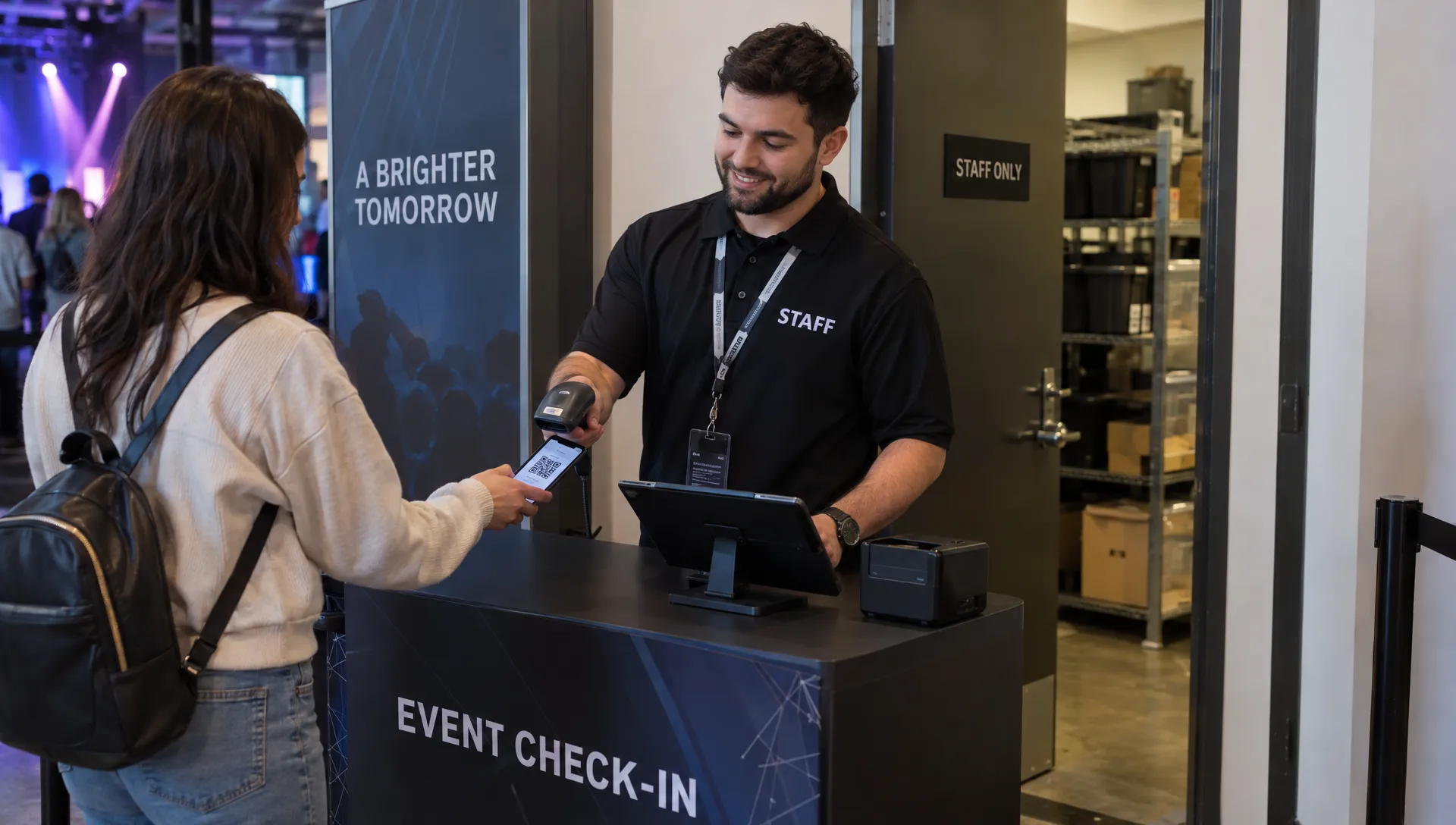
Check what QR codes, public ticket links and scanner views expose. An admission credential should not unnecessarily reveal personal information. Your plan should also cover lost devices, printed lists and offline copies. The guide to creating digital tickets for secure event entry explains ticket-validation decisions that sit alongside these privacy controls.
For event tickets and registration, privacy at the door means giving staff enough information to admit the right person without exposing the rest of the record. Test that with an actual volunteer account before event day.
7. Set retention rules for each record type
Do not use “keep everything indefinitely” as your default. Define retention by purpose and applicable requirements. Payment and accounting records may need to remain available longer than a temporary guest-list export or an accommodation request.
Use a retention schedule that identifies the record type, the reason for keeping it, the trigger for review or deletion and the person responsible. Set actual periods after checking relevant accounting, tax, contractual and privacy obligations. A single deletion date for all event data is rarely a useful approach.
Include copies outside the ticketing platform: email attachments, cloud drives, support tools, scanner downloads and venue-held files. Ask vendors how deletion works across active systems and backups rather than assuming every copy disappears immediately.
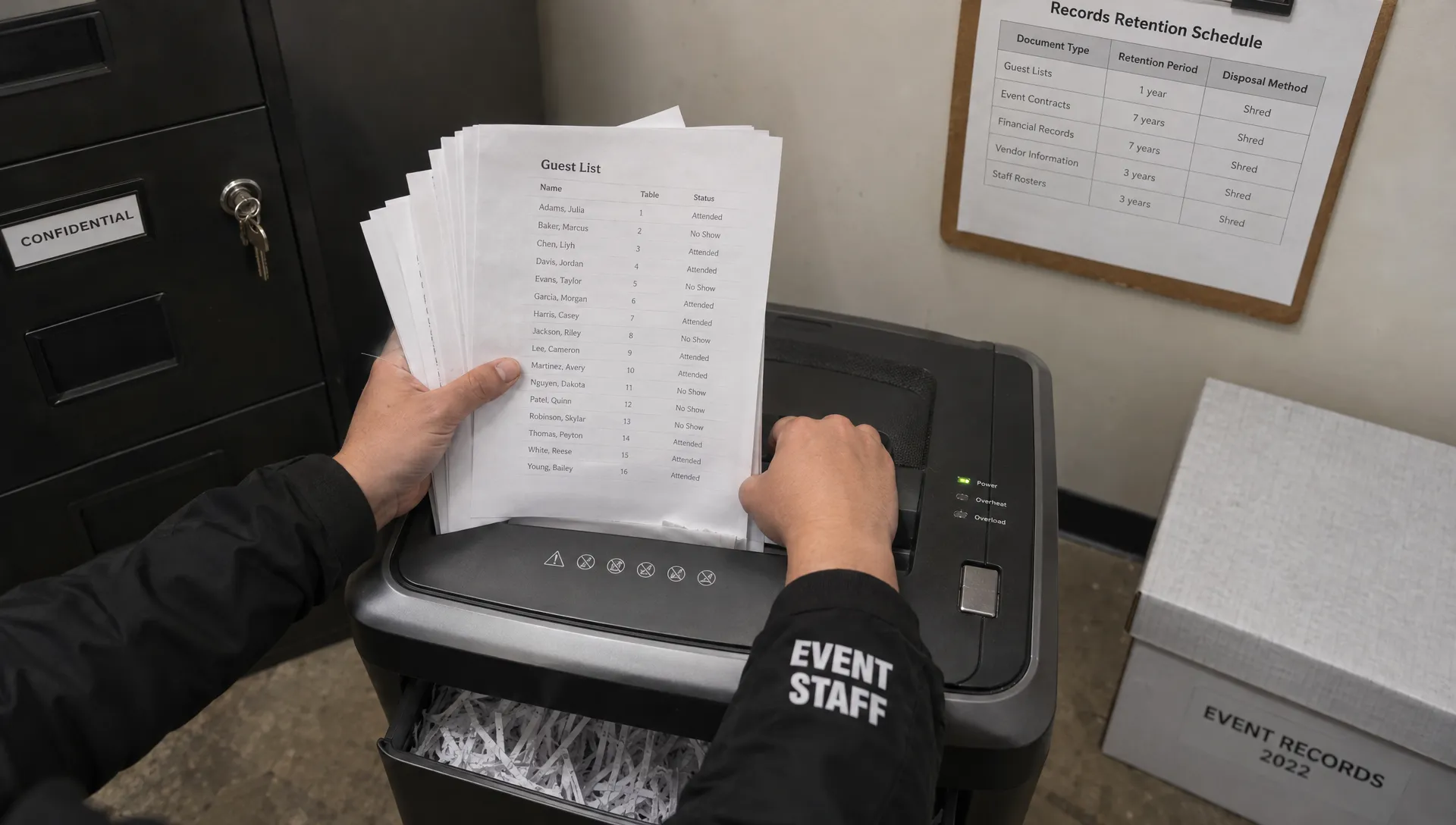
Completion check: Someone has a scheduled post-event task to remove temporary access and unnecessary copies. Required financial records remain protected and available for their legitimate purpose, rather than being deleted simply because the event has finished.
8. Prepare a process for attendee privacy requests
Assign a contact and backup owner for access, correction, deletion and other applicable requests. Track the date received, relevant deadline, verification steps and outcome. Rights and exceptions vary by law, so avoid publishing a universal promise your team cannot fulfill.
Requests concerning event tickets and registration may involve more than the person who paid. A ticket holder, buyer and mailing-list subscriber can have different records and relationships with your organization. Search the relevant systems rather than treating an email-marketing unsubscribe as a complete deletion request.
Verify identity proportionately. Do not routinely demand a copy of a government ID to remove someone from a newsletter. Equally, do not disclose order history merely because a requester knows a buyer’s name.
Where you must retain information for a legal requirement or another valid exception, explain the limitation accurately. A deletion request does not necessarily require erasing every transaction record, but retained information still needs appropriate protection and restricted use.
9. Plan for lost lists, wrong recipients and exposed accounts
Privacy incidents are not limited to sophisticated attacks. Sending a guest list to the wrong venue contact, leaving a printed list in public or losing an unlocked check-in device can expose attendee information.
Write a short response procedure that tells staff whom to contact, how to contain exposure and where to preserve evidence. Include a way to disable accounts or devices where supported. Make clear that staff should report mistakes promptly rather than quietly trying to fix them.
The FTC’s data breach response guide for businesses provides a useful framework for securing operations, investigating an incident and managing communications. Notification requirements depend on the applicable law and facts; involve appropriate legal and security support quickly.
Test an event tickets and registration incident before launch. For example, ask what happens if a volunteer sends the wrong spreadsheet to an outside address. Your team should know who takes charge, what information to gather and how to assess notification obligations.
10. Run a final sign-off before sales and before doors open
Use evidence, not assurances. Complete a test purchase, inspect the confirmation email and review what different staff accounts can see. Check the event page on mobile, including privacy links and marketing choices.
Record unresolved issues in a launch checklist:
| Check | Evidence to keep | Suggested owner |
|---|---|---|
| Form fields justified | Approved field inventory | Event operations |
| Notice and choices accurate | Dated wording and test results | Privacy or legal lead |
| Vendor access reviewed | Relevant agreements and access record | Operations lead |
| Entry access limited | Test account results | Door manager |
| Cleanup scheduled | Retention tasks and assigned dates | Data owner |
Treat exposed guest lists, inappropriate access to sensitive details and tracking that contradicts stated choices as issues to resolve before the affected workflow goes live. Repeat the review when adding a sponsor, integration or new collection purpose.
Frequently asked questions
Does guest checkout make ticketing anonymous? No. Removing account creation can reduce friction and avoid collecting account credentials, but orders may still contain email addresses, transaction references and technical data. Those records still require appropriate handling.
Can we reuse last year’s attendee list to promote another event? Do not assume so. Check the original collection notice, permissions and applicable marketing rules. Attendance alone is not a universal authorization for future promotional messages.
Should our event tickets and registration form include a privacy consent checkbox? Not automatically. Providing a privacy notice and obtaining consent are different tasks. Identify the legal requirements for each purpose, and use a separate consent choice where consent is required. One mandatory checkbox does not solve every privacy obligation.
Can the venue receive the full attendee list? Only provide information justified by its operational role and applicable requirements. A limited admission list may meet the need better than an export containing buyer contact details, order history and private requests.
Apply the checklist to your next event
TixFlow offers no-buyer-registration checkout, digital guest lists, real-time sales control and Stripe Connect integration. Those capabilities can support ticket sales and event operations, but they do not replace your decisions about collection, permissions, notices or retention.
Before opening sales, map your setup against this checklist and verify any security or privacy controls you require. Keep the buyer journey simple while giving every collected field, exported list and staff account a clear purpose and an accountable owner.