

7 Event Ticketing Website Options for Independent Organizers
Choosing an event ticketing website is a cash-flow decision as much as a sales decision. You need buyers to finish checkout, money to reach your account when production bills are due and a guest list your door team can actually use.
These seven options serve different organizing needs, from a self-promoted club night to a seated performance or registration-heavy workshop. This comparison focuses on capabilities, practical fit and questions to resolve before committing. A recognizable marketplace does not automatically generate sales, and a low advertised fee does not necessarily mean the lowest total cost.
Start with primary ticketing, not resale
A primary ticketing platform lets the organizer create an event, set inventory and accept bookings directly. That differs from a resale marketplace, where people sell tickets already issued for somebody else's event. Independent promoters usually need the first category.
The practical benefit is keeping sales rules, payment records and attendee information in a workable system. That can reduce spreadsheet reconciliation and help a small team coordinate promotion with entry operations.
However, ticket sales and available cash are different measures. Payout timing, account verification and refund exposure determine how much revenue you can actually use. Your shortlist should reflect both the buyer experience and the financial reality behind each booking.
Compare event ticketing website options at a glance
Use this table to identify candidates for a closer look, not as a substitute for checking current terms. Capabilities alone do not establish the total cost or suitability of a particular account setup.
| Platform | Useful starting point | Priority question |
|---|---|---|
| TixFlow | Instant payouts and registration-free checkout | How will payouts work for your payment setup? |
| Eventbrite | Event discovery and organizer publishing | Will its discovery experience reach your audience? |
| Ticketbud | Ticket sales, reserved seating and gate management | Can your team run its entry workflow comfortably? |
| TicketTailor | Direct ticket sales for an existing audience | What will ticketing and payment processing cost together? |
| RegFox | Registration-focused events | Which attendee details are genuinely necessary? |
| Purplepass | Event posting, promotion and admission tools | Which ticket or wristband workflow fits your event? |
| TicketLeap | Branded event pages and ticketing apps | How will online sales and door sales work together? |
1. TixFlow
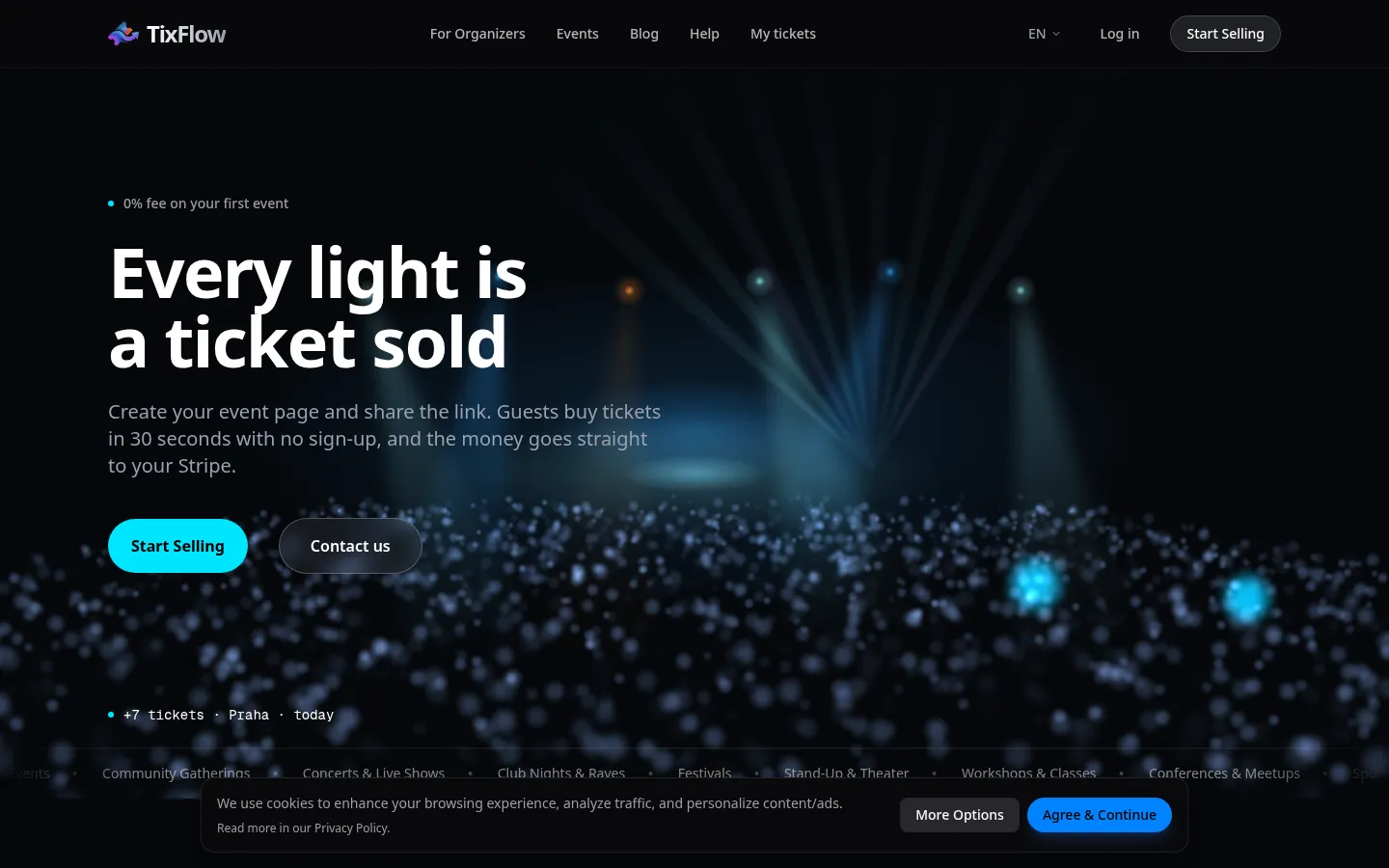
TixFlow is a strong starting point for independent organizers who prioritize access to ticket revenue and a straightforward buying experience. Its offer combines instant payouts, flat per-ticket fees and Stripe Connect integration with checkout that does not require buyer registration.
On the sales side, customizable event pages and checkout help shape the purchasing experience. Unlimited ticket tiers, automated sales phases and smart promo codes support pricing changes without requiring you to treat every release as a separate event. Real-time sales control gives organizers flexibility while tickets are on sale.
For a self-promoted music night, those capabilities address two connected needs: selling different allocations and keeping money moving toward production expenses. You might plan early-bird, general admission and final-release tiers while coordinating supplier payments. The relevant advantage is operational simplicity, not an assumption that more ticket categories always improve sales.
Digital guest lists also support attendee management. Before launch, walk through the handoff between whoever runs online sales and whoever handles arrival, including complimentary guests and last-minute booking changes.
Best fit: Organizers seeking payout speed, flexible ticket releases and fewer buyer account requirements. Confirm the payout arrangements for your Stripe account and the complete fee treatment before committing expected revenue to a supplier payment. A digital guest list should also be tested against your actual entry procedure rather than assumed to cover every door requirement.
2. Eventbrite
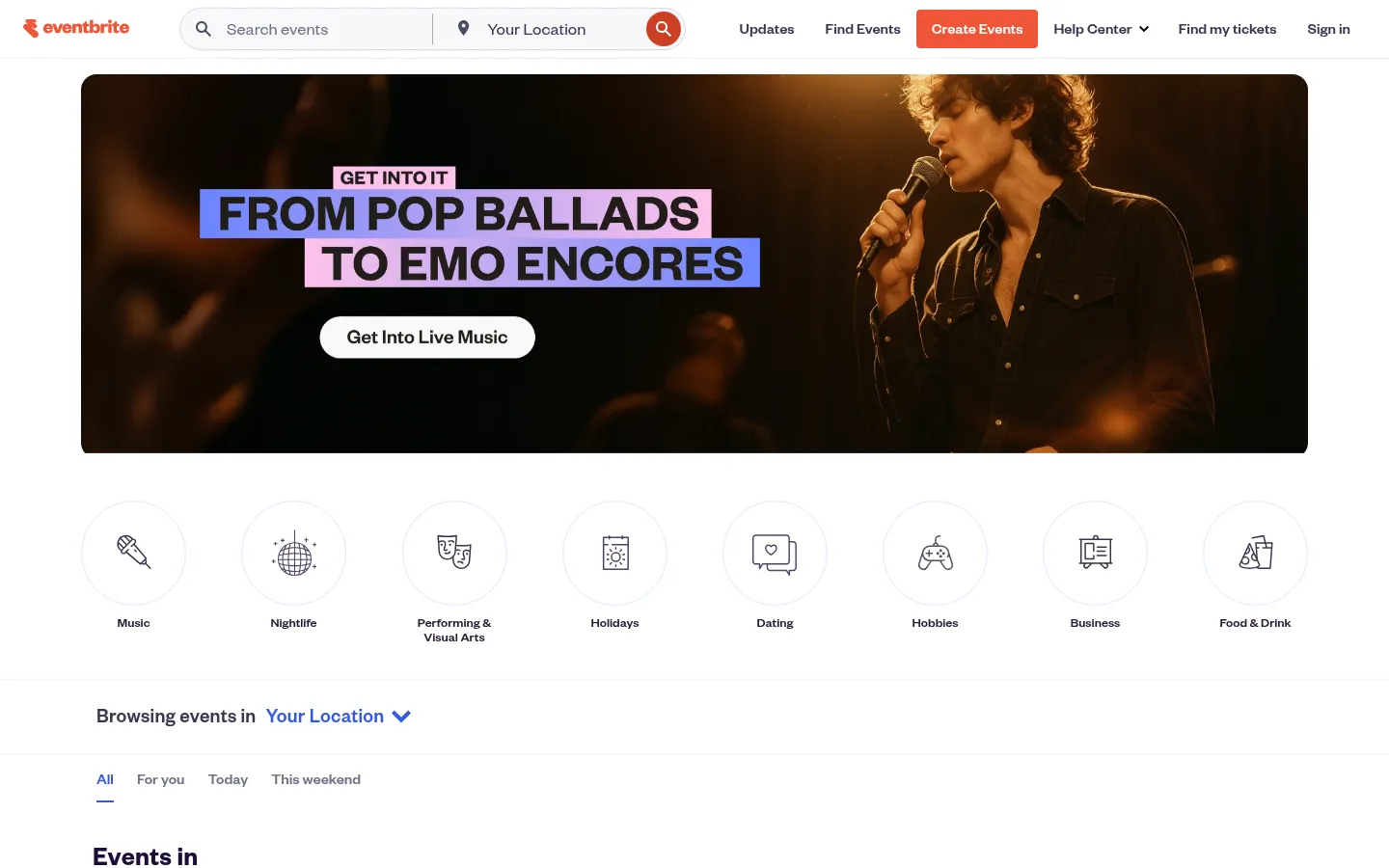
Eventbrite combines organizer event creation with a consumer-facing discovery experience. Visitors can search events, browse categories, look by location and find tickets they have already purchased.
That combination makes it worth considering when your event benefits from being browsed alongside other local activities. A public workshop, neighborhood performance or recurring social event may align with how people search by category and place. Treat that as an opportunity to evaluate, not a promise of free customer acquisition.
Build your decision around a realistic audience plan. If most buyers already arrive through your artists, mailing list or venue, compare the purchasing journey from those channels. If discovery matters, inspect how relevant events appear and whether their listings provide enough context for a first-time buyer.
Your event page still needs persuasive fundamentals: a clear description, an accurate location, recognizable performers or hosts and an understandable ticket offer. Publishing on a marketplace does not replace that work.
Best fit: Organizers who want event publishing alongside a familiar discovery destination. Before choosing, establish current organizer charges, buyer-facing totals, payout conditions and refund responsibilities. Then complete a mobile purchase from the exact link you intend to promote. Evaluate the checkout your customers will encounter, not just the organizer's event-creation screen, and avoid budgeting for discovery traffic before you have evidence that it converts.
3. Ticketbud
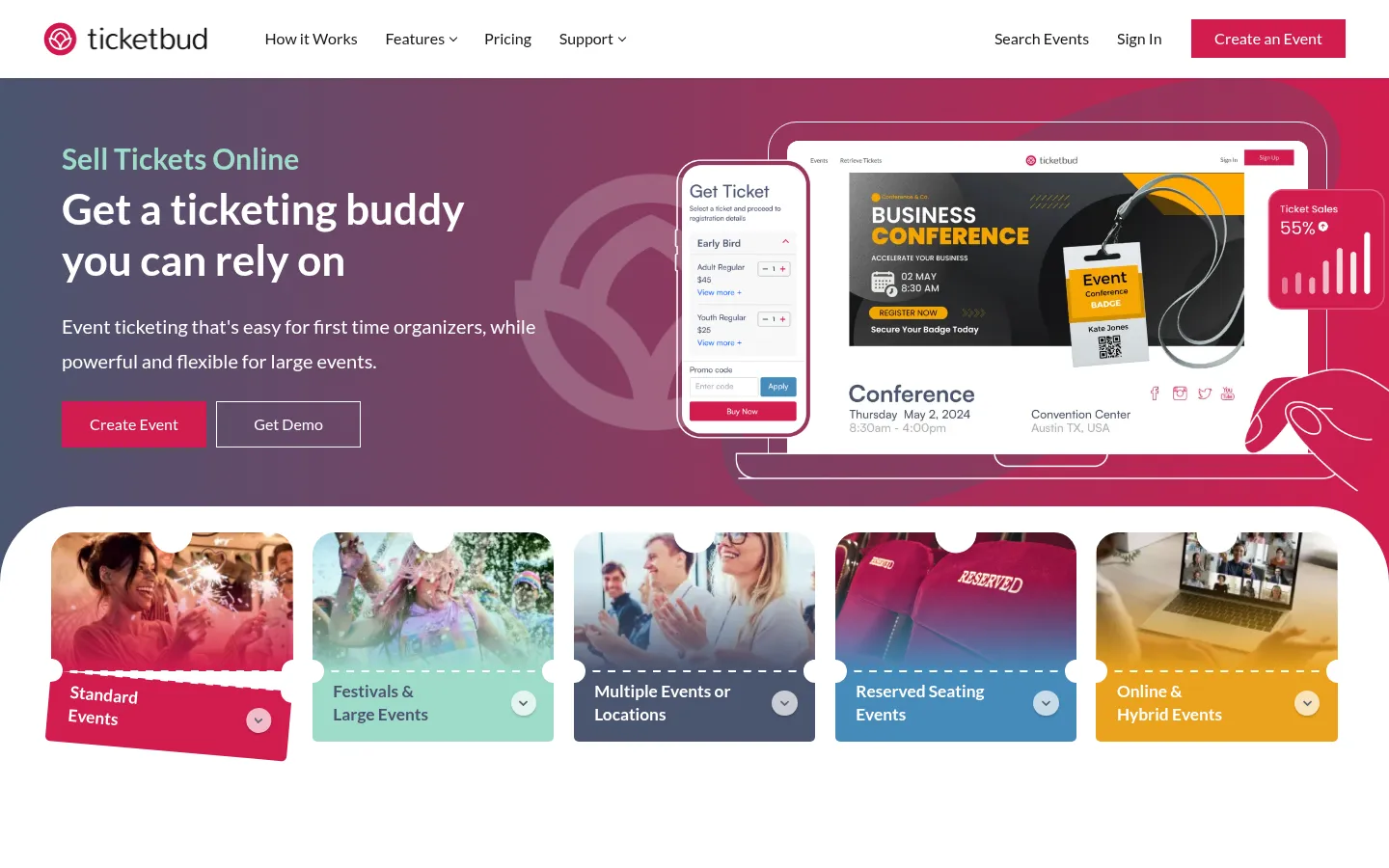
Ticketbud provides online ticket sales and attendee registration, with reserved seating, ticket scanning and gate management among its stated capabilities. Its positioning covers both first-time organizers and larger events.
This makes it a useful candidate when the arrival process deserves as much attention as online sales. A seated show has different operational needs from an open-floor performance, and an event with several admission categories requires clear instructions for staff.
For a seated production, evaluate how your venue layout and sellable inventory will be represented. Do not stop at whether reserved seating exists. Check whether your specific configuration is supported and how staff would handle a seating change or an attendee arriving with the wrong ticket type.
For general admission, rehearse a short queue with valid tickets, duplicate presentations and a guest who cannot locate their confirmation. These are evaluation scenarios, not claims about how the product handles each case. The aim is to establish a reliable process before opening night.
Best fit: Organizers who want ticket sales and entry management on the same shortlist. Ask which seating and gate capabilities apply to your proposed setup, what equipment is required and how support works during event hours. A platform that suits your experienced box-office manager may still require a simpler procedure for occasional volunteers.
4. TicketTailor
TicketTailor is an online ticketing service worth evaluating when your main job is selling admission to an audience you already reach. Its ticket-selling focus makes it relevant to independent promoters, community groups and recurring event series.
An event ticketing website should fit your existing route to market. If customers arrive from an artist's social profile, a venue newsletter or your own website, test the entire journey from that starting point. Pay attention to how clearly buyers can identify the event, select tickets and understand the final amount.
For a recurring series, operational consistency matters. Use a sample event to assess how easily you can prepare the next date without carrying over incorrect information. Venue details, age restrictions, start times and refund wording should receive the same scrutiny as ticket inventory.
Investigate the charging model alongside payment processing rather than comparing a single headline fee. Ask how your expected sales volume, refunds and any optional services affect the amount retained per booking.
Best fit: Organizers prioritizing direct sales over reliance on marketplace discovery. Confirm the current customization, attendee-management and payment options you need rather than assuming every capability is included. The practical test is whether the platform supports your repeatable sales process with acceptable administration, clear buyer communication and a total cost you can explain before tickets go live.
5. RegFox
RegFox is a registration-focused option to consider when attendance involves more than selecting a ticket quantity. Customizable registration forms make it relevant to workshops, conferences and events that need structured information from participants.
The distinction is useful: a concert promoter may need little beyond contact and admission details, while a training organizer might need session choices or information necessary to deliver the experience. Extra fields should solve an operational problem, not simply collect information that might someday be useful.
For this type of event ticketing website, the form deserves as much testing as the payment step. Separate information needed to complete the booking from information that can be requested later. If a buyer purchases for several people, check how individual attendee details are collected and corrected.
For a bridal showcase, exhibitors' product pages, such as Le Michel Bruidsmode's bridalwear collections, can help attendees understand what they will see. That descriptive detail belongs in event content; checkout does not need to become a long questionnaire about clothing preferences unless those answers serve a specific booking requirement.
Best fit: Registration-heavy events where useful attendee information is central to delivery. Verify the exact form behavior, reporting, payment arrangements and communication options your event requires. Keep a simple admission event simple, even when the registration system can accommodate a more elaborate process.
6. Purplepass
Purplepass combines public event discovery with organizer tools for posting events and selling tickets. Its stated capabilities include tickets and wristbands, event promotion and analytics.
It belongs on the shortlist when you want to examine both how an event is presented publicly and how admission credentials will work in practice. A ticket that gets someone through the entrance and a wristband used inside the venue serve different operational purposes. Decide what you need before choosing the delivery format.
For a performance with distinct access areas, document what each admission type permits. Your staff should be able to distinguish ticket validity from access permissions without improvising at the door. Ask how your intended ticket or wristband setup would be supported and what preparation it requires.
Promotion and analytics also deserve a concrete evaluation. Identify the decisions you expect reporting to inform, such as adjusting a campaign or monitoring a ticket allocation. Then confirm that the available information supports those decisions at a useful level of detail.
Best fit: Organizers exploring event publishing alongside admission credentials and promotional tools. Request an explanation of the relevant workflow and its costs for your particular event. Avoid selecting extra operational complexity simply because it is available; a small show may need a much lighter setup than a multi-area festival.
7. TicketLeap
TicketLeap offers event creation and online ticket sales with branded event pages, flexible ticket types, reserved seating and automated emails. Its ticket scanning and selling apps also make it relevant to organizers planning both advance sales and on-site activity.
Consider it when the event's public presentation and door workflow need to be evaluated together. A branded page should clearly communicate the experience, while ticket types should translate into instructions that staff can follow when attendees arrive.
Automated emails are worth examining from the buyer's perspective. Review the actual messages available for your setup and check whether attendees can readily find the venue, arrival time and ticket information. Automation only helps if the underlying details are accurate and understandable.
If you expect door sales, map out who sells tickets, who checks arrivals and how capacity will be monitored. Ask about payment acceptance, device requirements and connectivity before relying on an app during a busy entrance period. Do not assume offline behavior without confirmation.
Best fit: Organizers seeking branded online sales with seating and app-based event-day capabilities to assess. Rehearse an advance booking, a walk-up purchase and an attendee lookup with your actual staff. That short exercise will reveal more about suitability than a feature checklist alone.
Test checkout, data access and entry before launch
Your event ticketing website should work for an attendee using a phone, not just an organizer using a laptop. Test readable text, clearly labeled fields, keyboard navigation and understandable error messages. Ask what accessibility documentation or assistance the provider offers, and inspect the booking experience you will actually publish.
Collect only information you can justify. Confirm who can access attendee records, whether marketing consent is separate from necessary booking communication and how data can be exported or deleted. A promoter should understand these responsibilities before sharing access with a venue or outside marketing partner.
Entry needs its own rehearsal. Check how staff will find an order, distinguish admission types and respond when a ticket cannot be presented. Establish a fallback for poor connectivity and verify what each platform actually supports rather than assuming every scanning or guest-list tool behaves identically.
For small teams, assign ownership before sales open: one person handles inventory changes, another owns buyer support and a named lead manages the door. These organizer workflows for managing tickets can help translate the platform choice into repeatable responsibilities.
Compare total fees and usable cash
An event ticketing website can look inexpensive while creating a cash-flow problem. Compare what buyers pay, what you retain and when that retained revenue becomes available.
Start with a deliberately simplified example, not a quote from any provider. Suppose you sell 300 tickets at $25 and absorb an assumed all-in fee of $1.50 per ticket, with no other deductions:
| Item | Illustrative amount |
|---|---|
| Gross ticket revenue | $7,500 |
| Total assumed fees | $450 |
| Revenue after those fees | $7,050 |
Passing that assumed fee to buyers would make the checkout total $26.50 per ticket only if the fee calculation stays unchanged. Real arrangements may calculate processing on the full amount collected or include other charges. Compare an actual sample transaction before deciding who pays.
Refunds need a separate calculation. Ask whether platform and processing fees are returned, who funds the refund and how a negative balance is handled. Also establish responsibility for disputes and any related charges. Do not assume that refunding a ticket reverses every associated cost.
Then put payout dates beside production deadlines. A favorable fee does not help pay a venue deposit if the proceeds are unavailable when it falls due. Conversely, receiving money early does not eliminate your obligation to cover cancellations and refunds.
Build a conservative budget that separates available funds from money you may need to return. Use that budget when pricing tickets for a small event, rather than setting prices first and discovering the deductions later.
Choose with one realistic rehearsal
Shortlist two or three candidates based on your hardest requirement. That might be cash access for a self-funded show, reserved seating for a theater production or detailed registration for a workshop.
Next, create the same sample event in each candidate. Keep the date, ticket price, capacity and admission categories consistent. Compare the work required to publish an accurate page, not just how polished an empty template looks.
Test your preferred event ticketing website through a normal buyer journey: open the promotional link on a phone, choose tickets, review the full price and inspect the confirmation. Where a test mode is unavailable, establish a safe way to evaluate the transaction and any refund consequences before proceeding.
Finally, perform an organizer handoff. Can another team member understand inventory, locate an attendee and explain the payout position without your help? Record unanswered questions and ask the provider to clarify them in writing.
Choose the option that satisfies your essential workflow with the fewest unresolved risks. A platform does not need the longest feature list to be the right choice for one event, but it does need to work for the people actually operating it.
Frequently asked questions
What is the best website to sell tickets for an independent event? The best fit depends on payout needs, audience acquisition and admission complexity. Start with TixFlow for its stated instant payouts and registration-free checkout, then compare the other options against your specific requirements.
Can an event ticketing website bring its own audience? A discovery marketplace can expose events to people browsing by location or category, but visibility is not guaranteed sales. Maintain a promotion plan and track which channels produce completed purchases.
Should buyers pay the ticketing fees? Passing fees to buyers can protect your margin, while absorbing them can make the displayed price simpler. Compare the final checkout amount and fee calculation before choosing, and communicate pricing clearly.
What should I confirm about payouts? Confirm account verification requirements, payout timing, possible holds and refund funding. Ask how the arrangement applies to your country, payment account and event rather than relying on a general payout headline.
Start with the workflow your event needs
For independent organizers prioritizing instant payouts, flexible ticket tiers and checkout without buyer registration, TixFlow is a practical starting point. Review your payment setup, rehearse a booking and confirm the guest-list process before announcing the on-sale date.